
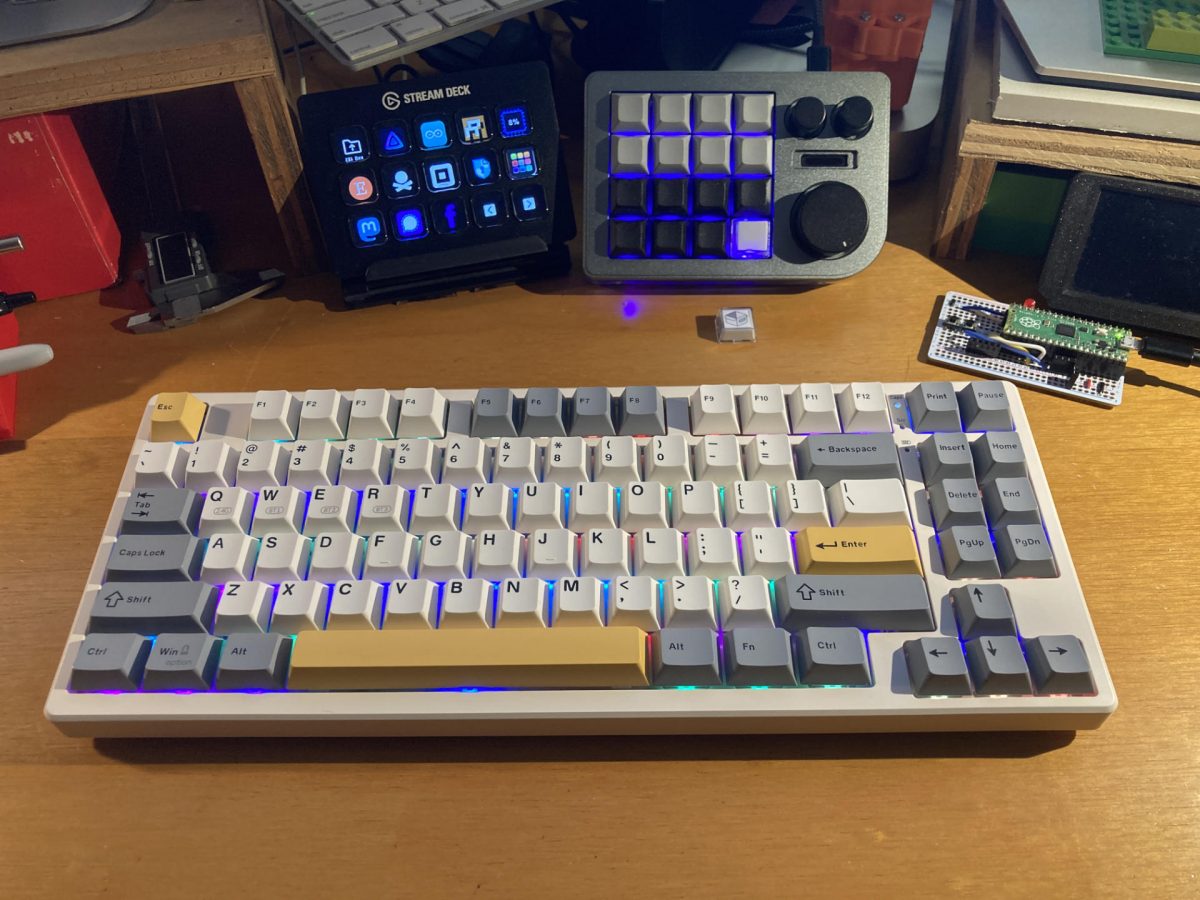
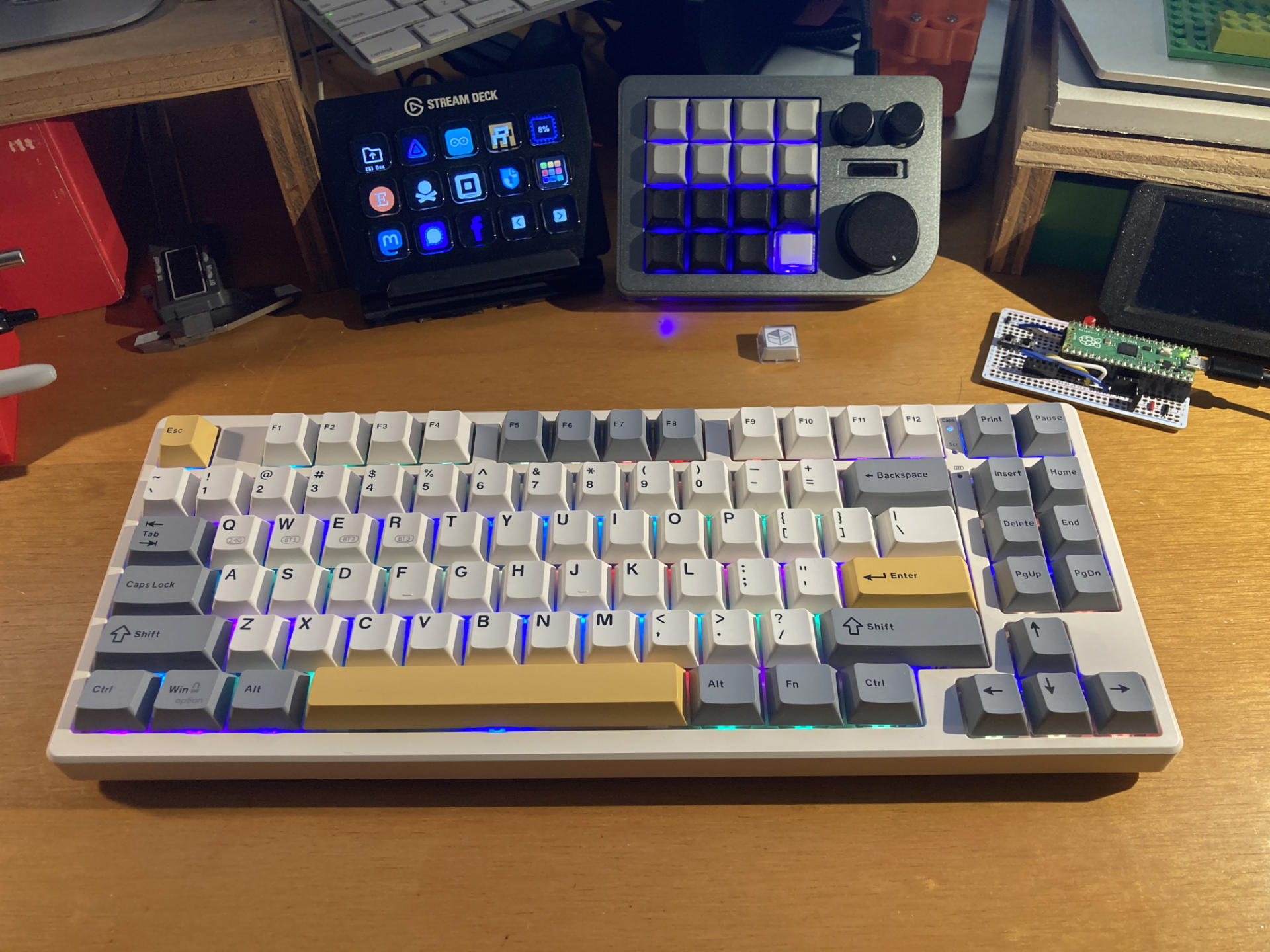
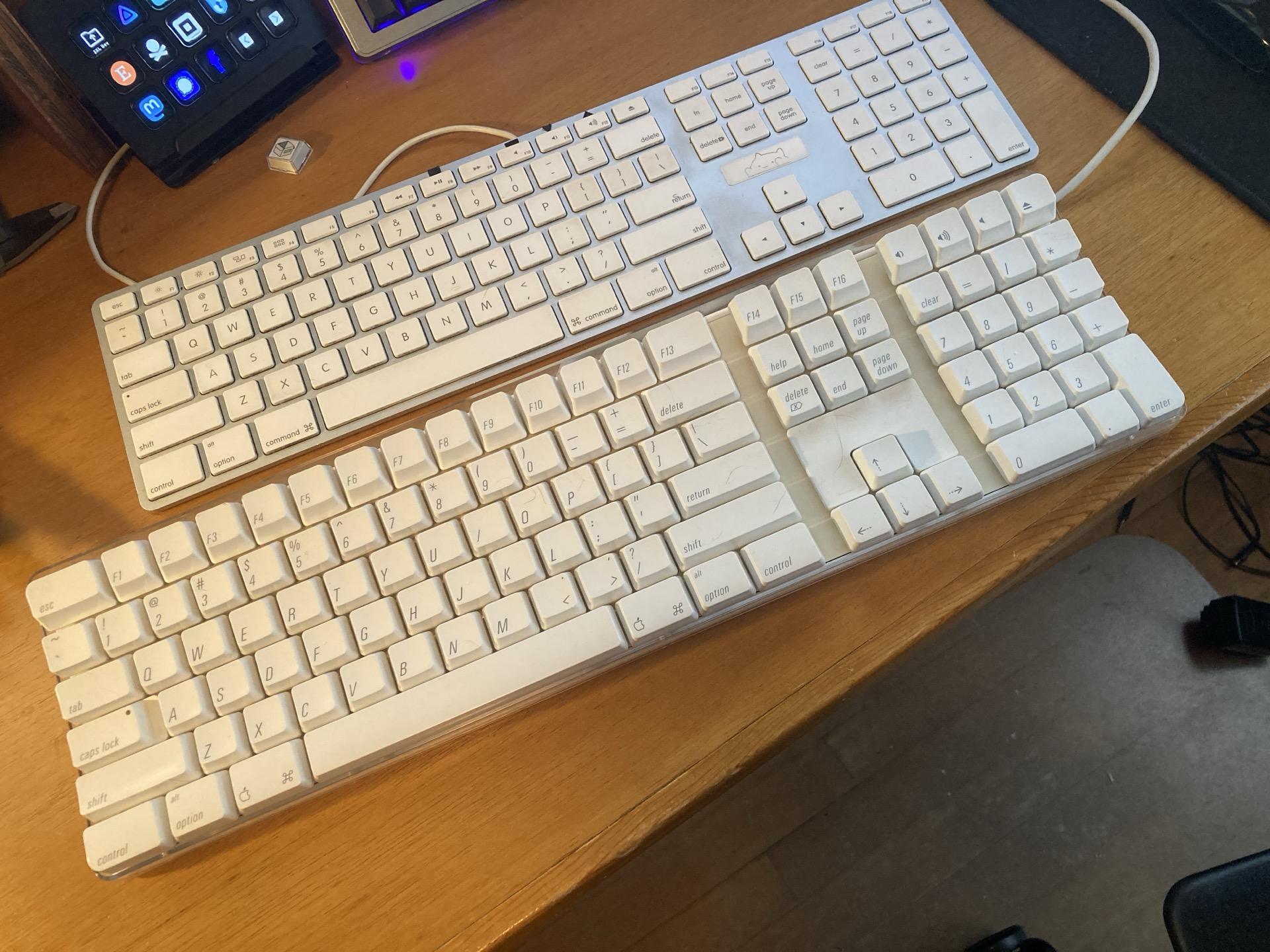
I got myself a new keyboard. After talking to friends who build mechanical keyboards and watching way too many videos on keyboards I decided to haul out my old Apple keyboard and clean it up and put it back together and it was terrible. Just mushy and not enjoyable to type on.
(Also, look at the size difference between these two Apple keyboards!)
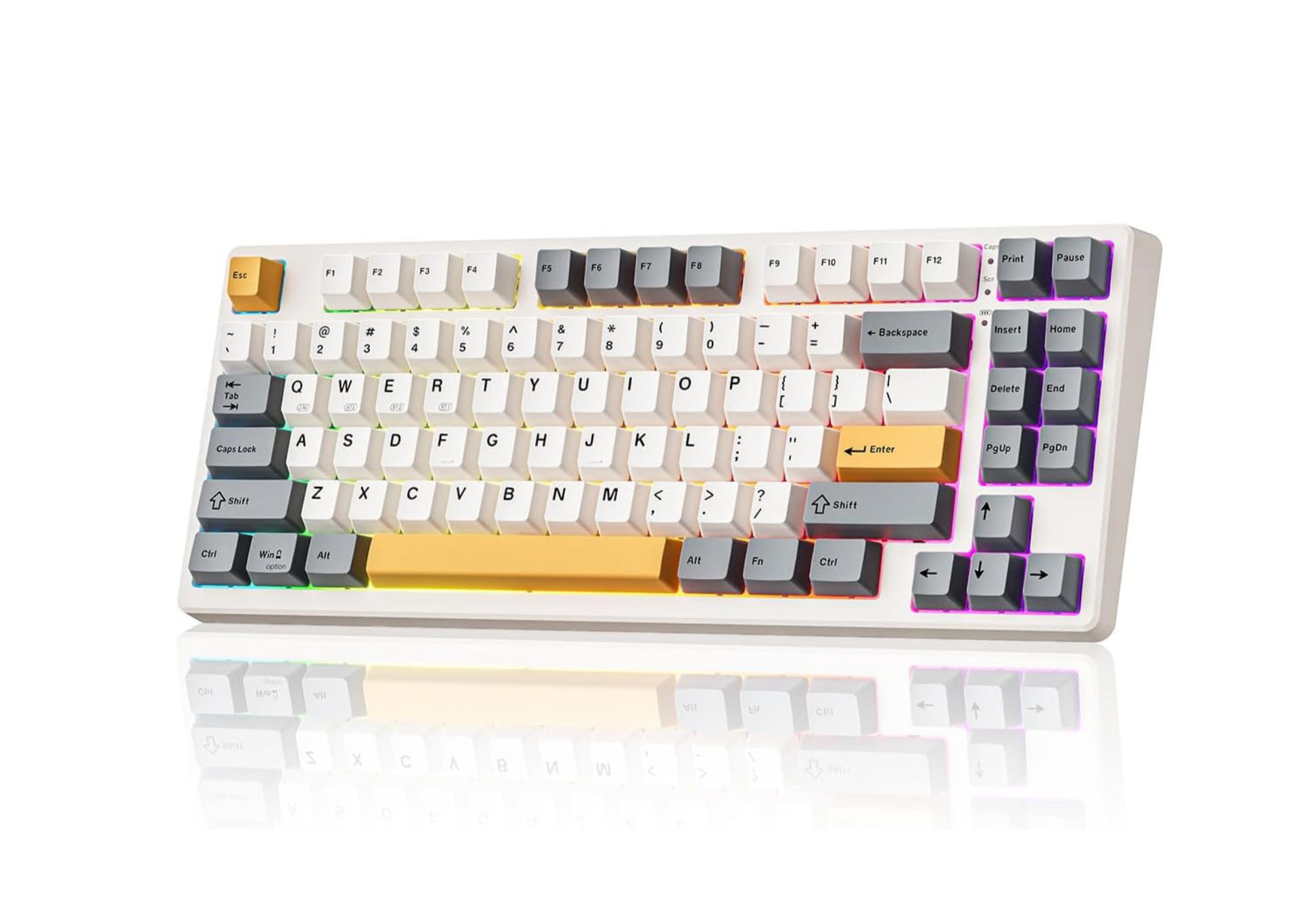
Okay, that Apple Keyboard is crap, so I managed to get this Kisnt KN85 keyboard for under $40 USD which is supposedly a very good price for a mechanical keyboard.
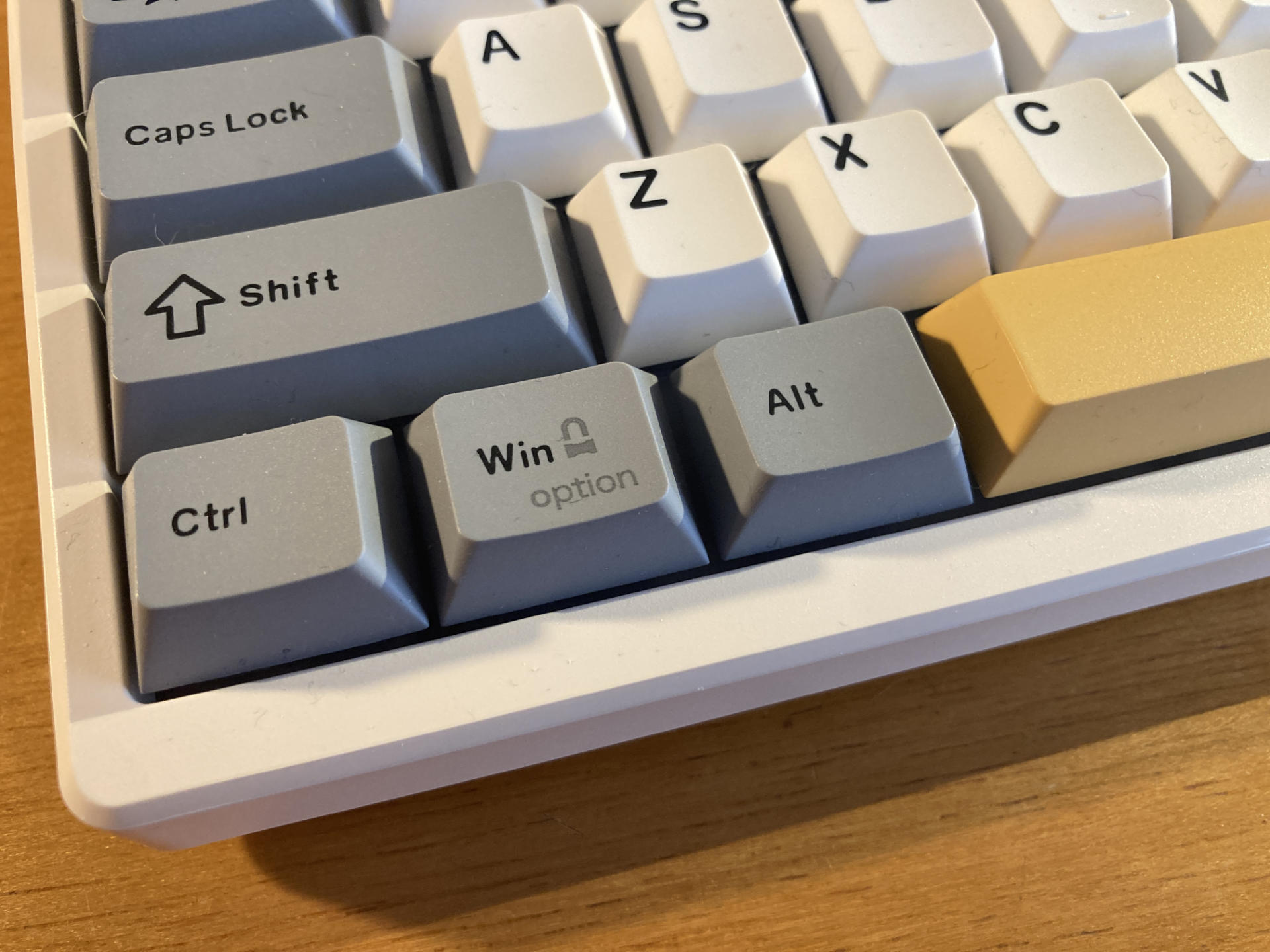
I do wish I could get Command and Option keys but I have yet to find a good option for them. I know it shouldn’t matter but I’d still like it.
I guess this keyboard is thocky or creamy or something. It’s all about the feel and also the sound I guess? It’s pretty wild how deep some people get into this keyboard thing.
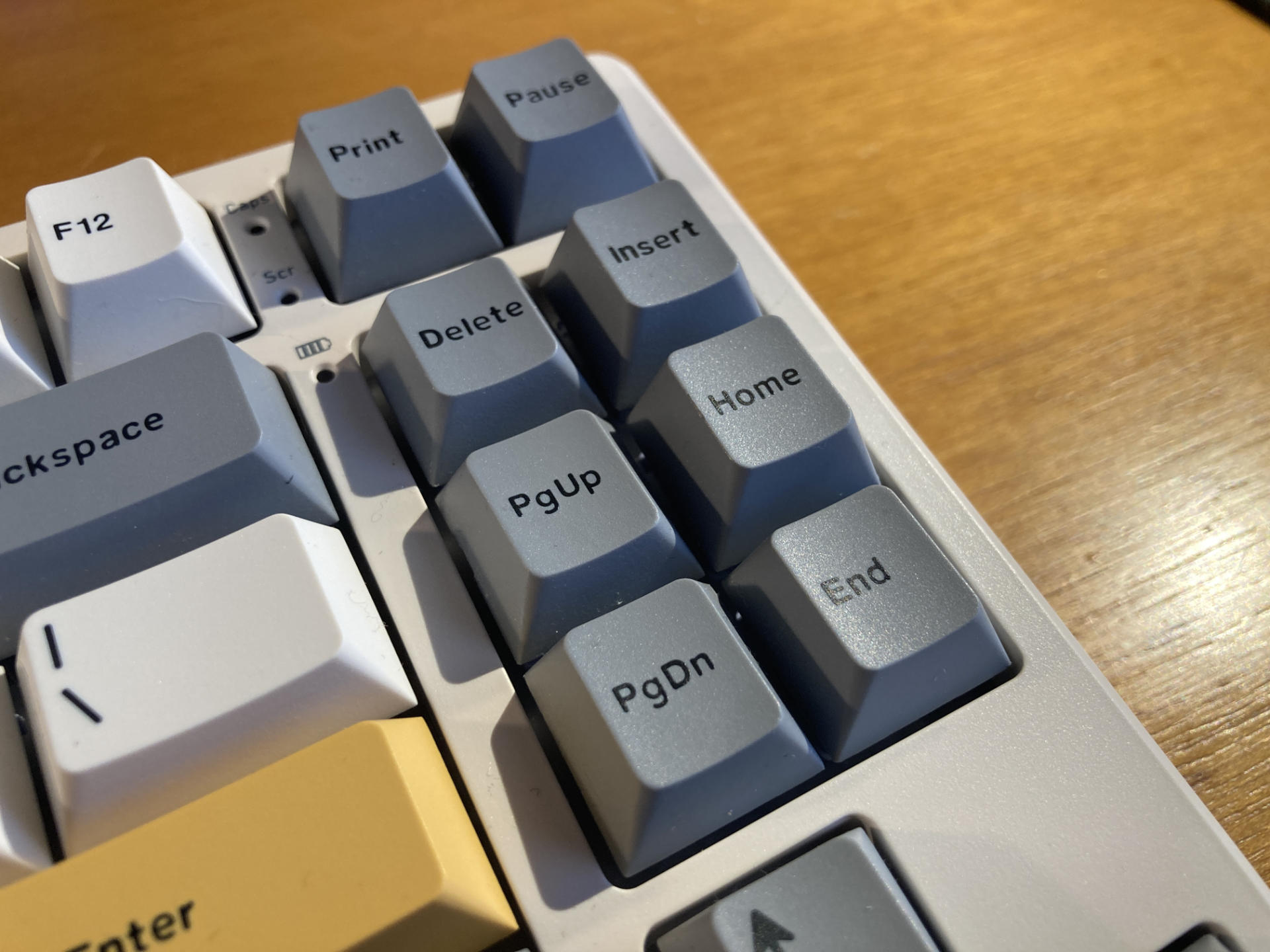
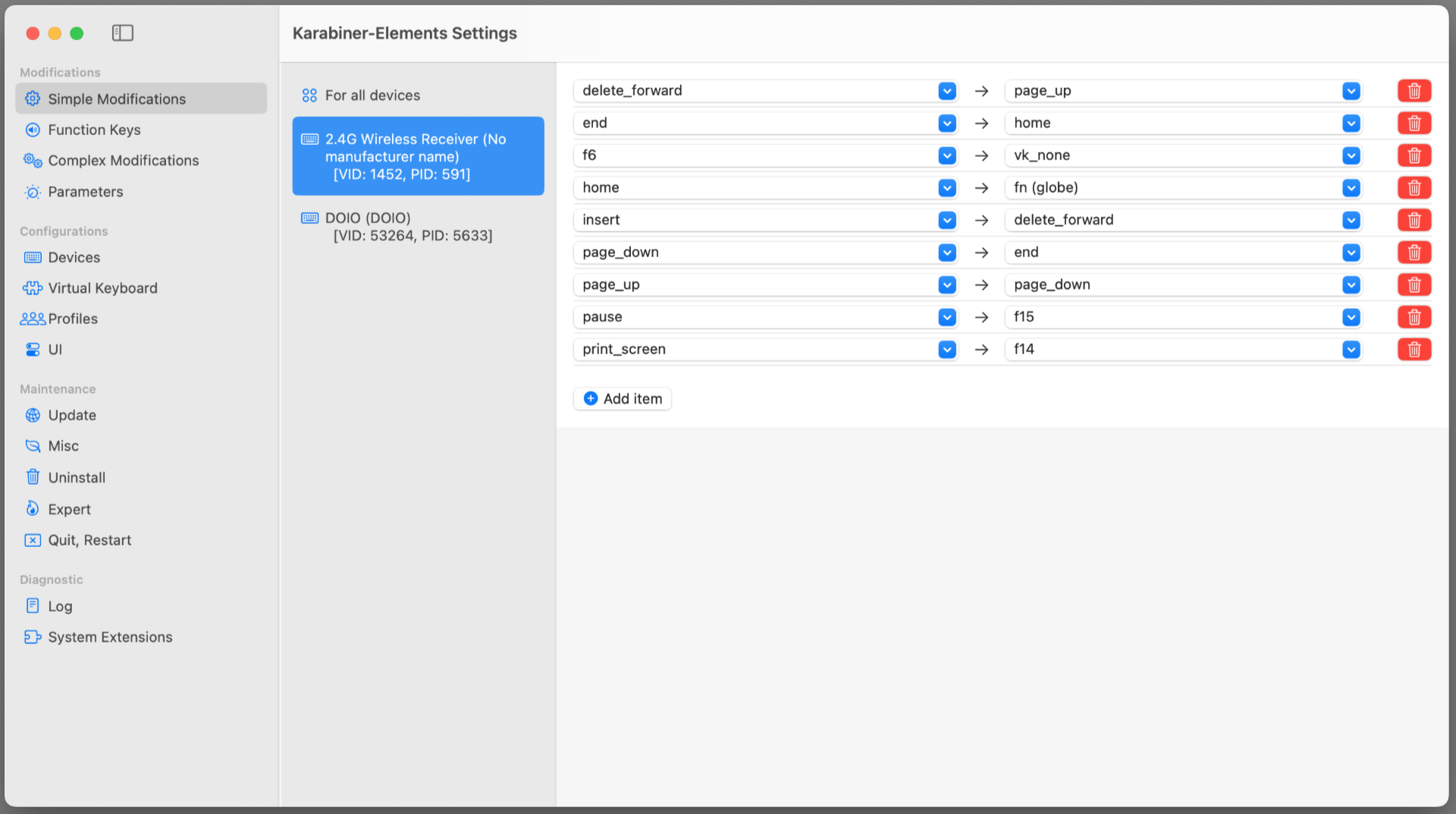
I ended up swapping a few keys around, and then used Karabiner-Elements to remap them. I’m not sure if I’ll move keys around again but it’s nice I have the option.
Overall I’m really liking the keyboard. I am still getting used to it, but I find the size and layout nice. I didn’t think I’d care for the RGB lighting but hey, I let it ride… why not!? I do use it wirelessly but I feel like I have to charge it a bit more often than I’d expect. As for the lack of numpad, I realized that 90% of my using the numpad was for entering 2FA numbers and maybe I didn’t need one.
After a few weeks of use I’m feeling pretty good about it.
This post was shared on Mastodon.
Note: This post may contain Affiliate Links. Read More.