
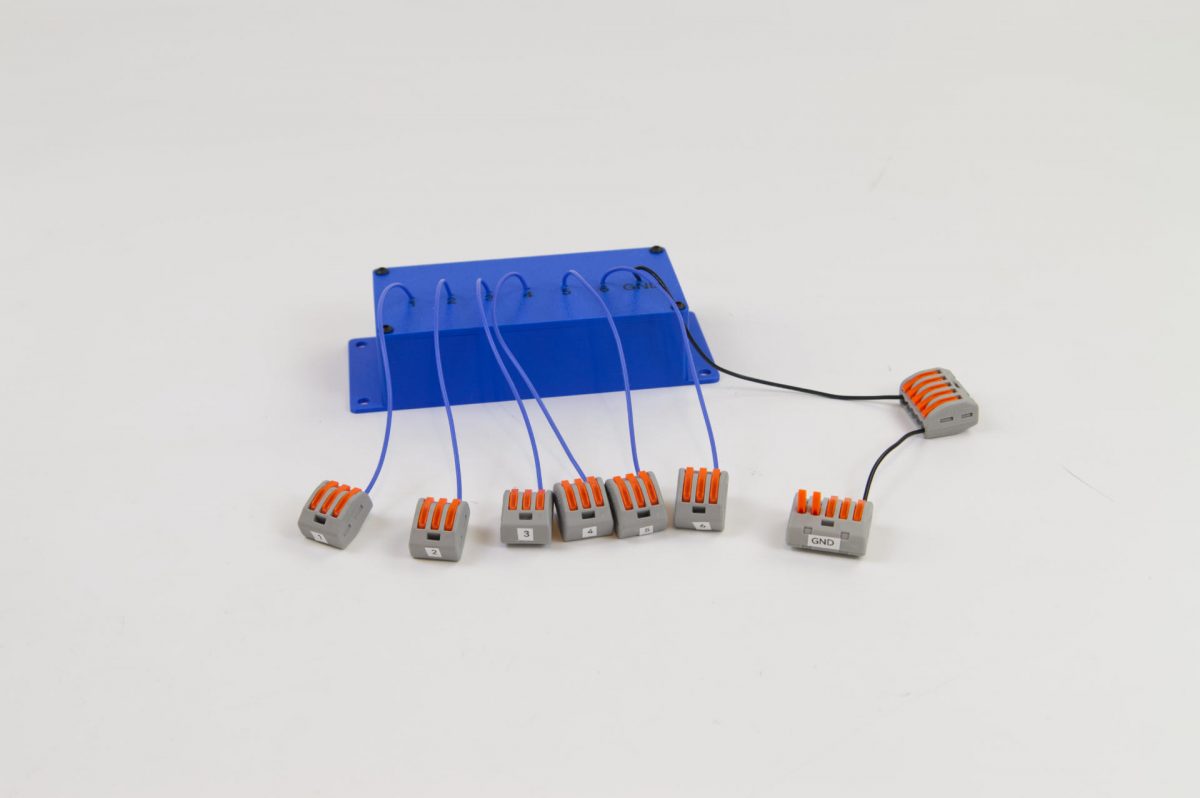
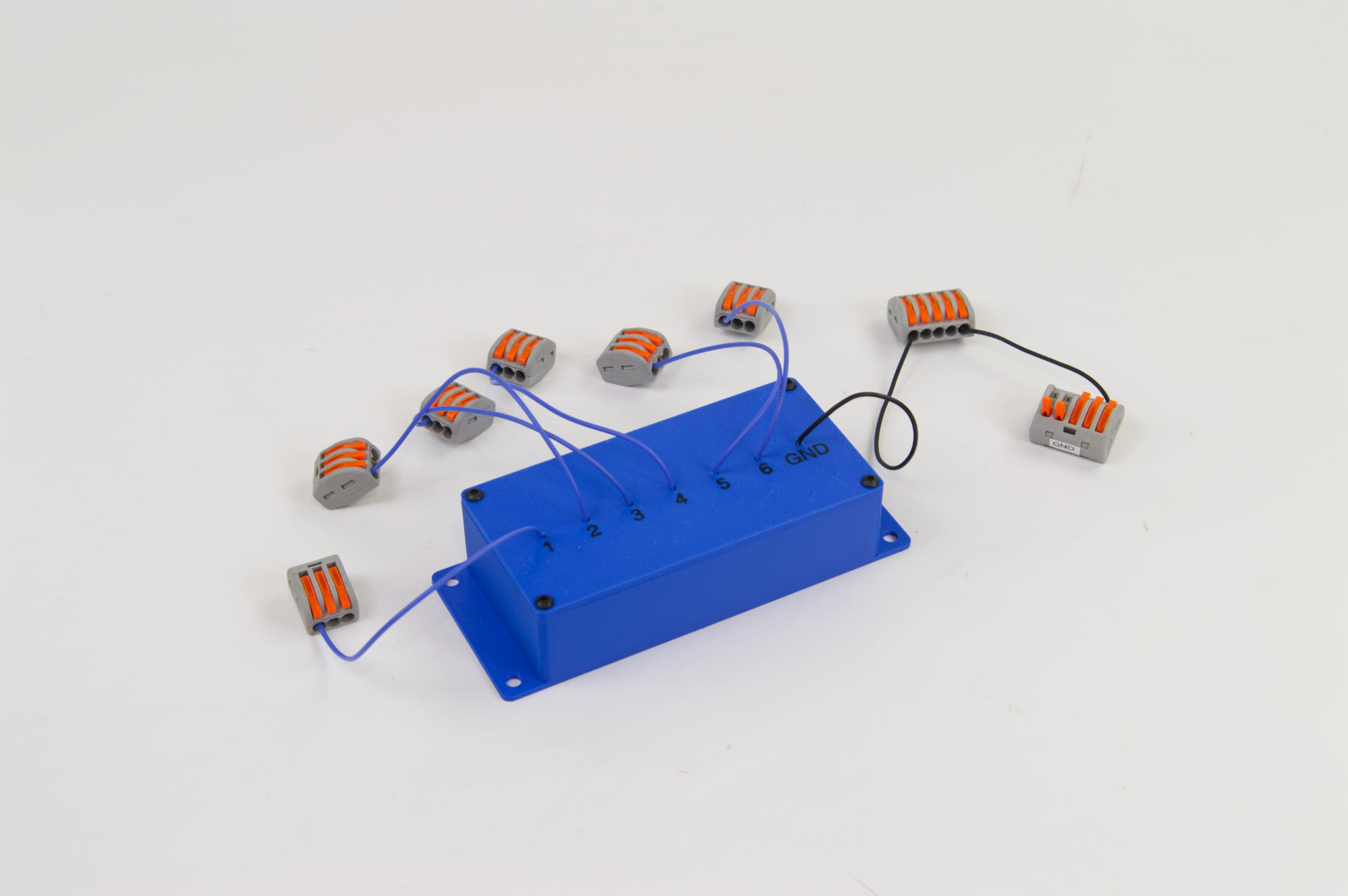
I’ve built a lot of USB controllers… sometimes they are for museums, or tradeshow companies, or just individuals. Most of the time what I build looks like a finished product, but that’s not always the case. Sometimes what is needed is just part of a larger system, and maybe the rest of the system isn’t built yet, or someone else is providing it.
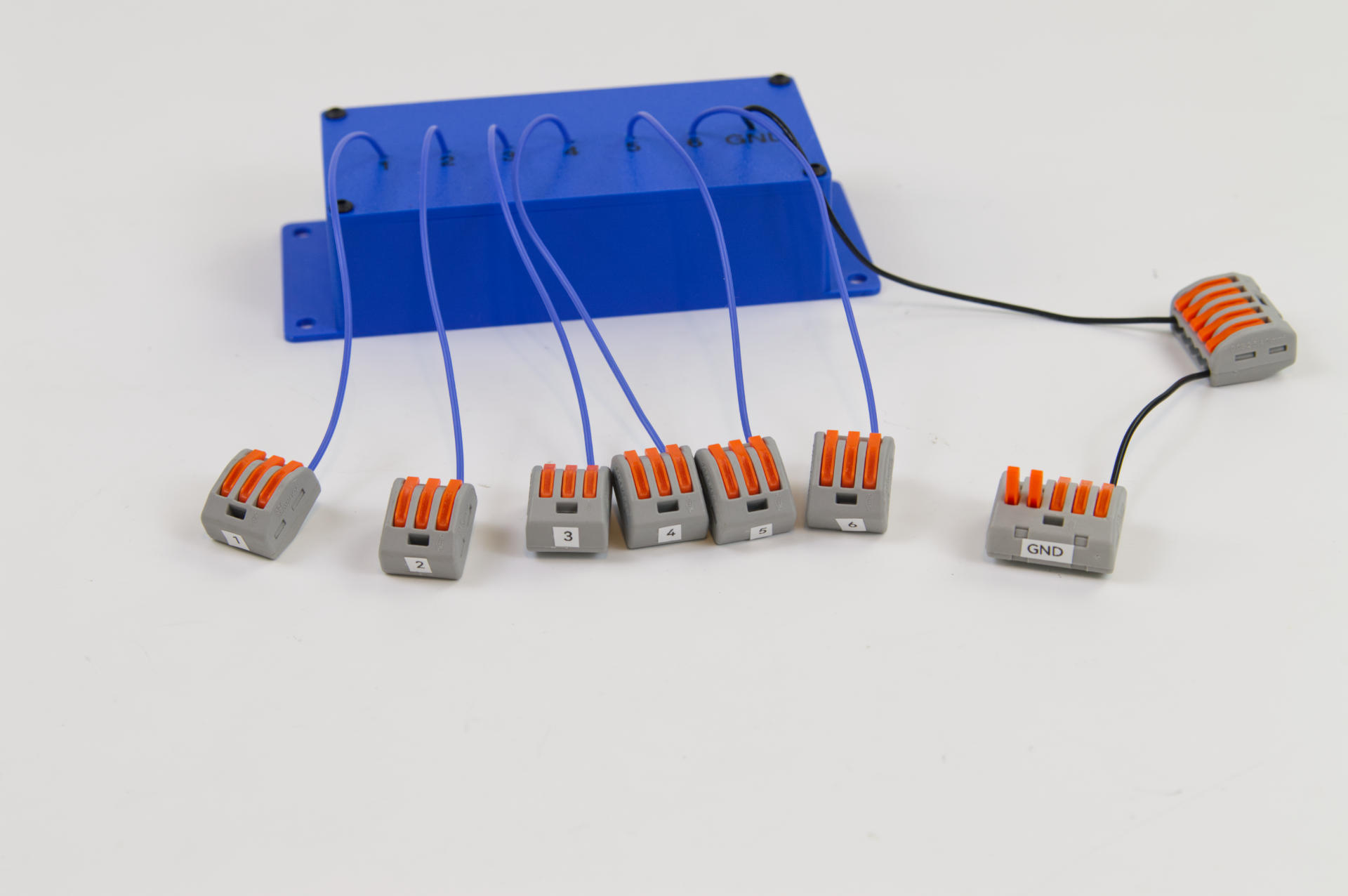
This controller allows the client to connect their own pushbuttons, six of them, which they’ve installed into a cabinet. When pressed, each button will send a unique character to a computer via USB.
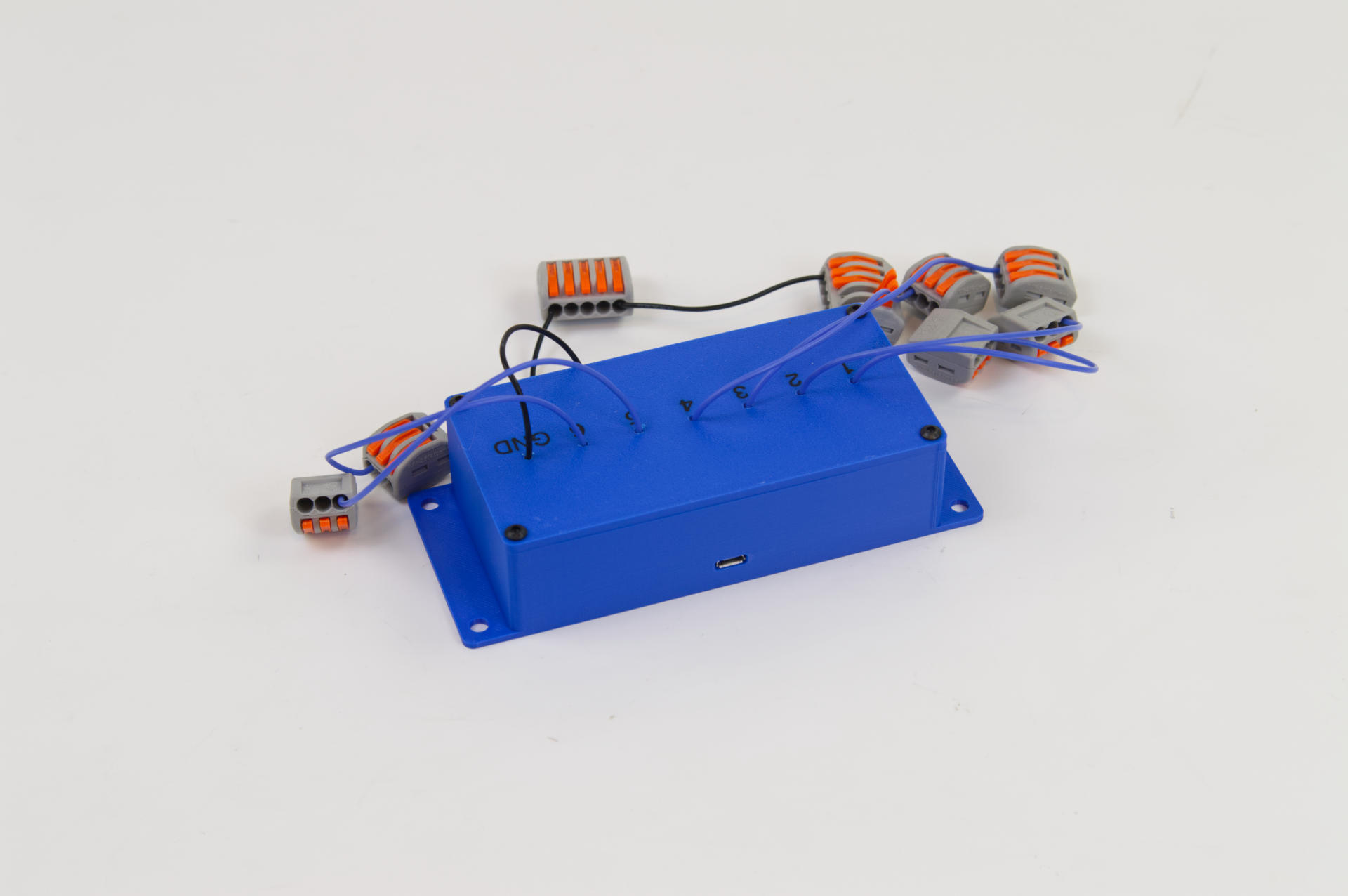
The client will have a cabinet with buttons, wires soldered in place, hanging down, ready to be attached to this controller. I don’t always love these snap connectors but when things need to move fast, they work. I think this project needed to completed in just a few days, so rather than spec out other connectors, or use screw terminals, these connectors work just fine. I tend to keep a box of them around just in case. (You may remember this one from back in 2022.)
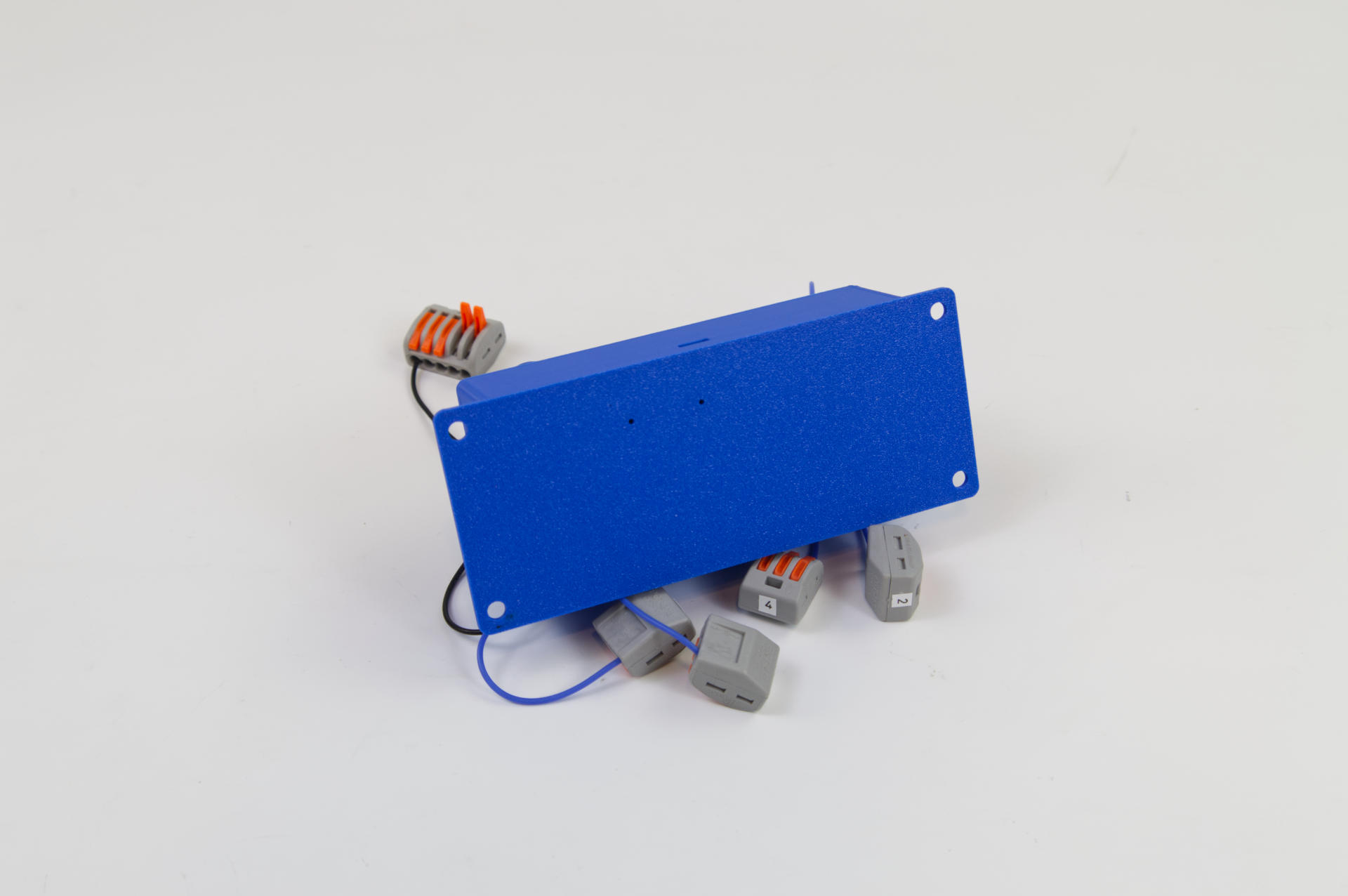
A few more things… the bottom shows two holes, one has a status LED, and the other is a reset hole in case new firmware needs to be installed. (There is a button that can be pressed with a paper clip to put the device into USB drive mode to accept a HEX file with new firmware.) There are four mounting holes for attaching the device with screws inside a cabinet if needed.
I usually like these types of projects. They are not difficult, and give me a little challenge, and I try to make improvements each time one comes along.
If you need some sort of custom controller, let me know!