Categories
Uncategorized

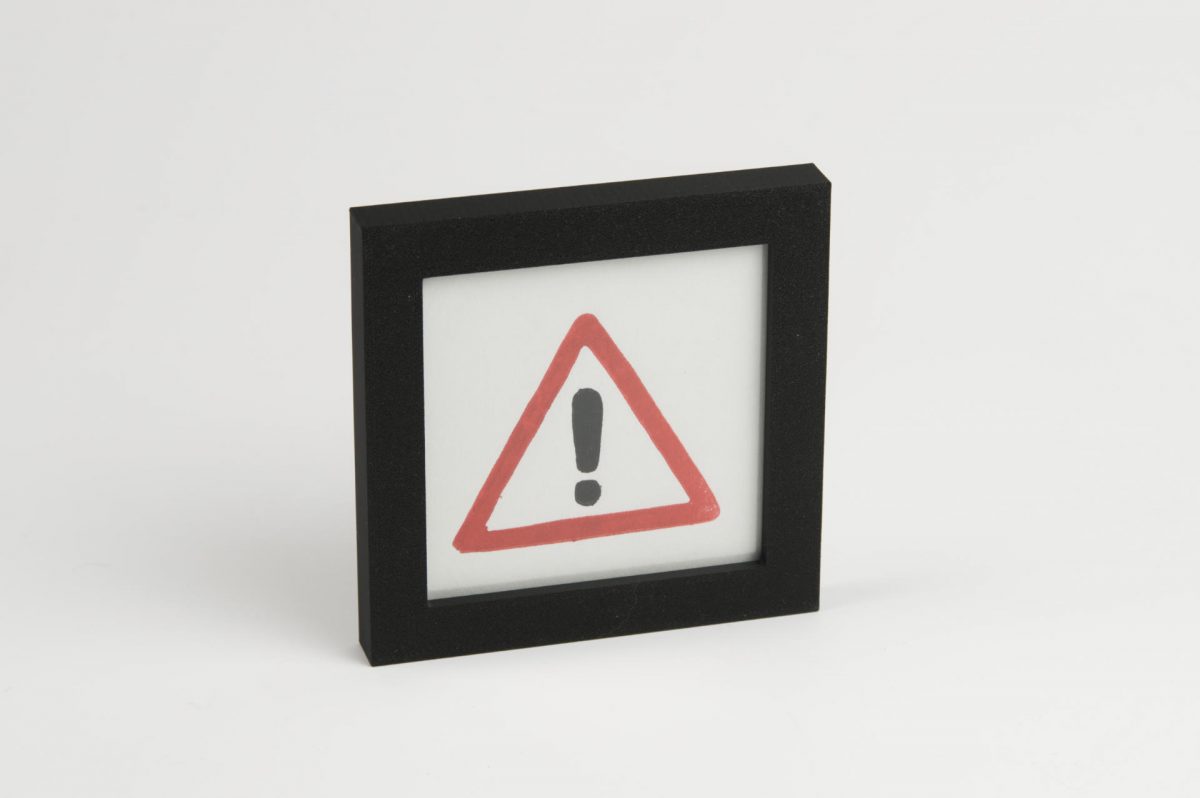
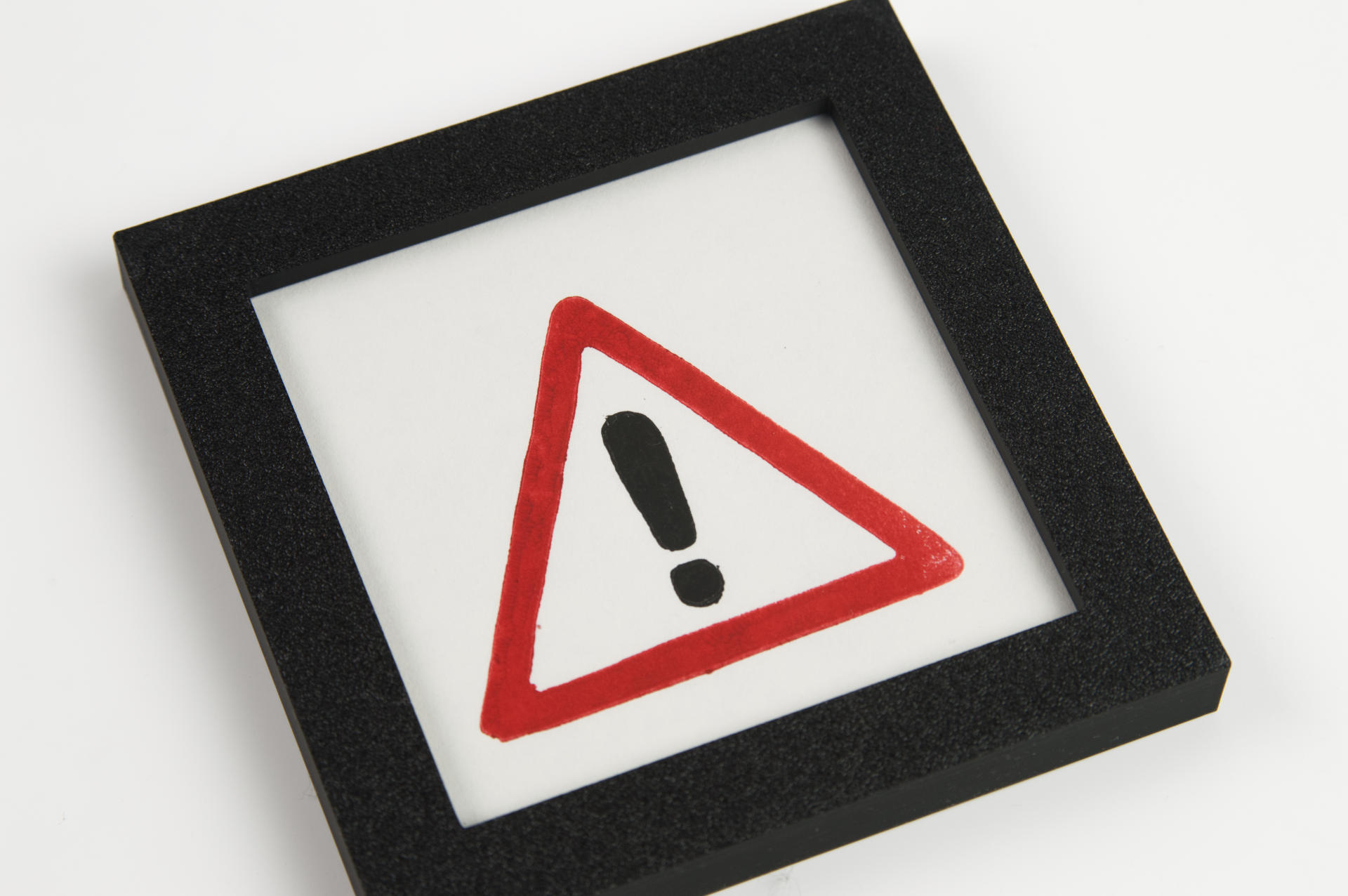
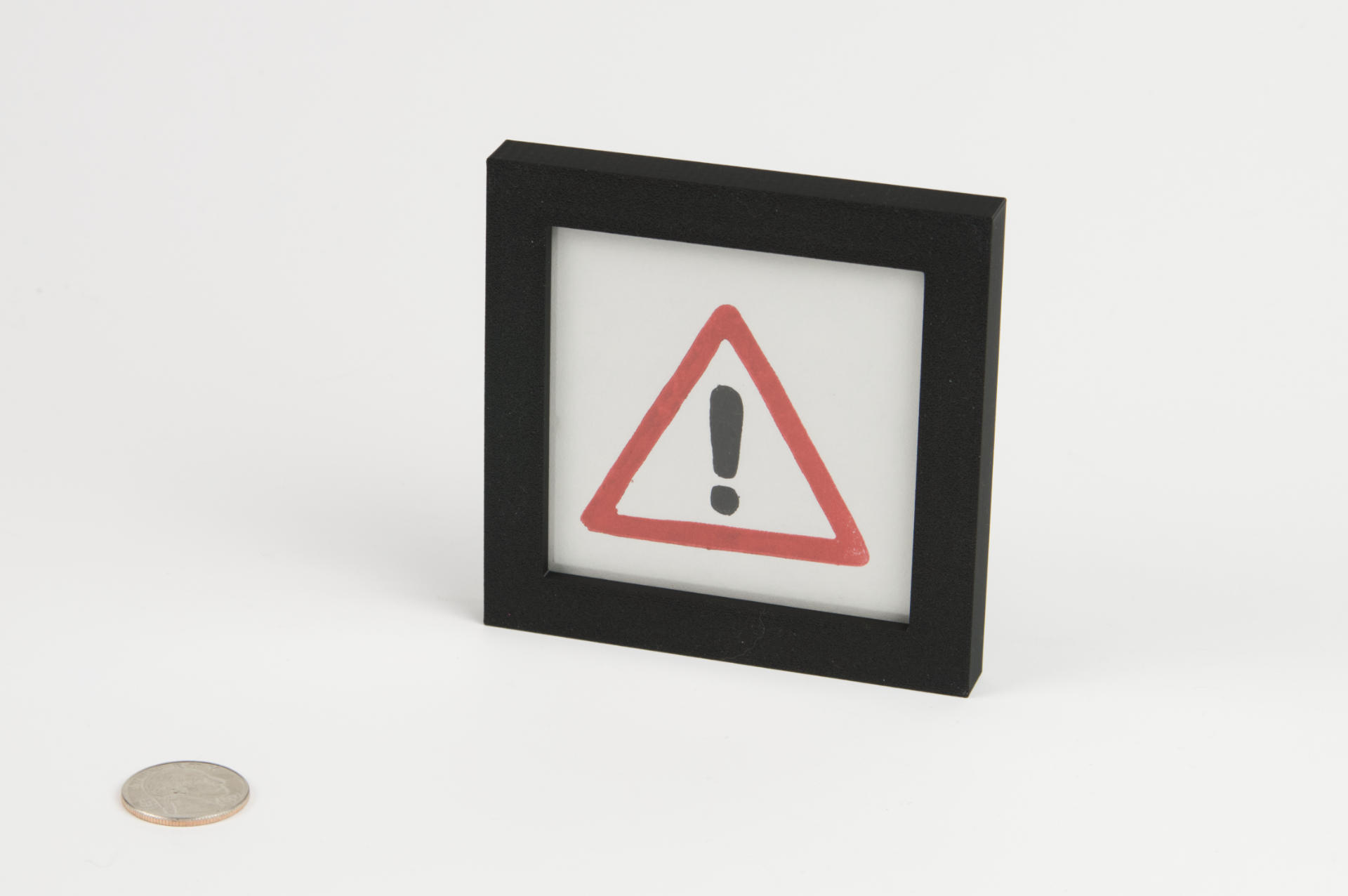
Exclamation Mark (mini) Print

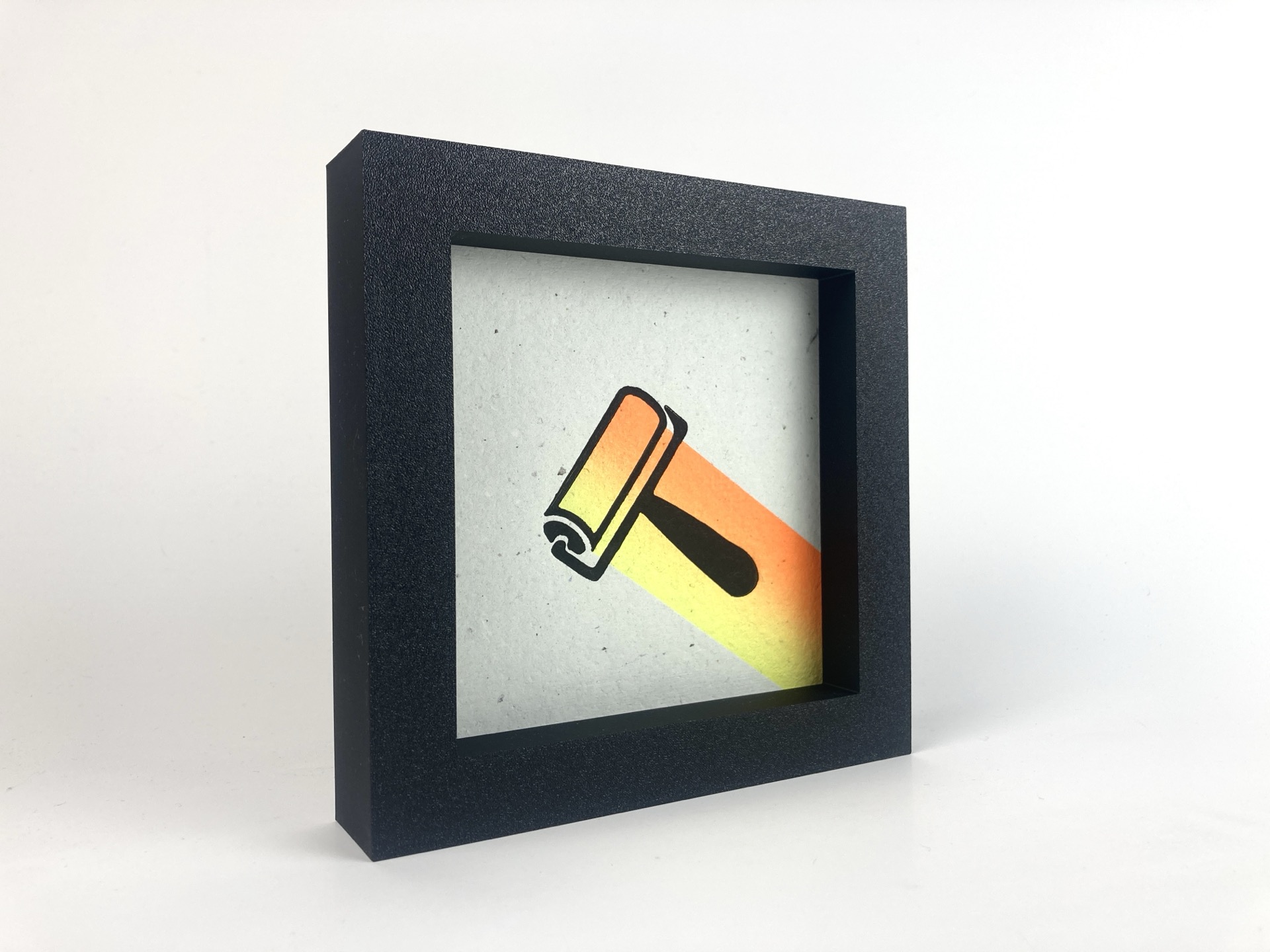
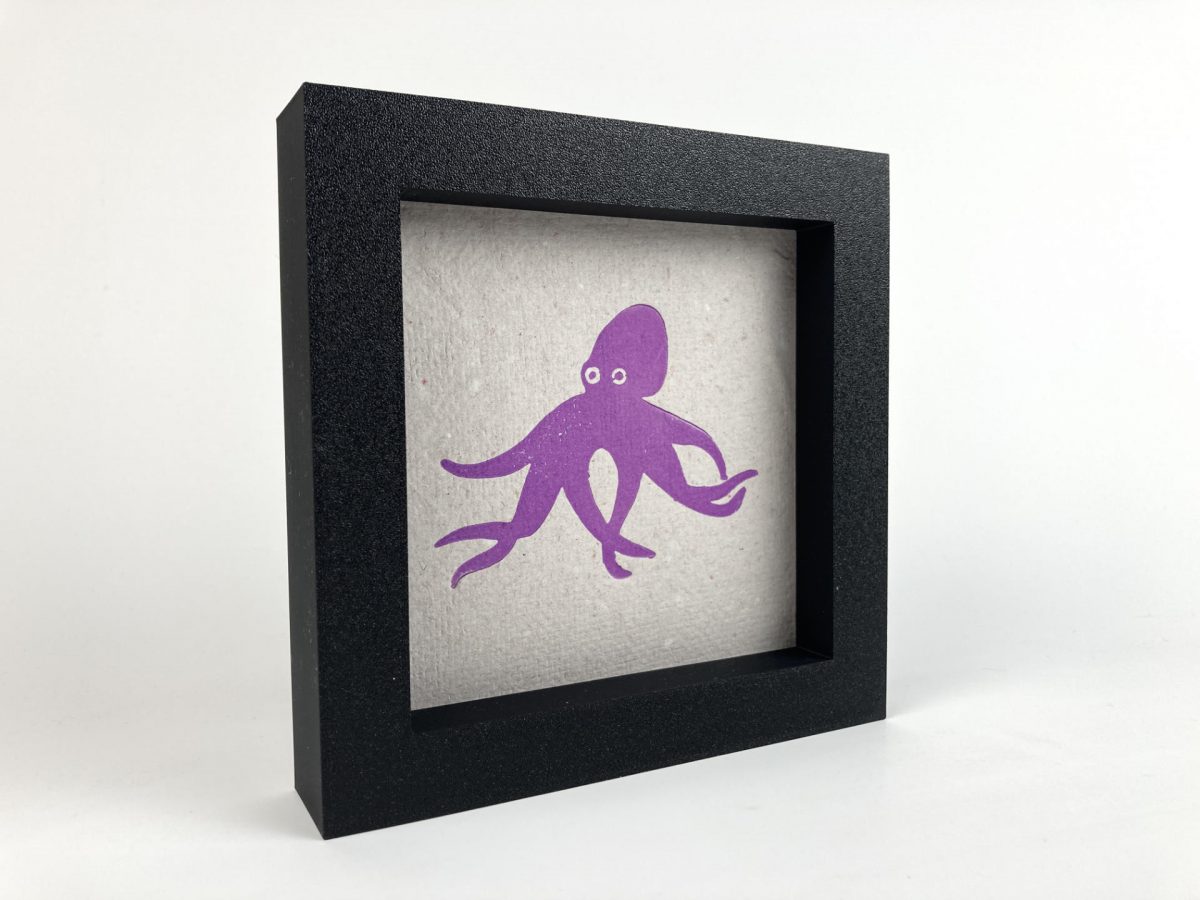
I had a lot of fun in January when I made 46 prints and those prints were in hefty frames that were 6″x6″x1.25″ frames. The frame (and thusly the size of the art you see) is 4.5″ which I thought was a nice size (and of course based on the 6″x6″ size of the 30x30x30 show (of which I did not participate.)

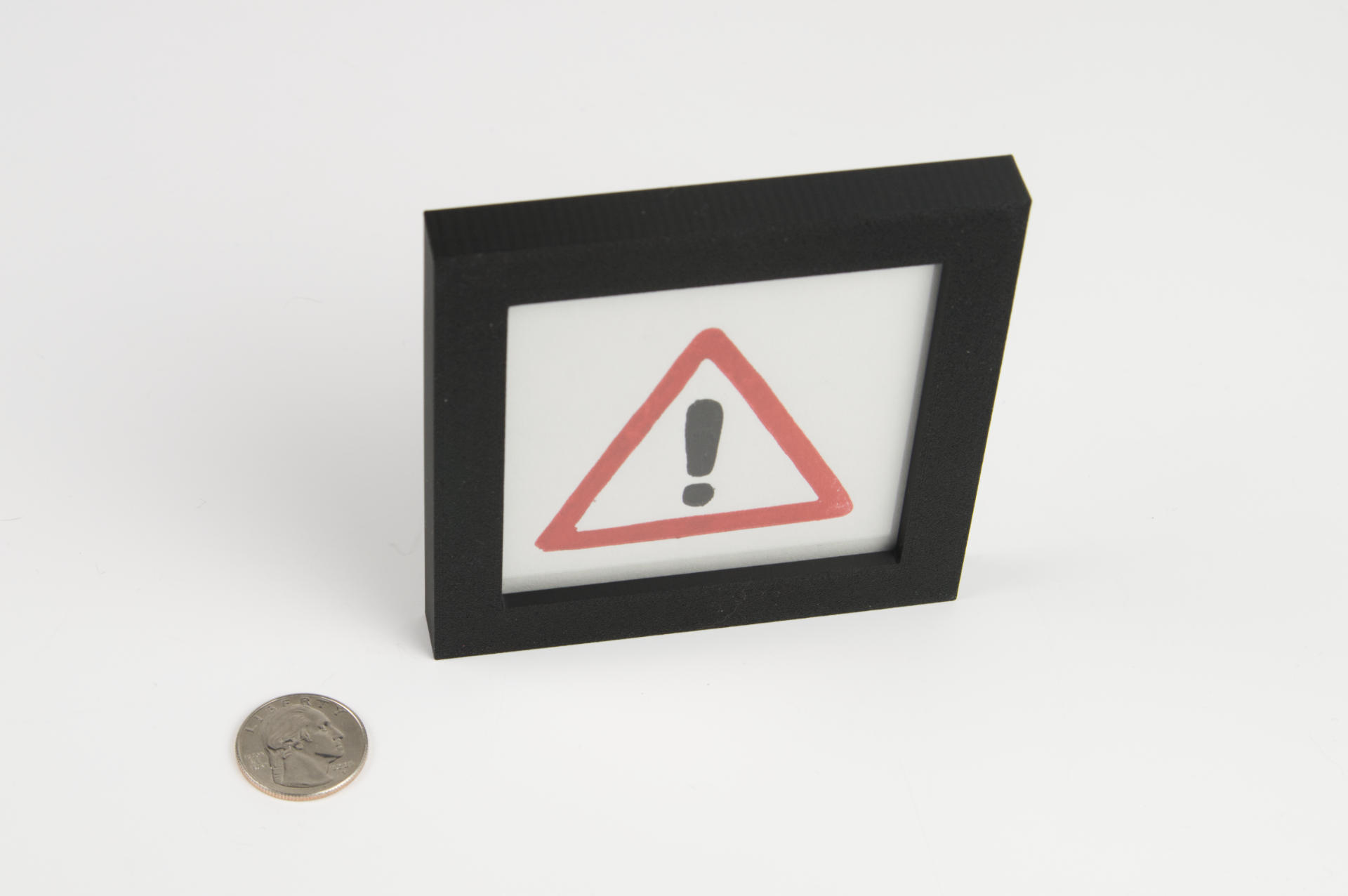
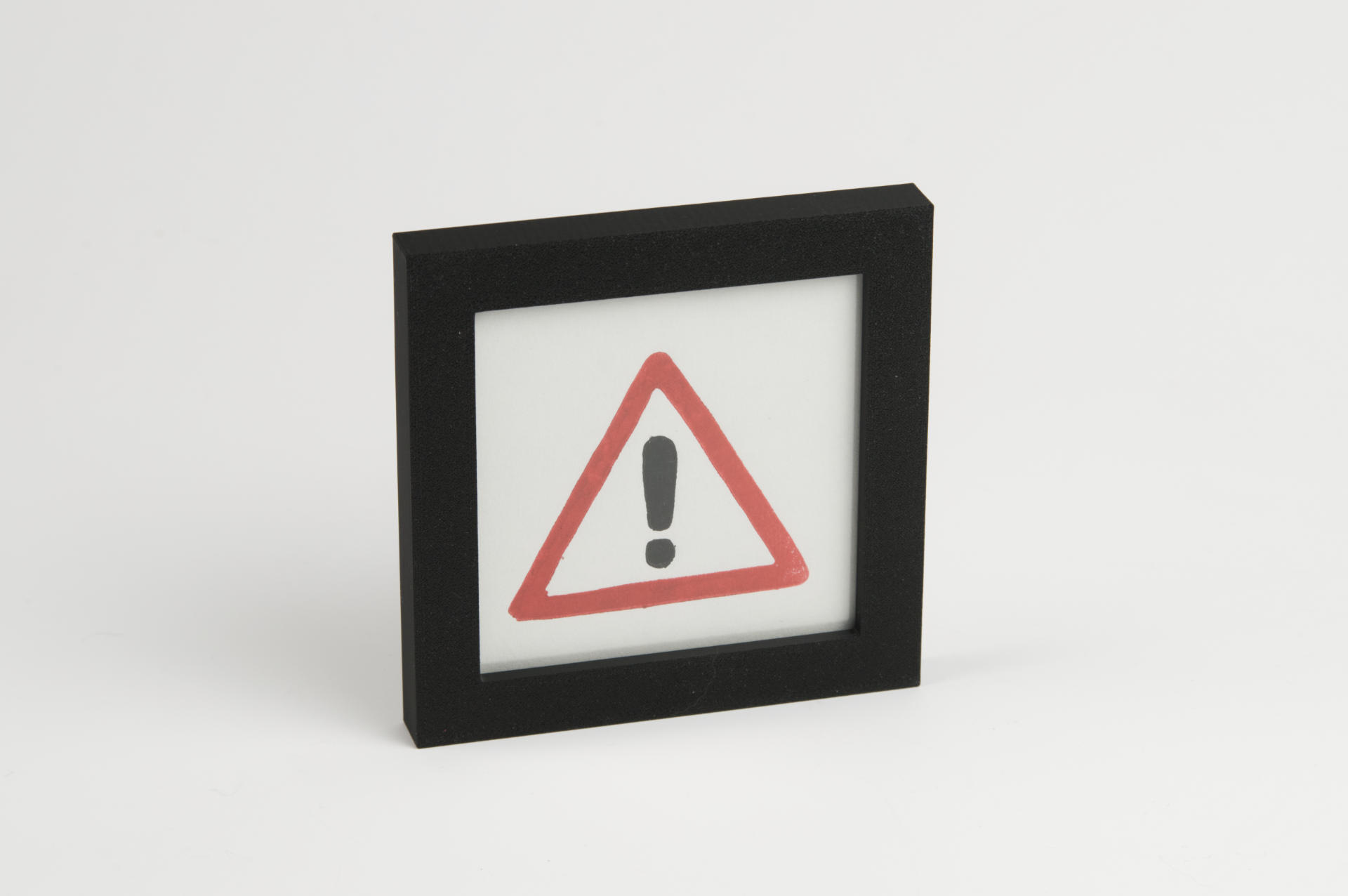
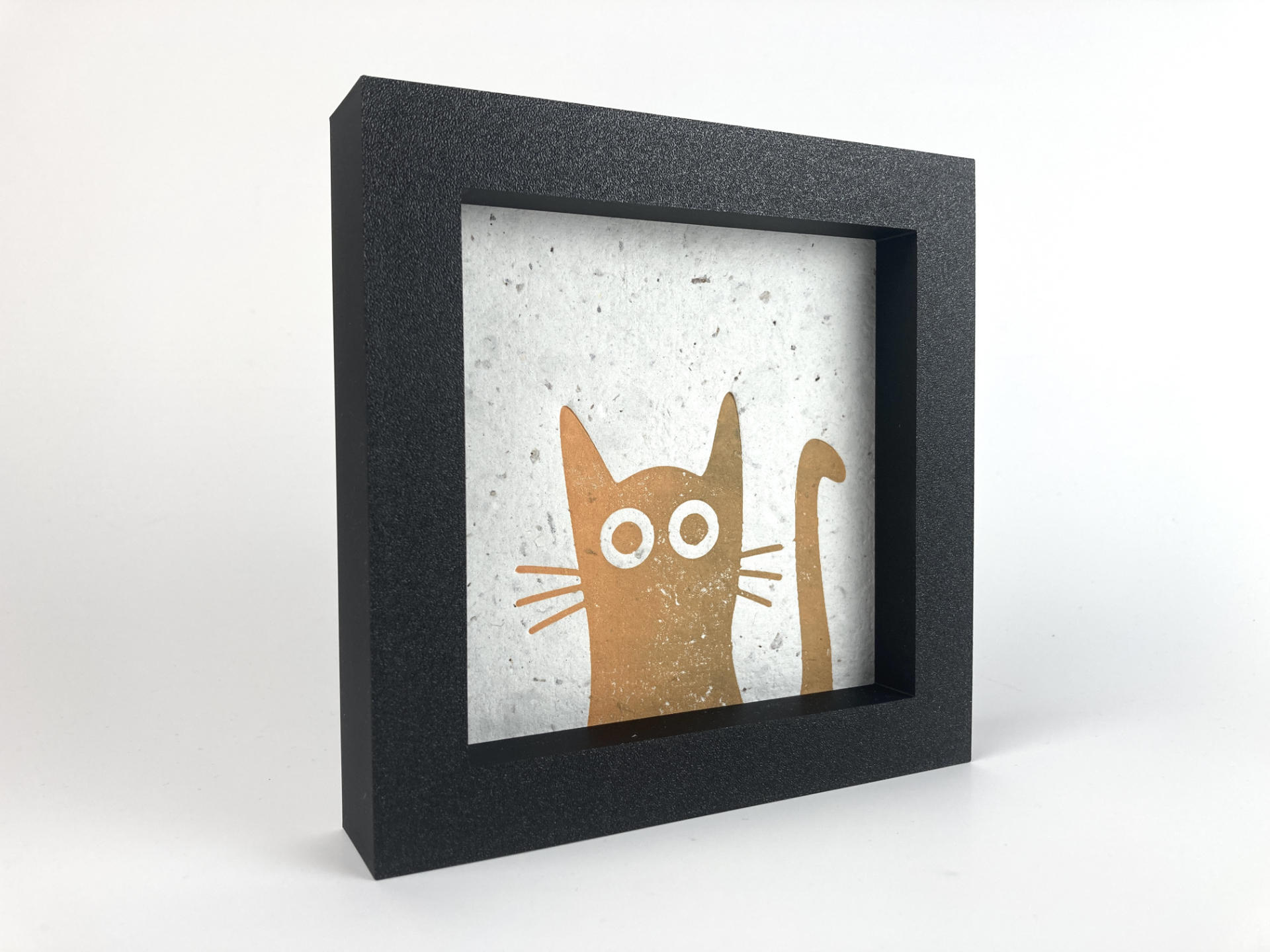
Okay, so anyway I really liked the size of those prints, and I will do more of them. But I also run a Free Little Art Gallery called Gallery 69 and I want to put art in there to give away for free. So I want to do a series of mini prints and here’s the first one, and yes it’s a two color print to make things even more difficult on myself.

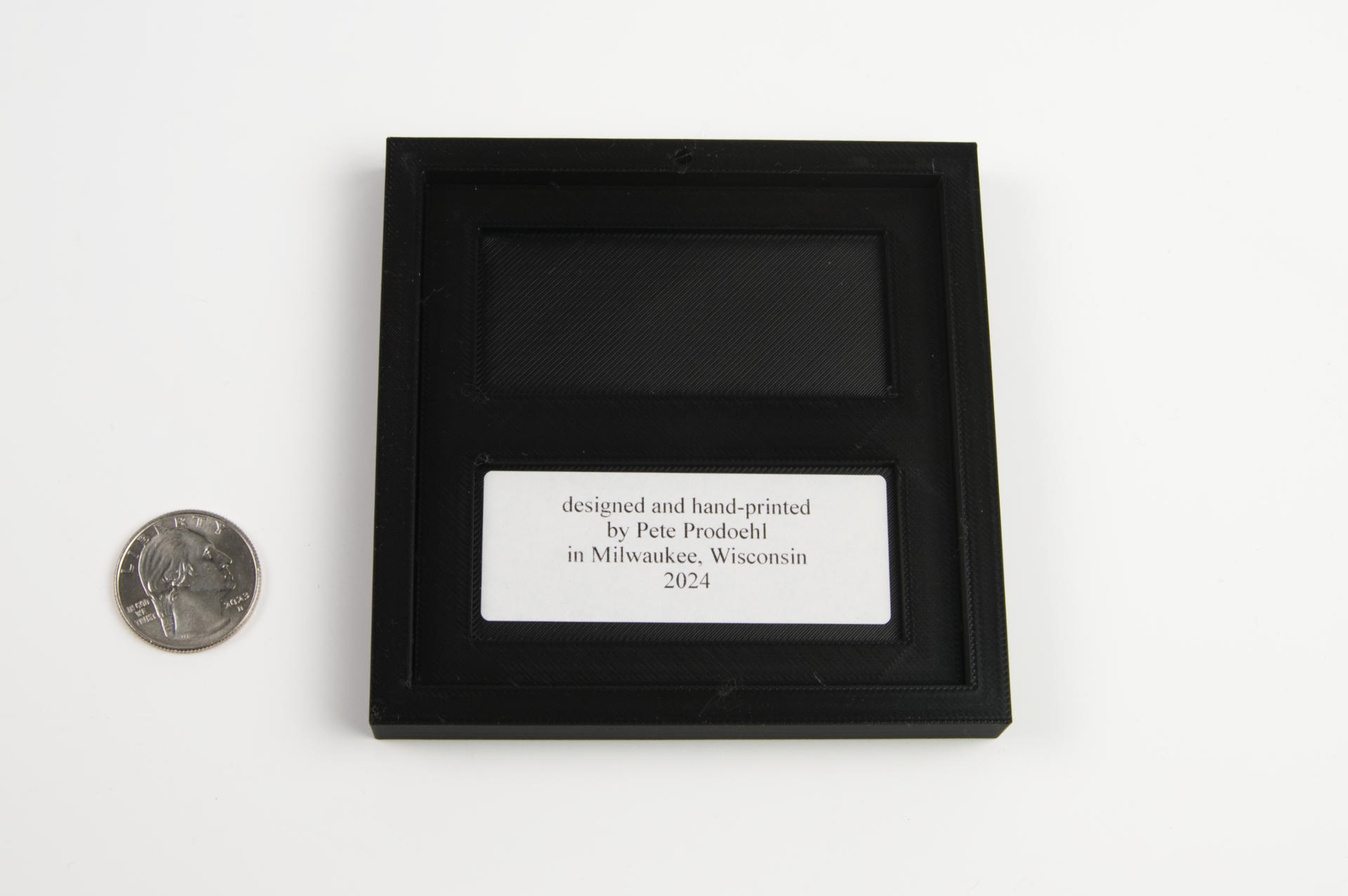
These will not be on handmade paper but instead of (probably really) cheap paper. This isn’t fine art, it’s free art, but it does come in a frame and ready to hang. I can keep costs on these pretty low so I’ll make as many as I can and give them away (in the gallery, of course).

This one is an exclamation mark which is probably one of the most fascinating marks when it comes to punctuation. This one is specifically a warning sign, which is something you should look out for, and also seems fitting for the times we live in.

Whether you call it a “bang”, a “pling”, or a “shriek” if you are a programmer or someone who dabbles in code you’re probably all to familiar with the exclamation mark and using it for various purposes.

For a long time I use the name RasterWeb! for this site, though I’ve not always been consistent in the name. Yahoo! also used the bang in their name as do Yum! Brands and others. Seriously go right now to Wikipedia and read up on the !

Westward Ho!

Categories
Uncategorized

Printmaking Registration Pins

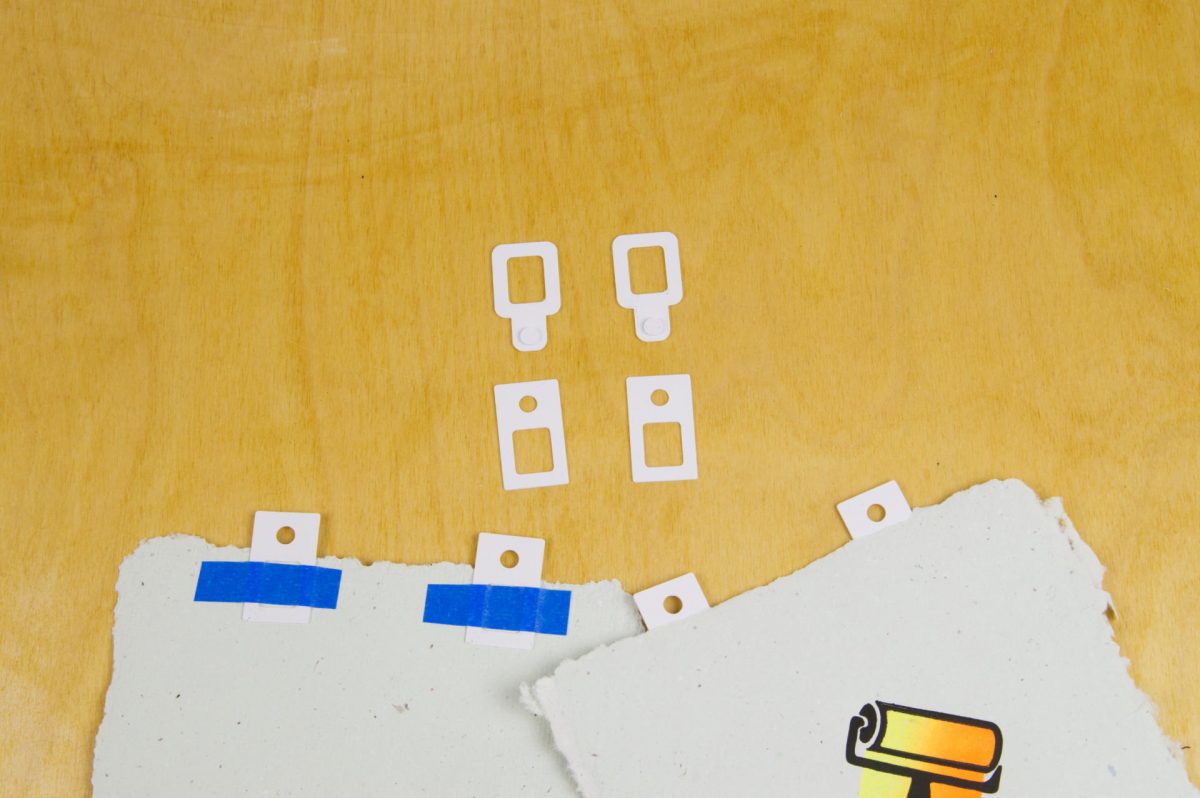
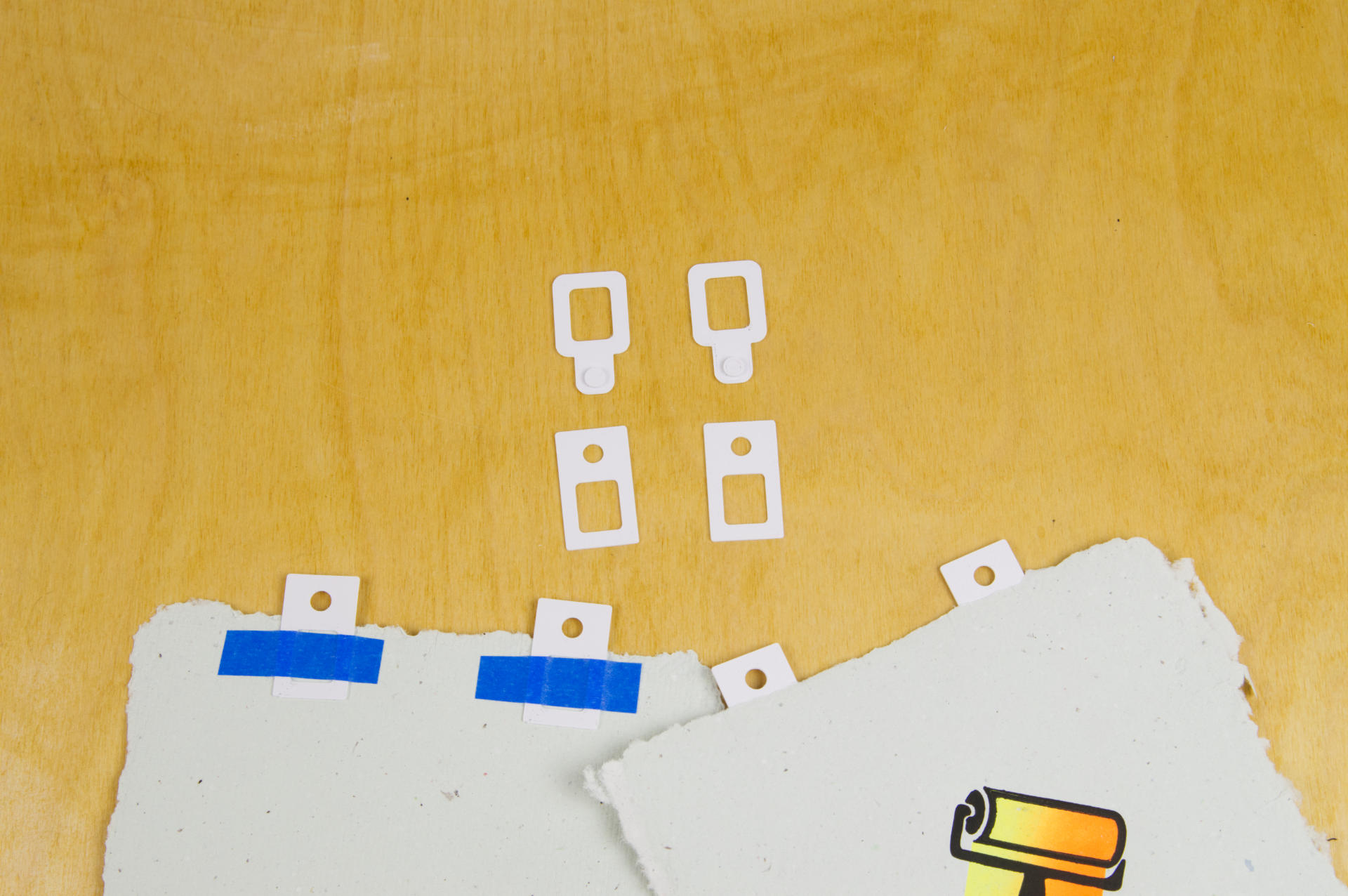
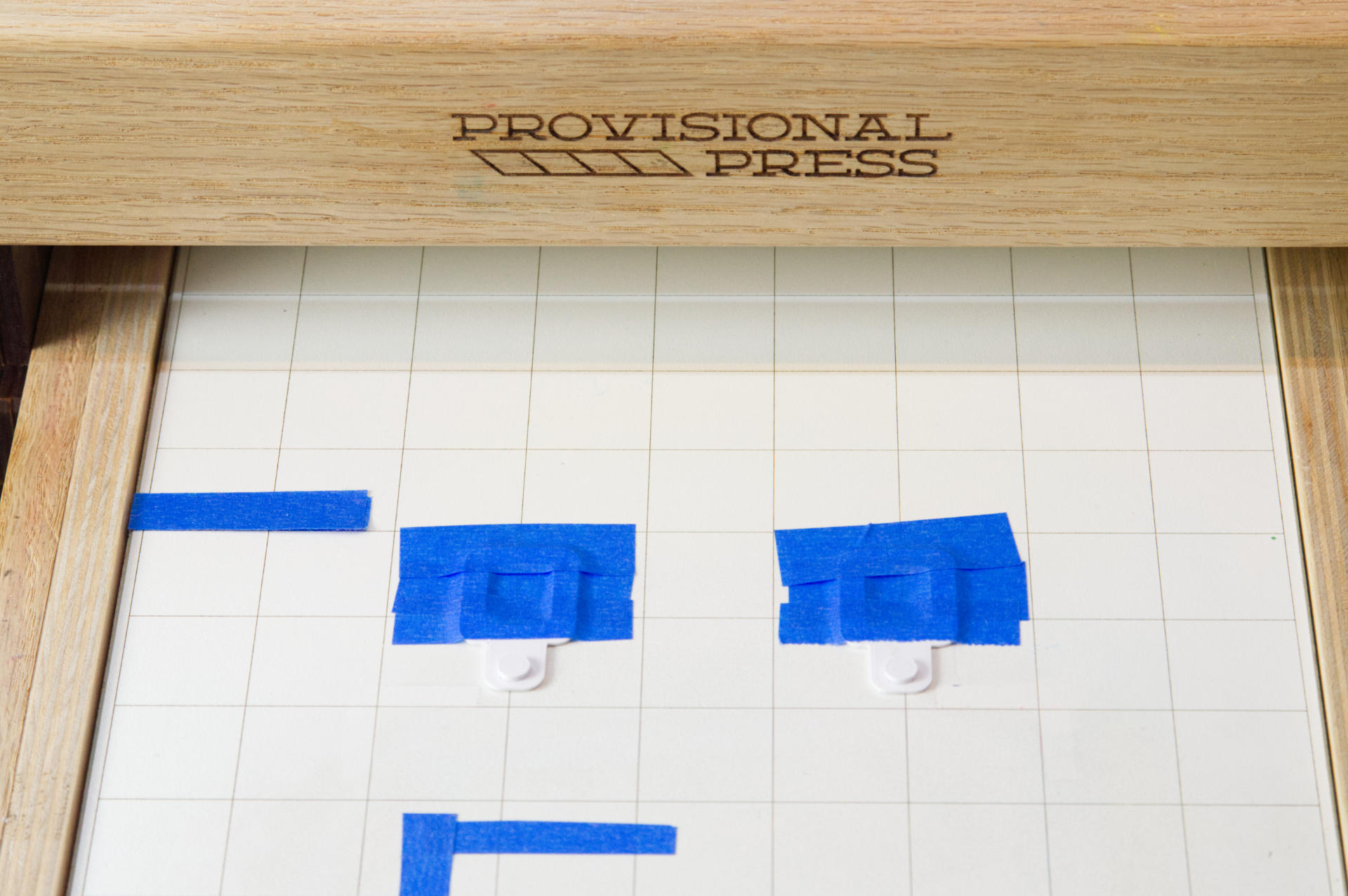
Here are my pins and tabs used for registration of multi-color relief prints. They are heavily inspired by the Ternes Burton system, and I’ve found a similar design on Thingiverse but as usual, these are mine.

Print at least two pins and then as many tabs as you need to do a print run.

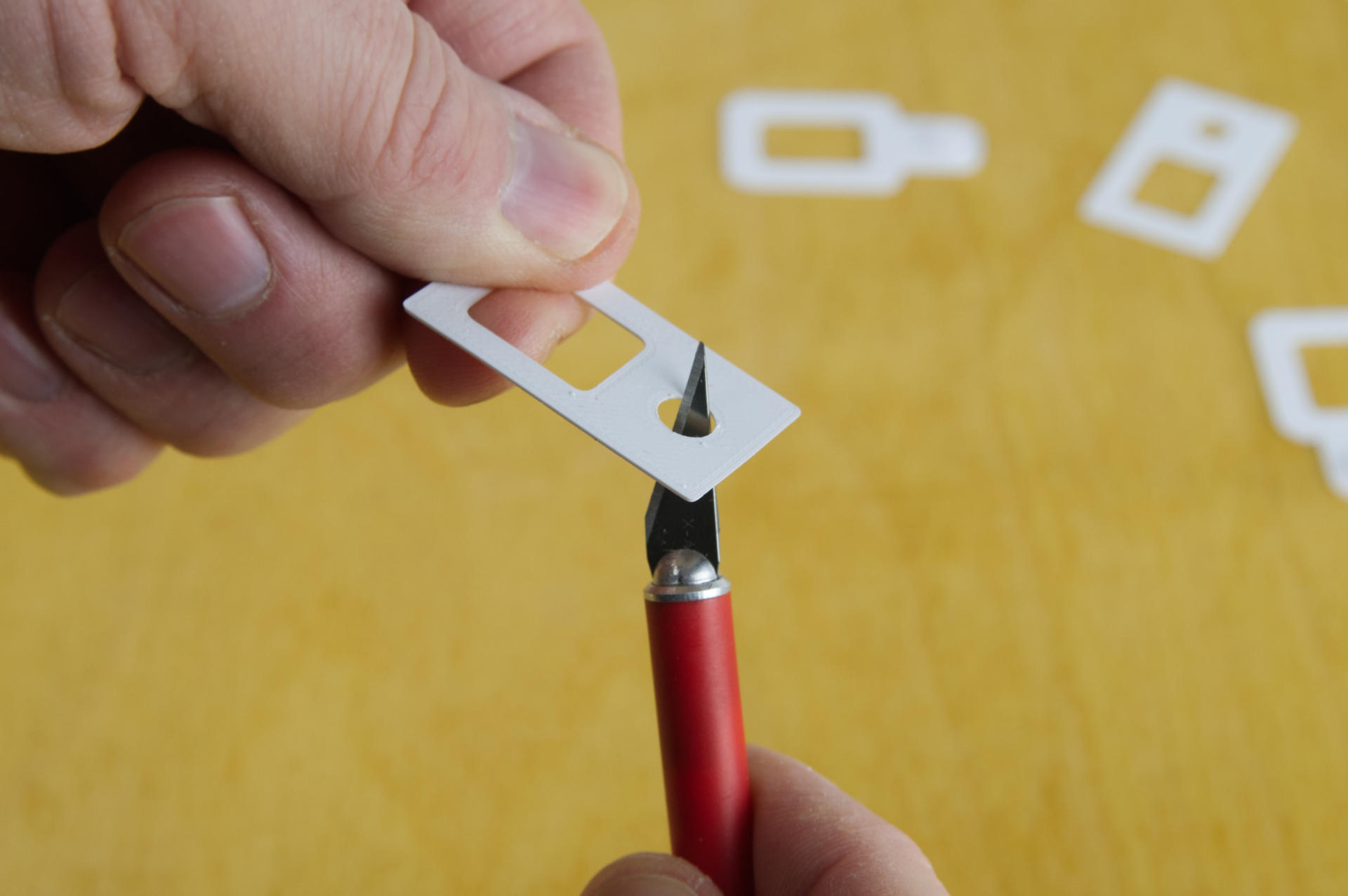
When printed the tabs should fit tight into the pins. This is by design. Depending on your printer the tolerance may or may not make a good fit. I print the tabs and then if they are too tight I just give them a very small swipe inside the hole with an X-ACTO blade.

Once shaved down the tab should fit the pins slightly tightly but not too tightly, and not too loosely obviously. Welcome to 3D Printing!

If you need a quick tutorial on how to use these check out How to get perfect registration with Ternes Burton pins.

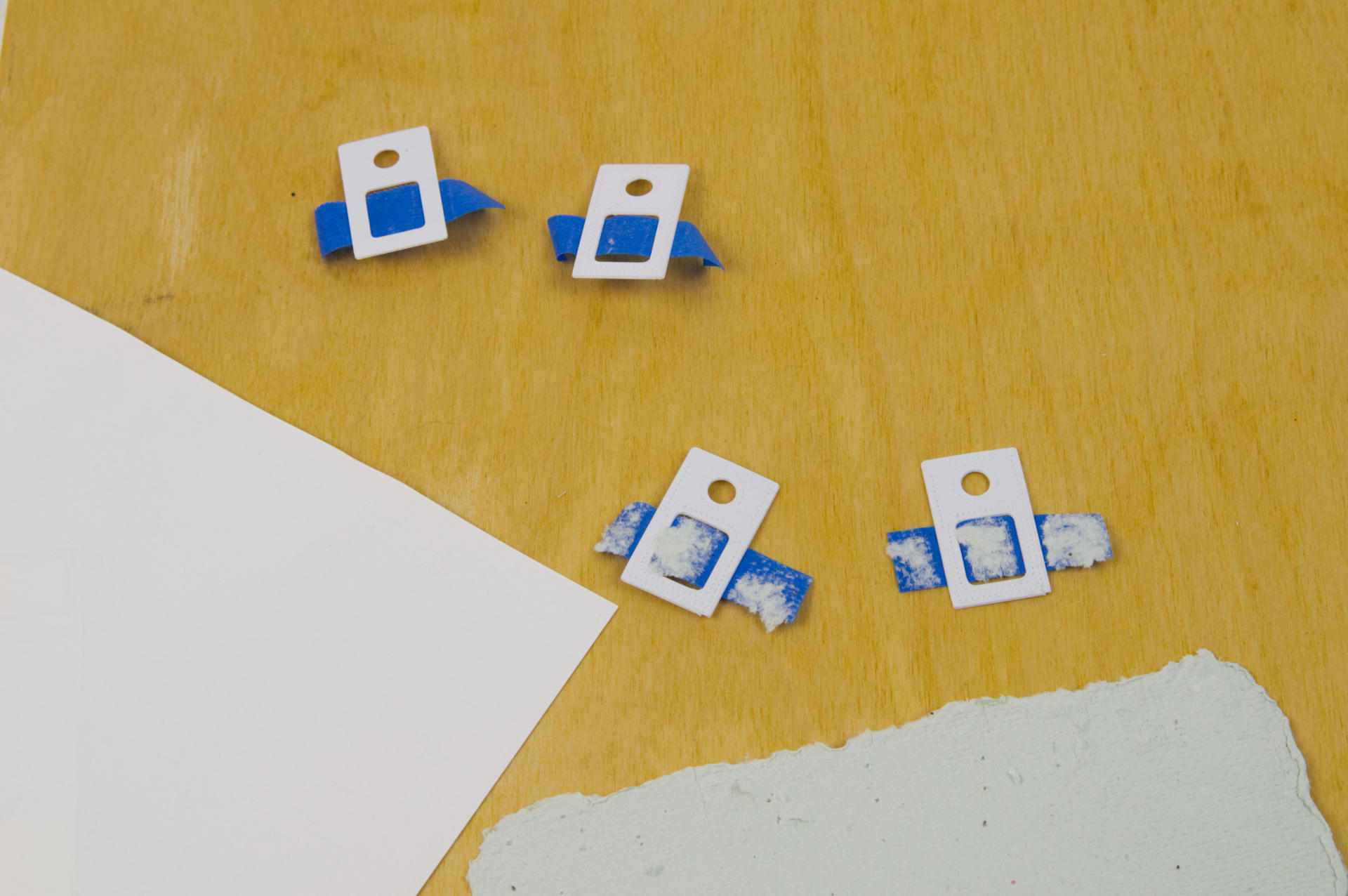
With my latest batch of handmade paper the blue painters tape I use tends to pull up a lot of the paper when removing it, but the typical printmaking paper you can buy (this is some Strathmore paper) holds up just fine.

You can get the STL and .scad files from Printables.com – Printmaking Registration Pins. Note: These are very thin prints! I printed mine at 0.1 layer height. But hey, print them if you need them!


Note: This post contains an Affiliate Link. Read More.

Categories
Uncategorized

January Prints in Progress (Part V)

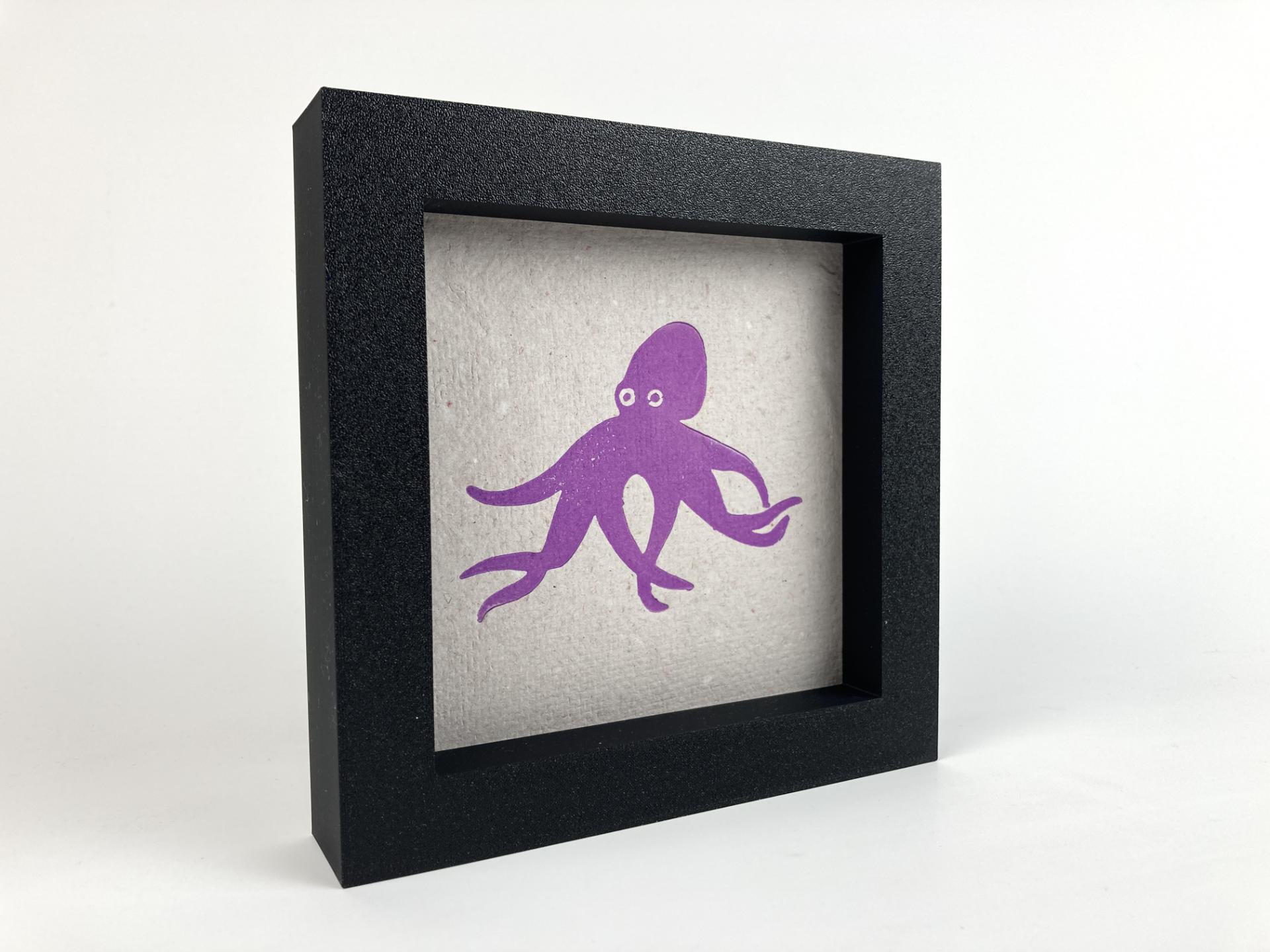
Hey, that’s it. It’s all over. (See Part I, Part II, and Part III and Part IV.) There were 31 days in January and I made 46 pieces of art in that time. I am pleased. I don’t love everything I’ve made, but as a creative I never have. I don’t think there’s anything I’ve taken on where I absolutely love every piece and think it’s my greatest work. Be it songs, photos, videos, writing, whatever… Which brings up a good point. Does making a lot of work prevent you from making fewer pieces of really amazing work? Well, that’s a question best left to art pundits, of which I am not.

But maybe it’s that desire to continually make things you love that drives us. I feel like there is nothing I have mastered, and so we go on. We try again, we try new things, we do not give up and call it a day. We keep going.
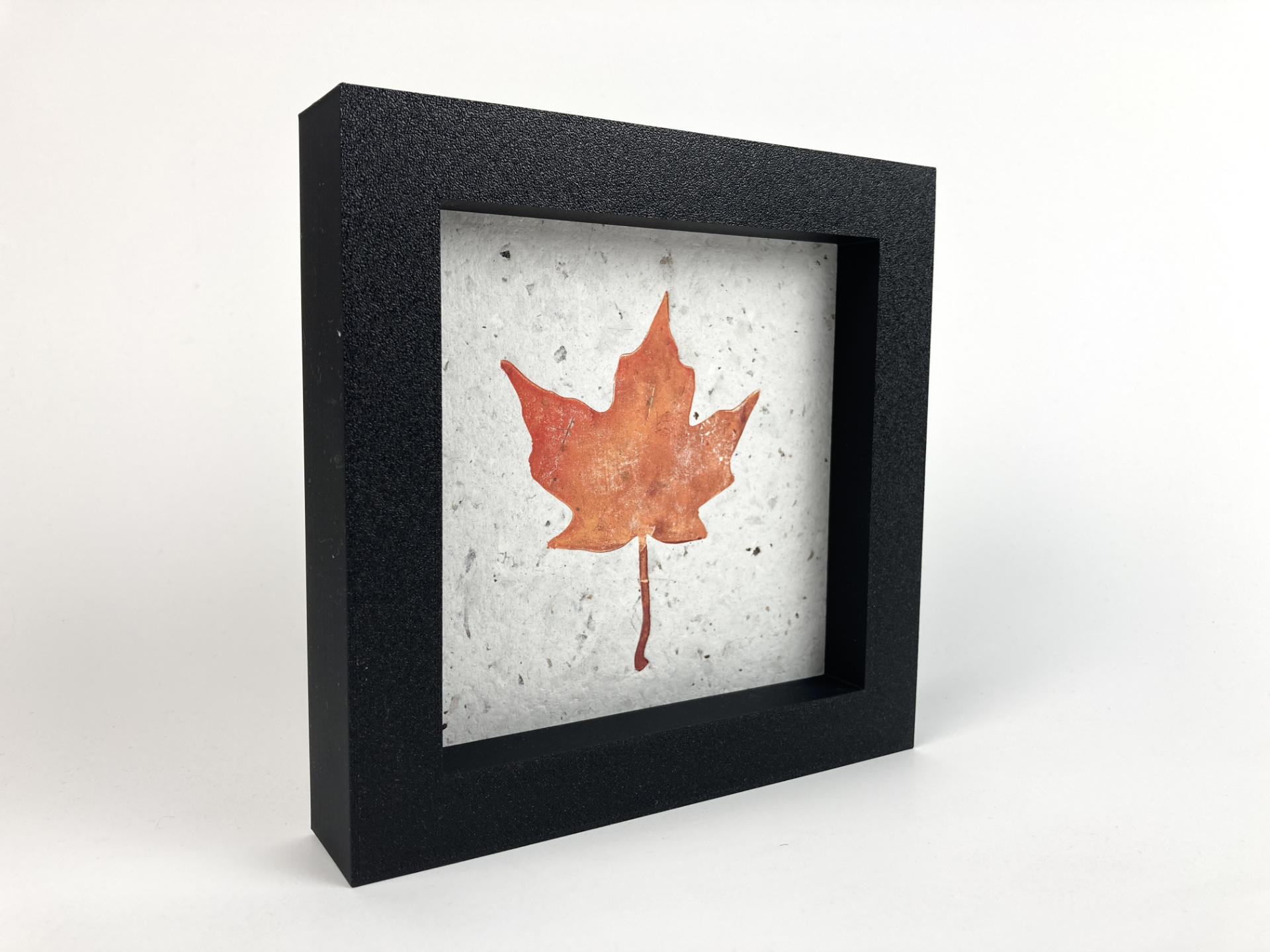
A decade ago I had this idea (dream?) of teaching art at the university level. I even did it for about a year and a half. It was a lot of fun, but it also wasn’t my full time job, which might be why it was a lot of fun. Anyway, I did not pursue it, and in time I became totally okay with that. In fact, it’s probably for the best.

For me, making art is a hobby, and fun thing to do, something where I am in control of what I do and not beholden to clients or bosses or institutions that sign my paycheck. It’s for me. That said, I do love when I can make art for people, or art that people feel a connection to.
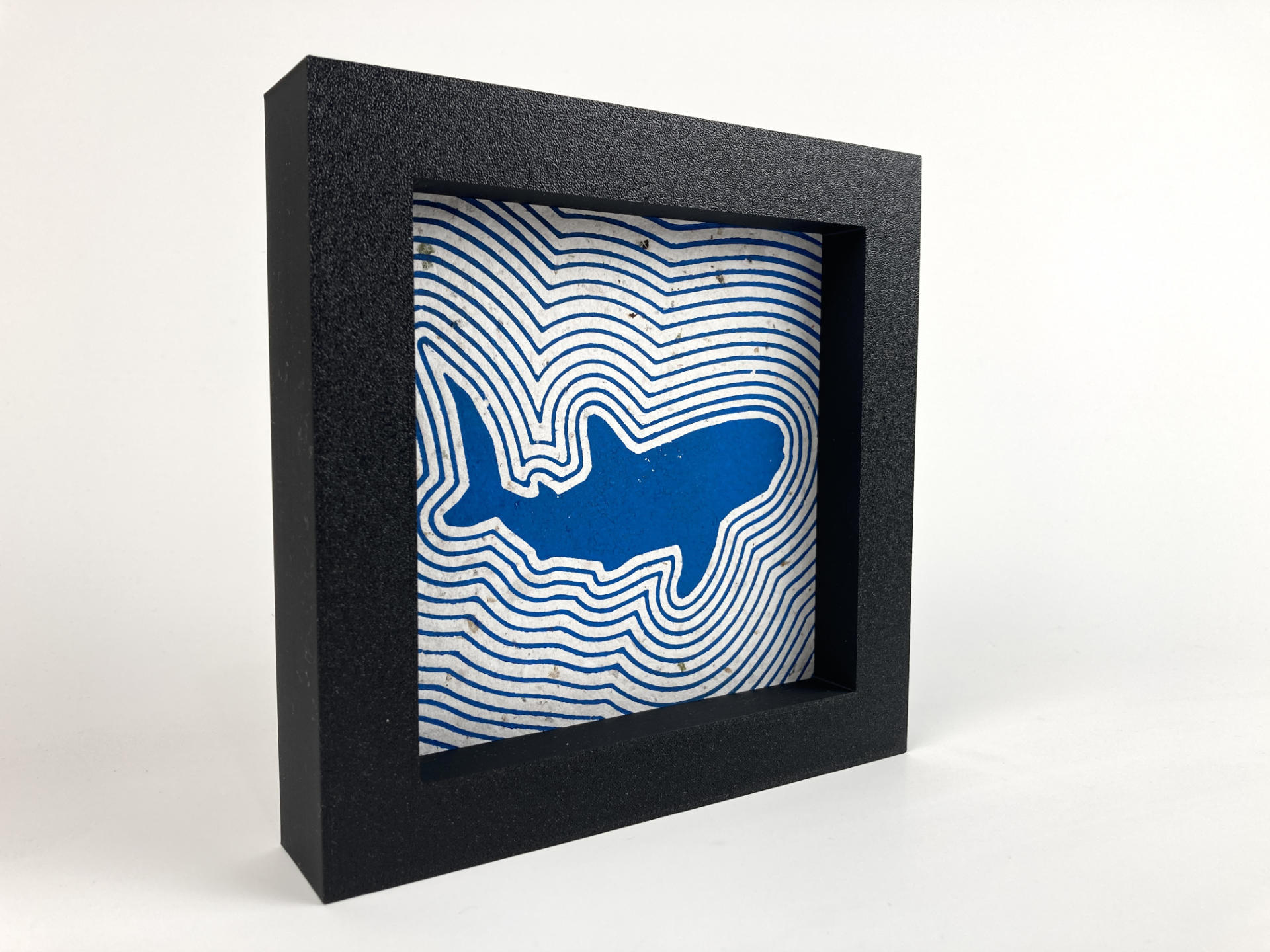
I’ve seen a number of academics I know who teach art get all into AI and NFTs and other stuff I hate that I consider shit. For some of them, I think they have no choice. The institutions that employ them may expect or require them to learn and teach such things. Or they may feel pressure to stay relevant in a changing world. Students may also be expecting to learn about AI art. As an independent artist I can just say that I don’t give a fuck and no one can tell me what to do. It’s sort of freeing…
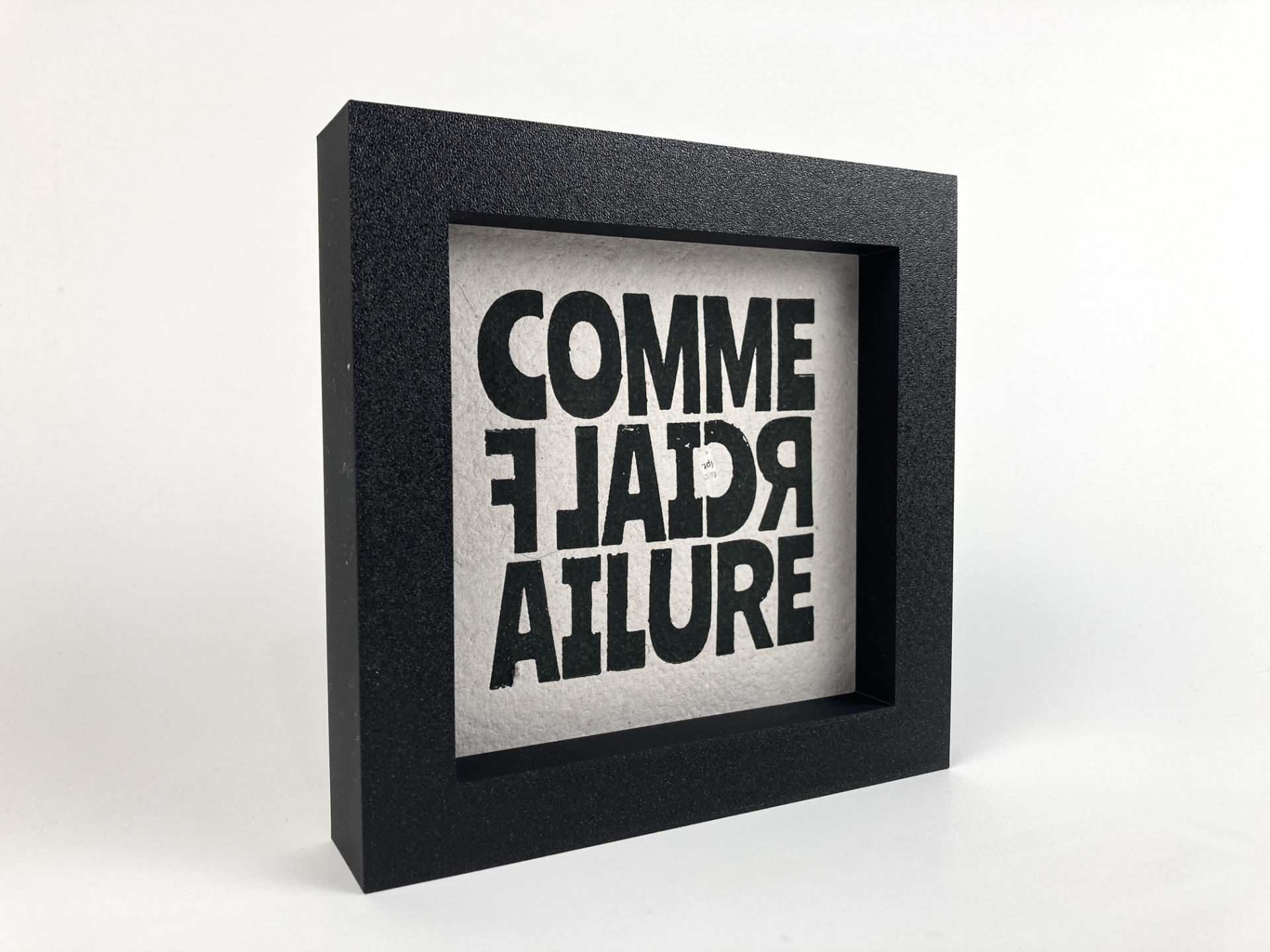
Whew, okay… got off the rails a little on that last bit. Anyway, remember when I was doing all that electronic music stuff about two years ago? I enjoyed it quite a bit, but two things that sort of bothered me was that it was time-based media (which of course takes a fixed amount of time to consume) and that in the end it was all still zeros and ones in the form of digital audio (and video) files. Making real-world tangible objects with handmade paper, ink that I applied (sometimes mixed) and just this… physical thing. Well, as a maker, that hits differently that some digital ding dong doodle.

A friend of mine said they really enjoyed seeing the posts of my work each day. There’s something there… I told them that we live in an amazing time where we can share art so freely with the world. Sure, much of the Internet today is a cesspool of complete garbage, but being able to see art by people around the world every day is amazing. You don’t have to go to a gallery (though you still should!) and you don’t have to only look at the work of the masters. You might find some random person in the UK who makes art and you just love seeing their stuff each week. (And if you do, consider supporting them!)

The next question. Are these for sale? Yes. But it’s complicated.
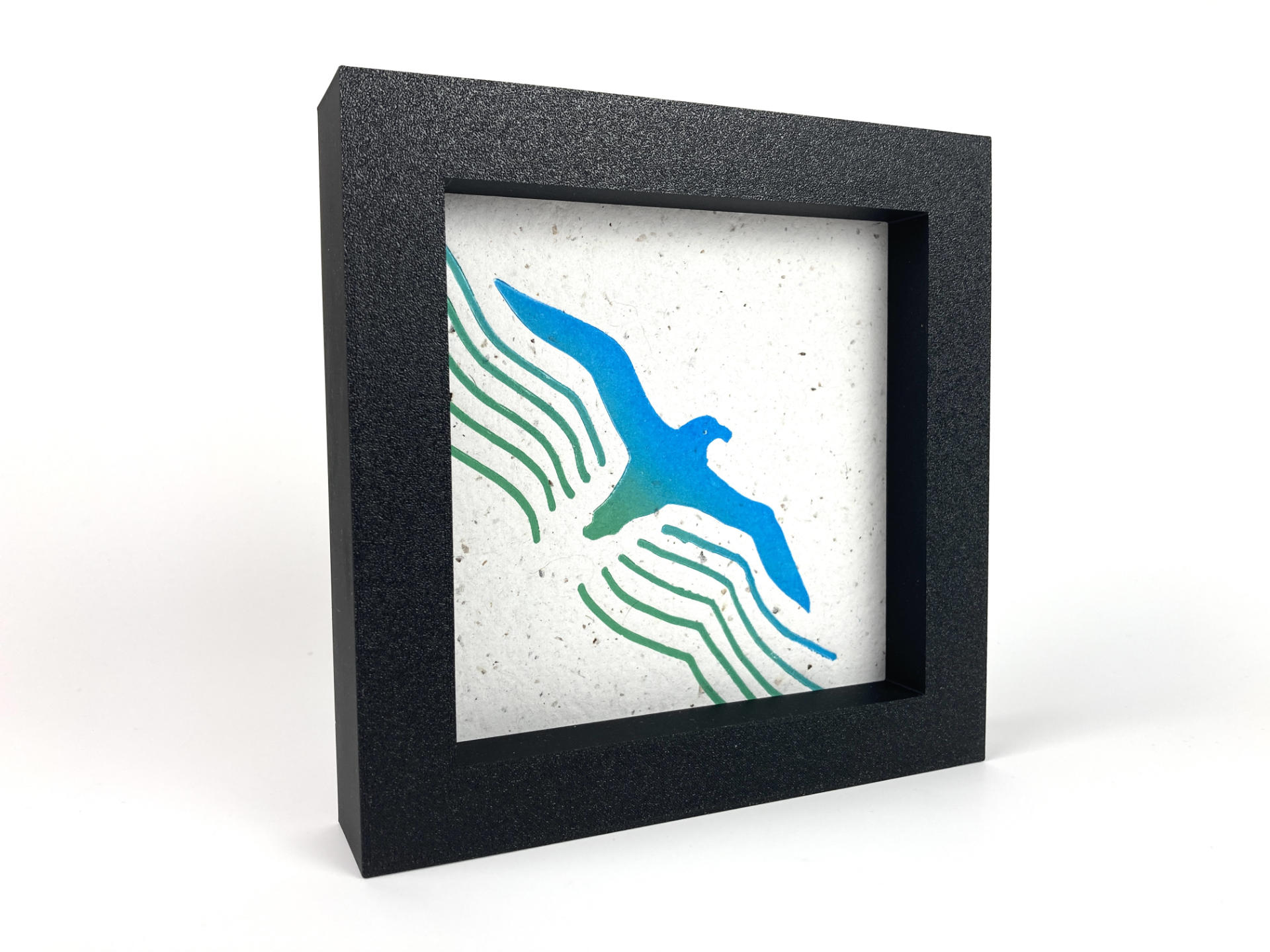
I didn’t post these prints along with “For Sale!” or “Visit my shop!” or put prices on things. My goal in creating these was not to sell them, but to challenge myself to be creative and make art for an entire month. I did that, and I enjoyed it. It did not become a slog, I did not burn out or get sick of it, though when the end came I had some mixed emotions. First, I was like “Whew! Almost done!” and I was relieved. Then I was like “Well, what am I going to do tomorrow? Wake up and not make prints?” And the answer is yes, for now. I need to take a break to get caught up on other projects. (Then I will probably go back to printing!)

Where was I? Oh, selling them! Typically someone I know online (either on Facebook, Instagram, or Mastodon) would see a print and as if it was available. I would let them know that they could have it and either come pick it up or cover the cost of shipping, and then pay whatever they could for the art. The most someone paid was $50 USD and the least was zero. Most were in the middle, around $25 or $30. (I am not upset at all about the zero dollar ones. Two pieces went to friends of mine, and they both had really weird shit happen to them the week the prints arrived, so whatever. I’m all good, and I am glad they are all good now.)

Almost every print (though not all) were sold to people I knew. It makes me feel really good to know a friend liked the art I created and was willing to accept it into their lives and maybe even pay me for my time. As for the materials costs, the money covered the cost of ink and filament. Since I make my own recycled paper that cost was close to zero. I bought a few more brayers and X-ACTO blades, but those are fairly cheap. Again, I am extremely privileged to be able to do something like this and not have to rely on the income from selling art to survive. I appreciate the work that independent artists put into their work, and I definitely get why art can cost what it does.
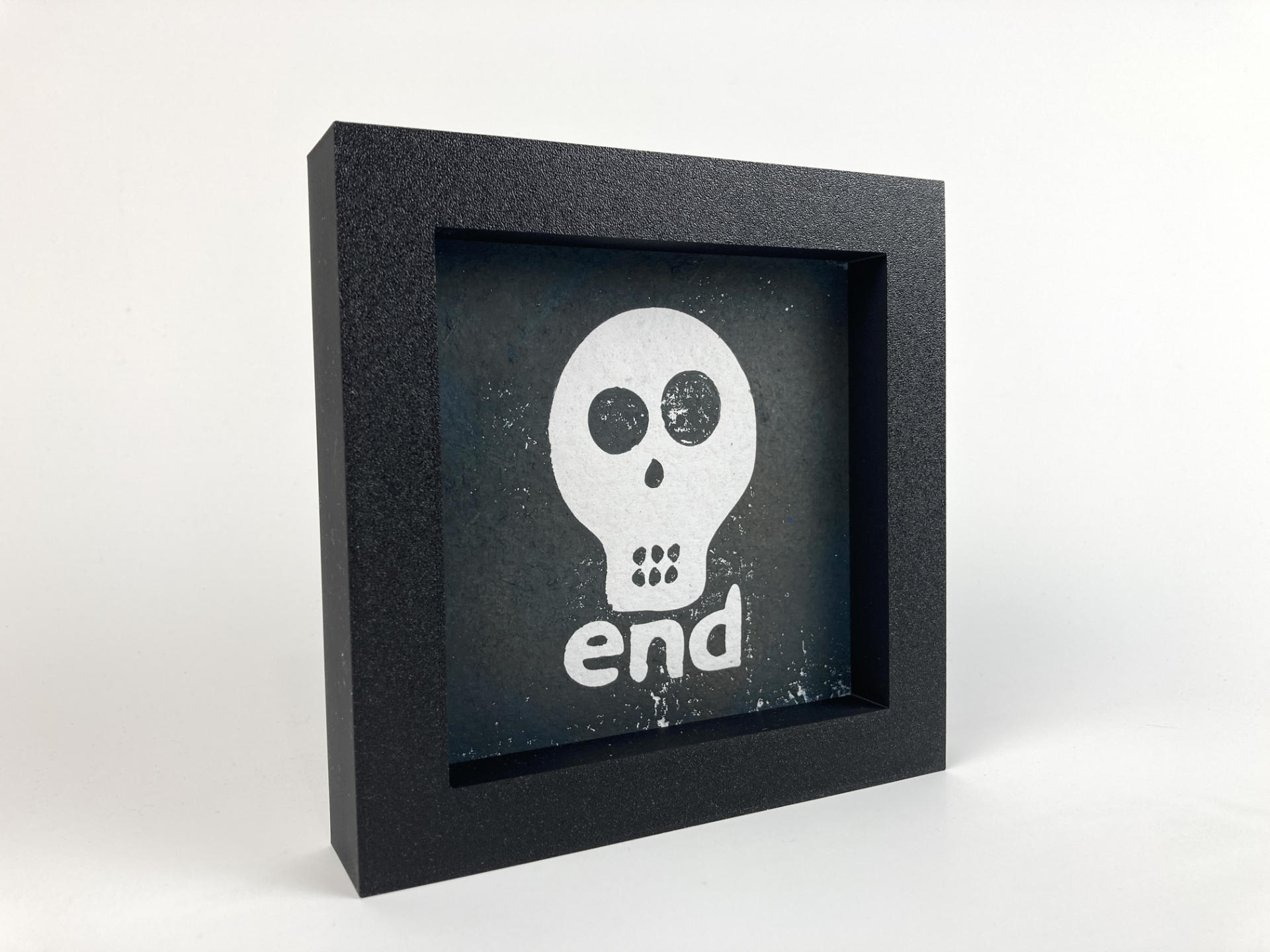
So what’s next? Well, I am contemplating whether I should keep this going. Not at this pace, mind you, but the whole “prints for sale, pay what you want” thing. I have way more ideas and things I want to try out, and it’s fairly easy for me to post art and see if anyone is interested in it.

But wait, what about Gallery 69! Indeed! I do have a gallery I need to keep full of art. I am 100% sure some of the seconds and test prints will go into the gallery. I’ve been waiting until January is done, but I’ll probably drop some of these prints into the gallery in the next few weeks. So hooray to more free art for the people!

Maybe combining the two things makes sense. A print goes in the gallery, and anyone local can come and grab it! If you miss out, or are not local, you can contact me about sending you a copy of it. I don’t know, I’m still figuring this out, but if you have ideas, let me know!

And finally… one more thing. You can see all the January 2024 Prints in the RasterWeb! (online) Gallery.

See Also: Part I, Part II, Part III, and Part IV.

Categories
Uncategorized

WMSE Art & Music – Wisconsin

Back in 2018 I donated a piece of art to the WMSE auction. I also convinced a few other people to do the same. WMSE was a crucial part of my youth and discovery of music. The piece I created in 2018 was a four step sequencer. I followed that in 2019 with a piece called OctoNoise which was another sound sculpture.

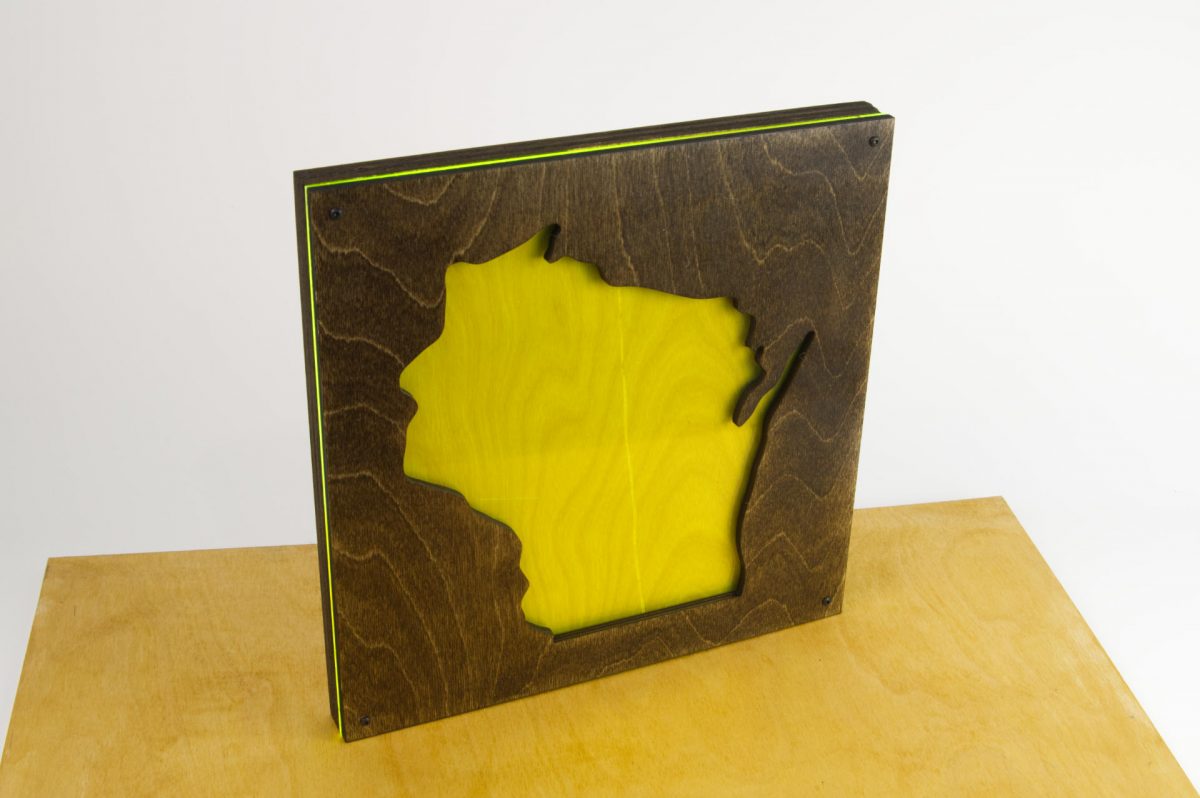
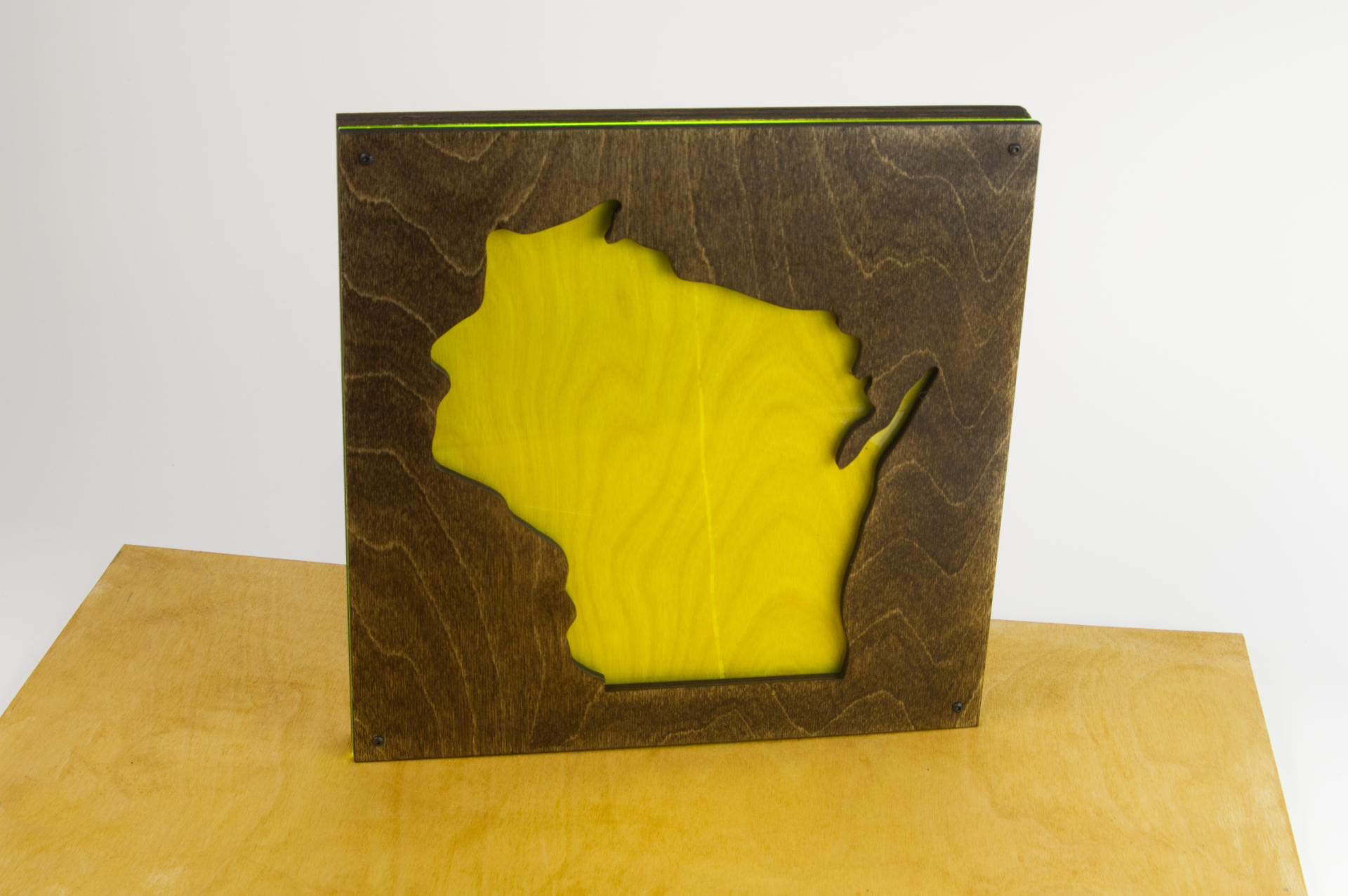
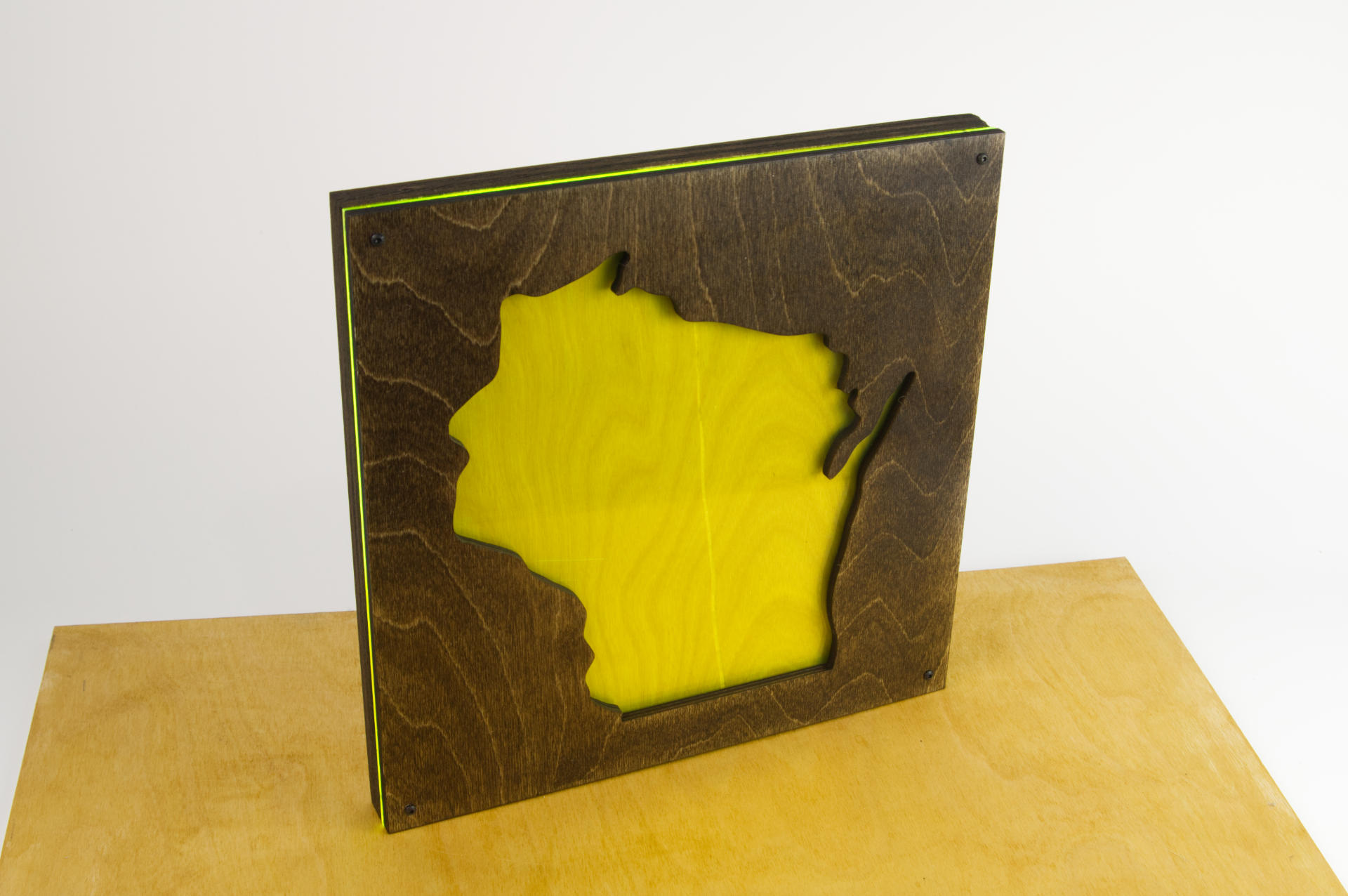
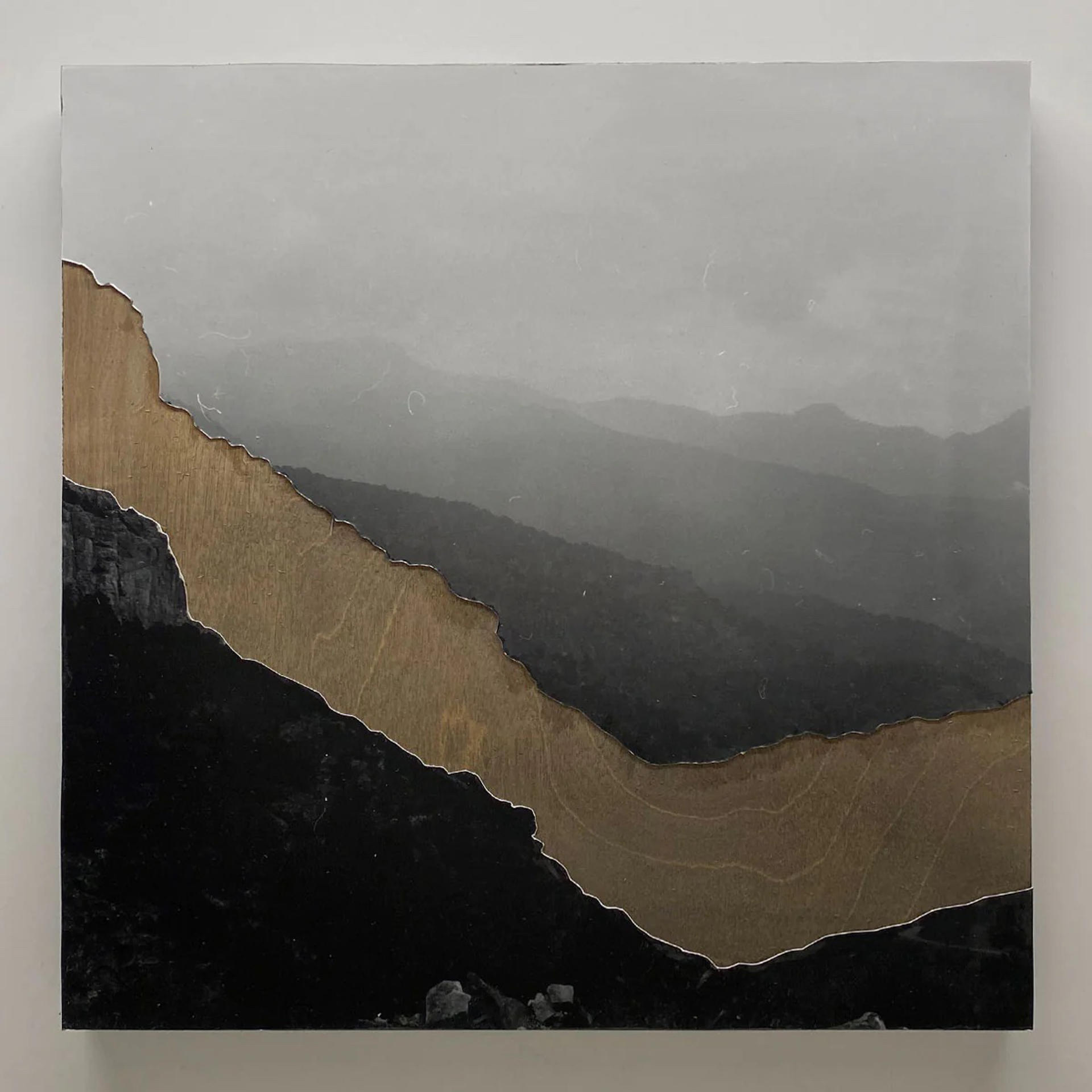
Since I was a little busy making 46 prints this month I went with a piece a bit simpler. It’s titled “Wisconsin” and it’s acrylic and wood. Really simple. Check out the auction site to see all the art, and you can see my piece as well as the piece my daughter Maddy made.

Maddy has been doing photography for over 10 years and she shoots a ton. Her piece is titled “Shelf Road, CO” and was taken on one of her trips out west. It’s really amazing to have both of us submit art together like this.

I’m hoping we can both attend the event February 9th, 2024 and see all of the art in person. Maybe we’ll see you there!

Categories
Uncategorized

How I 3D Print Printing Plates

This is a follow-up post to 3D Printed Printing Plates which covers my method of creating 3D Print Printing Plates using Inkscape and OpenSCAD.

If you just care about the specs, here they are. I create a 3D model that is 3mm tall, then 3D print it using plain PLA filament. I turn on the ironing feature set to Topmost surface only. When the print is done I sand it with some 800 grit sandpaper to make the surface a bit more smooth and remove any weirdness caused ironing.

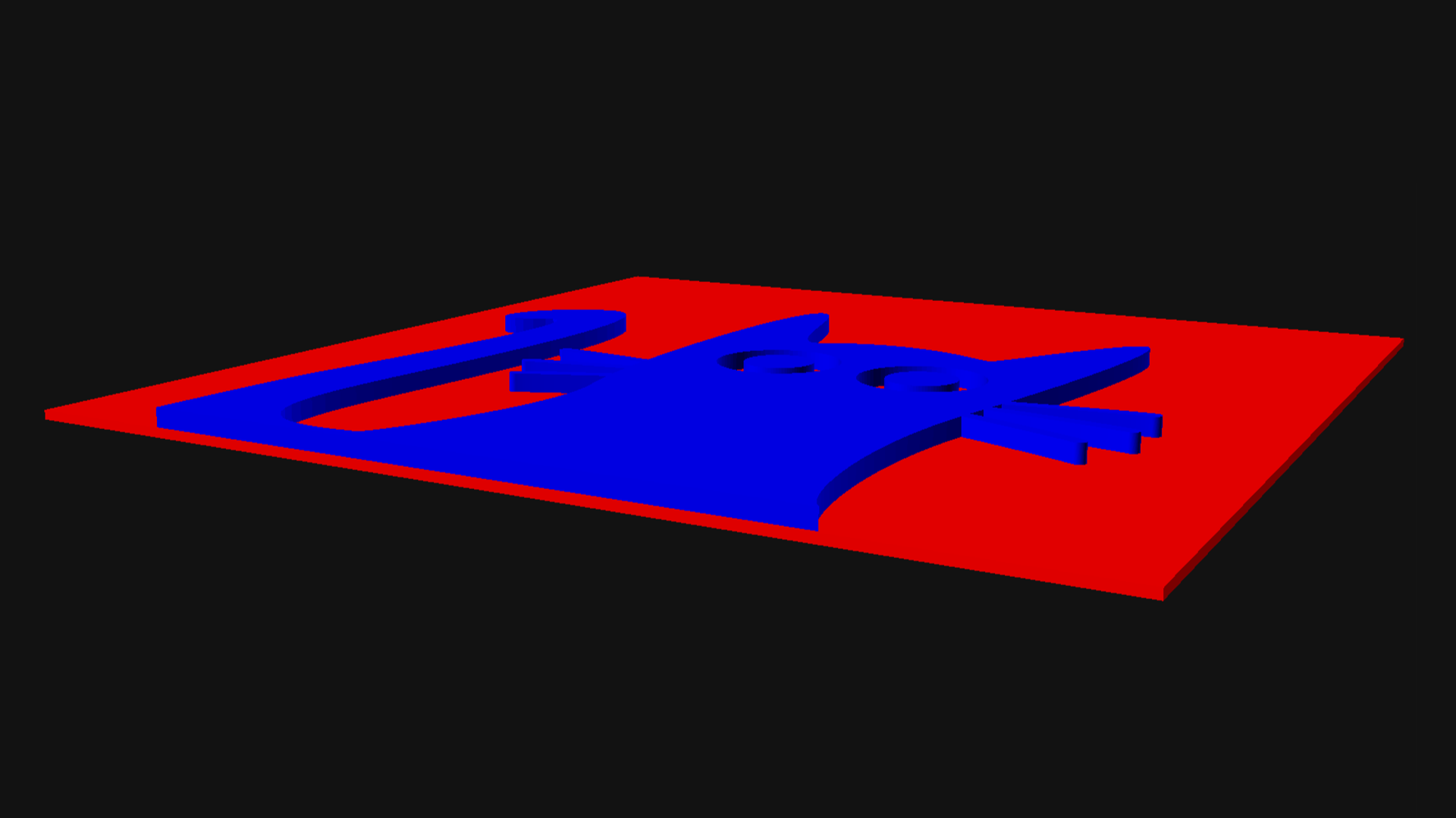
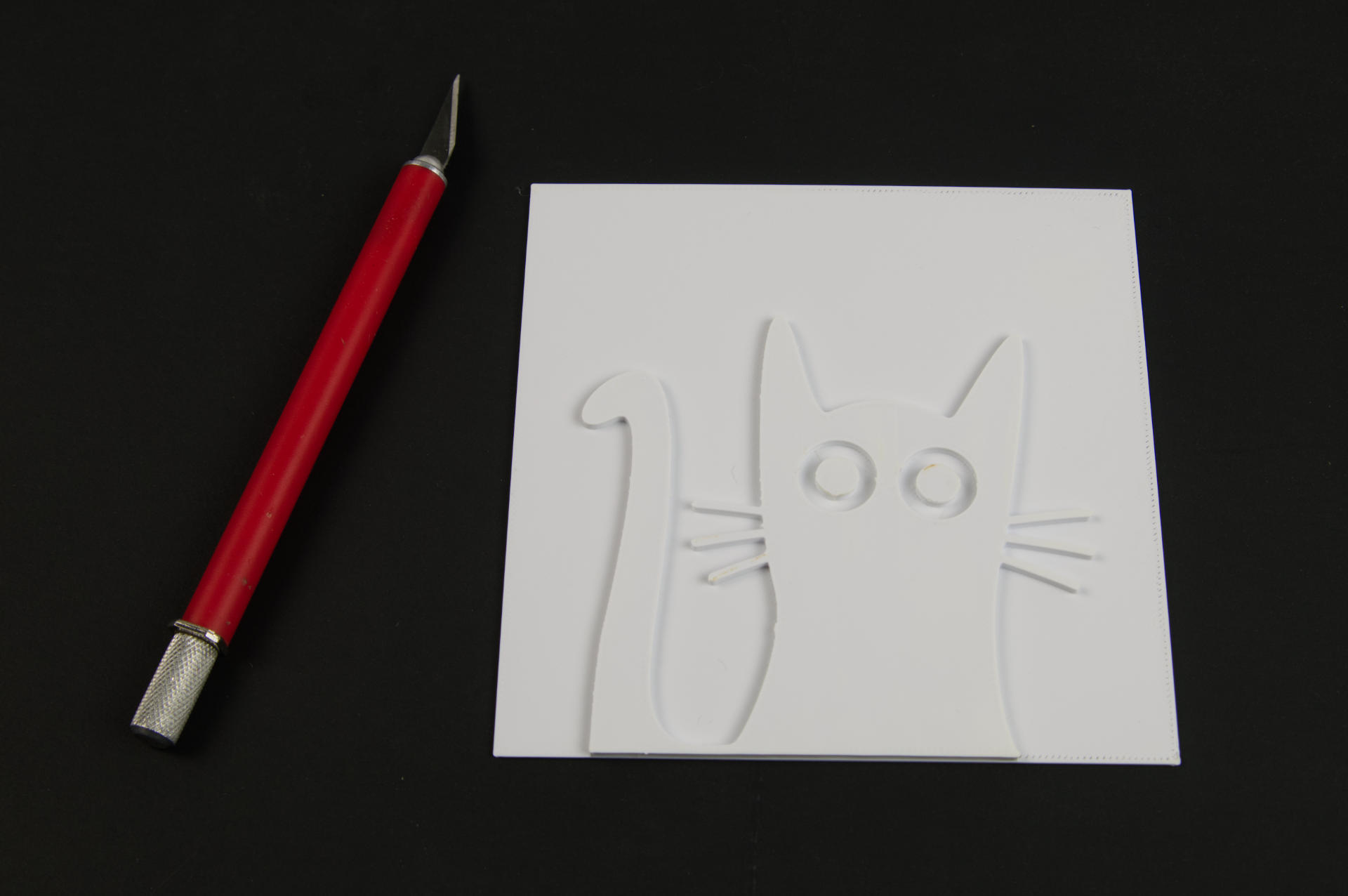
Why make the plates 3mm tall? That works perfectly with my Provisional Press. If the plate needs a Base I make that 1mm thick, and the Art sits on the Base with the bottoms aligned. This means The bottom 1 millimeter is the Base, and the top 2 millimeters are the Art part of the plate that is the raised surface the ink will be rolled onto.

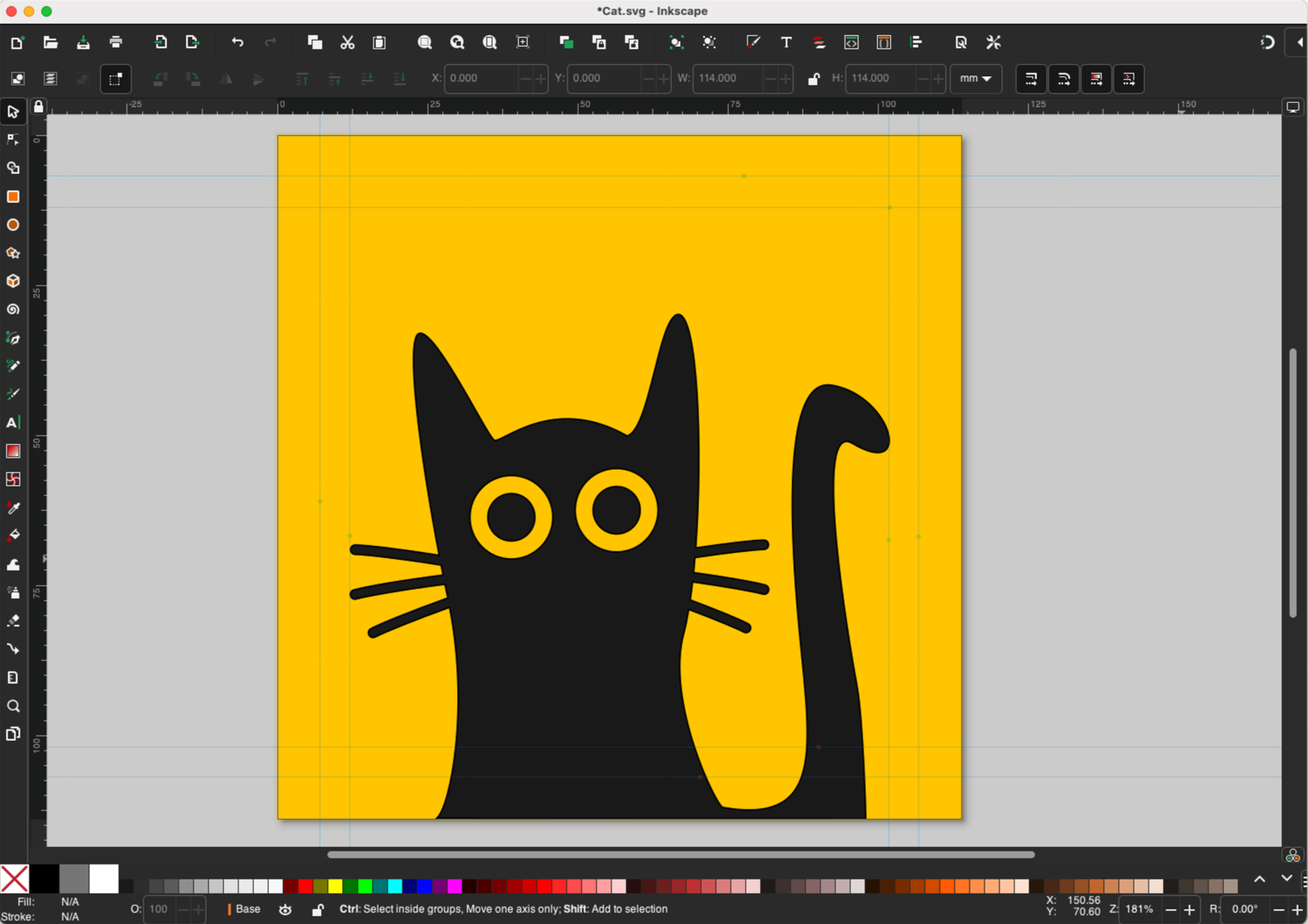
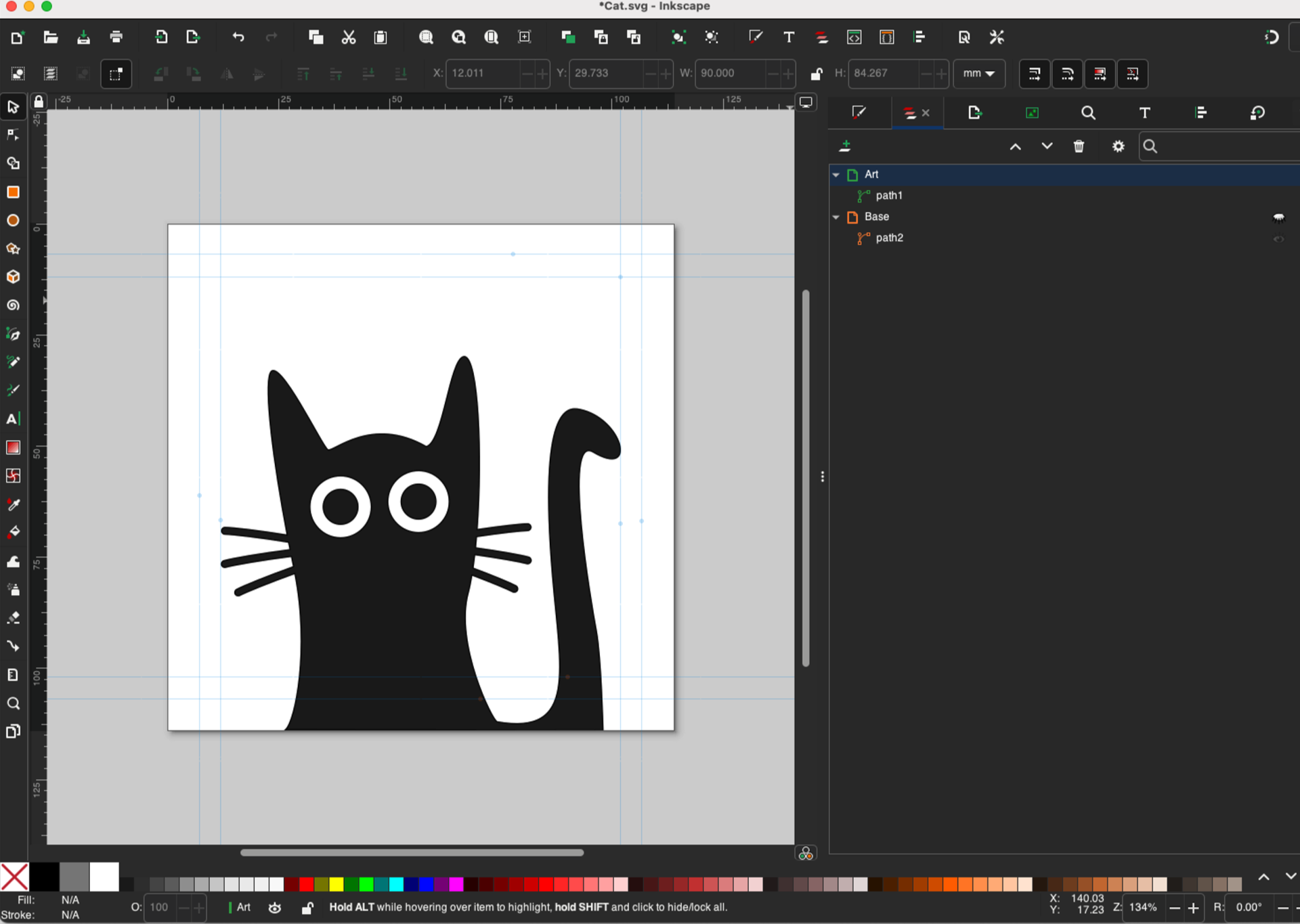
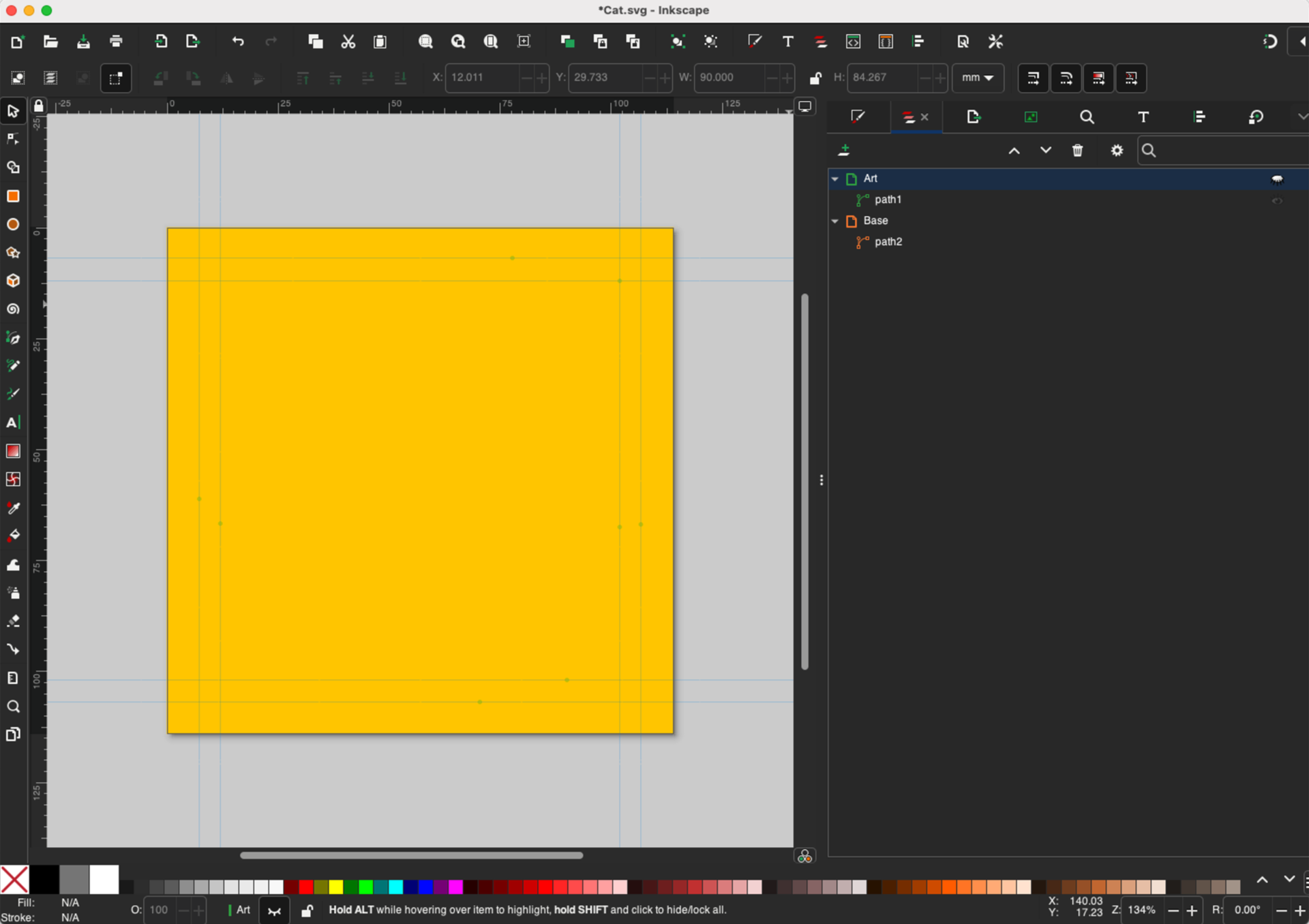
Here’s our example. It’s cat. The Art is black and the Base is gold. We’ve got the two parts on different layers though as long as they are two separate paths it doesn’t matter too much.

We hide the Base and then Save a Copy with just the Art layer visible. We’ll name the file Cat Art.svg

Now we’ll hide the Art and make the Base visible. Once again we Save a Copy. We’ll name this file Cat Base.svg

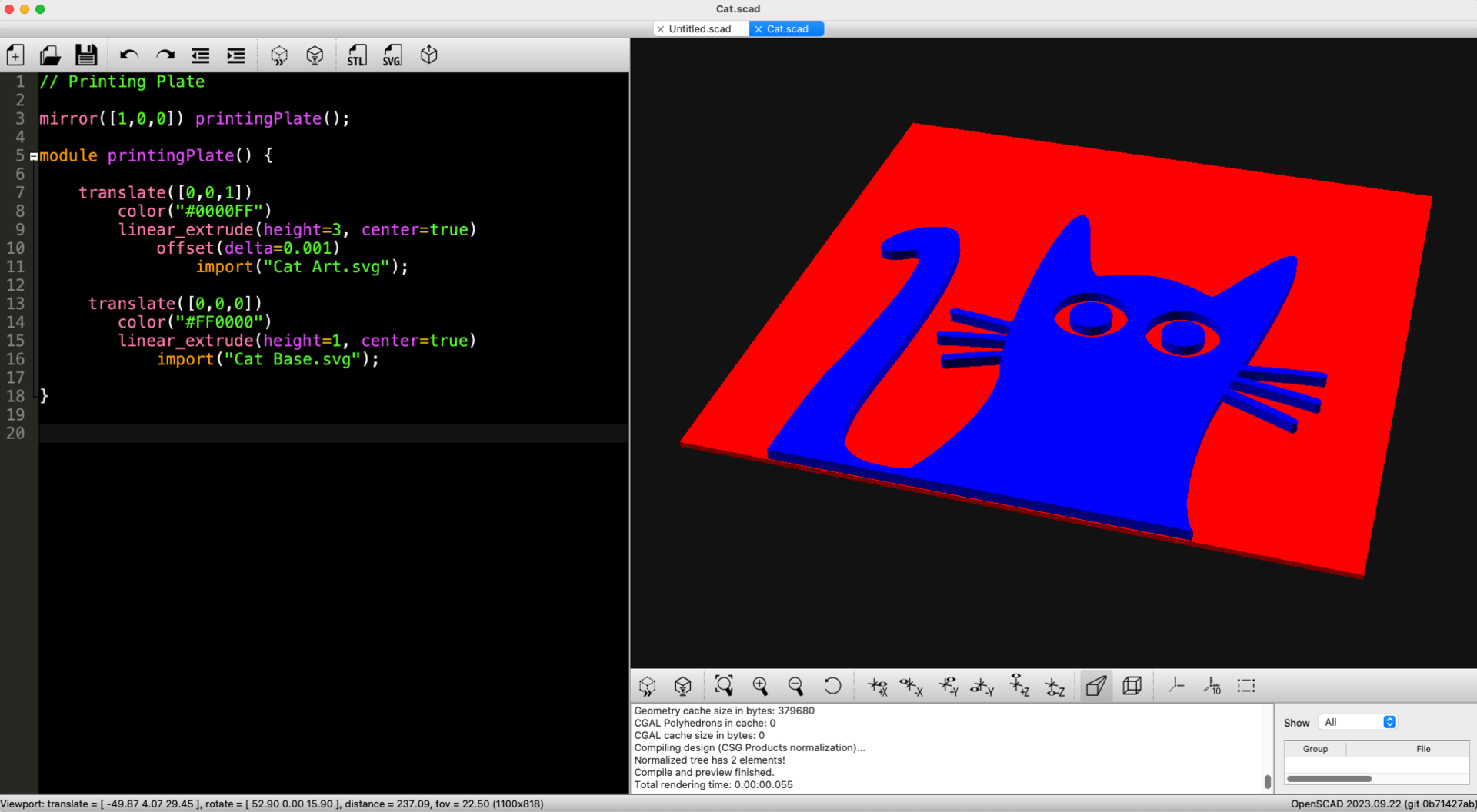
Next we need an OpenSCAD file to combine the two SVG files into a 3D model. (Grab the Cat.scad code if needed.) There’s one very important line in there. Line 10 contains offset(delta=0.001) This line fixes weird issues with SVG files.

If you’ve ever seen a Manifold conversion failed: NotManifold error when importing an SVG into OpenSCAD you probably know what a pain they are to debug. Anyway that offset thing prevents those errors.

Oh, the other handy bit is in Line 3 mirror([1,0,0]) this flips the model on the X axis so it is reversed and ready for printing.

Fun story, one of my old coworkers once etched a plate on the laser cutter which took over an hour. When it was done they realized they forgot to flip it!

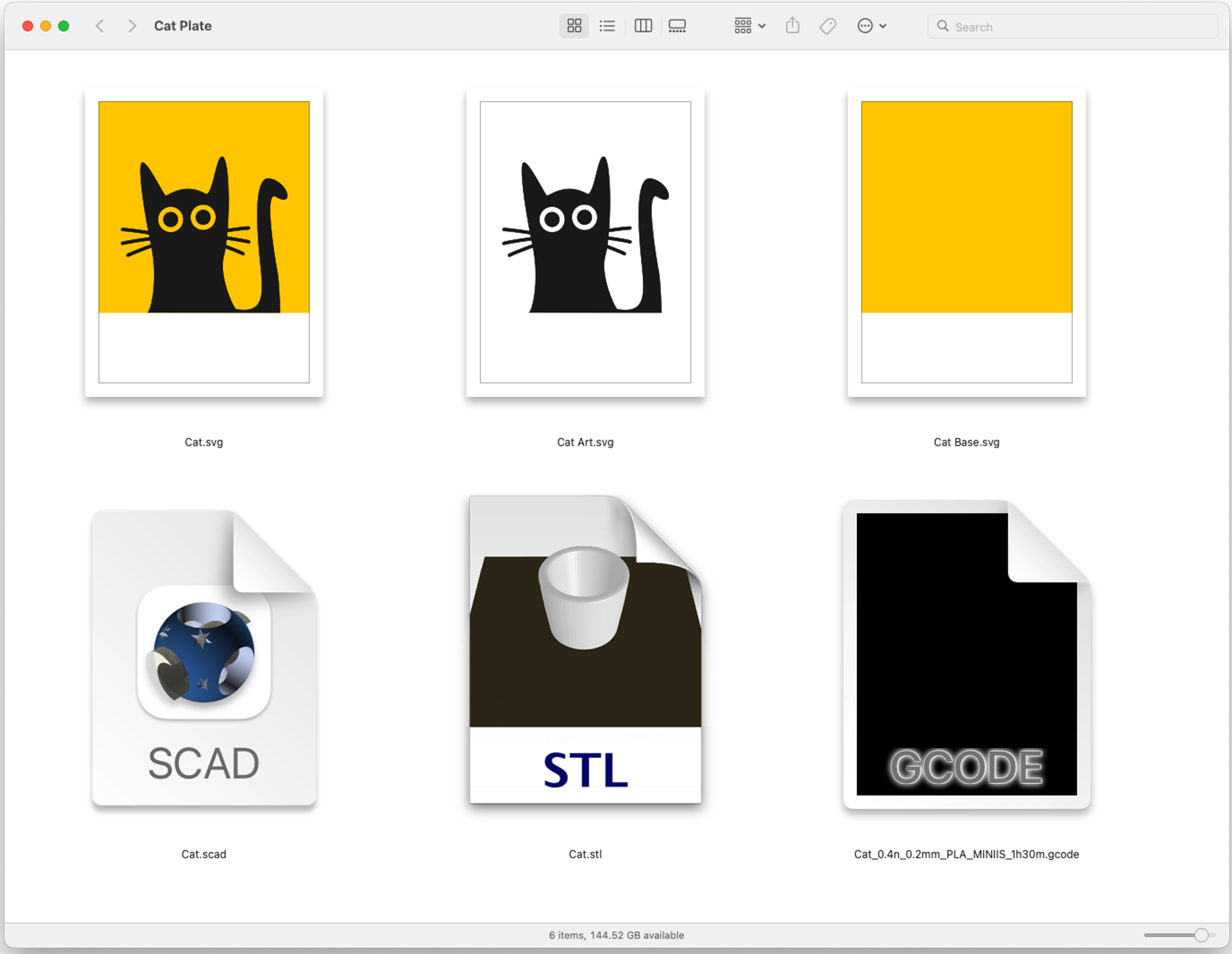
Once you’ve got your two files (Art and Base) and your OpenSCAD file to combine them, you can output an STL file. Once you have your 3D model in the form of an STL you can slice it and print it. (Don’t forget to turn on ironing!)

Now you’ve got a plate and you’re ready to print… Good Luck!