
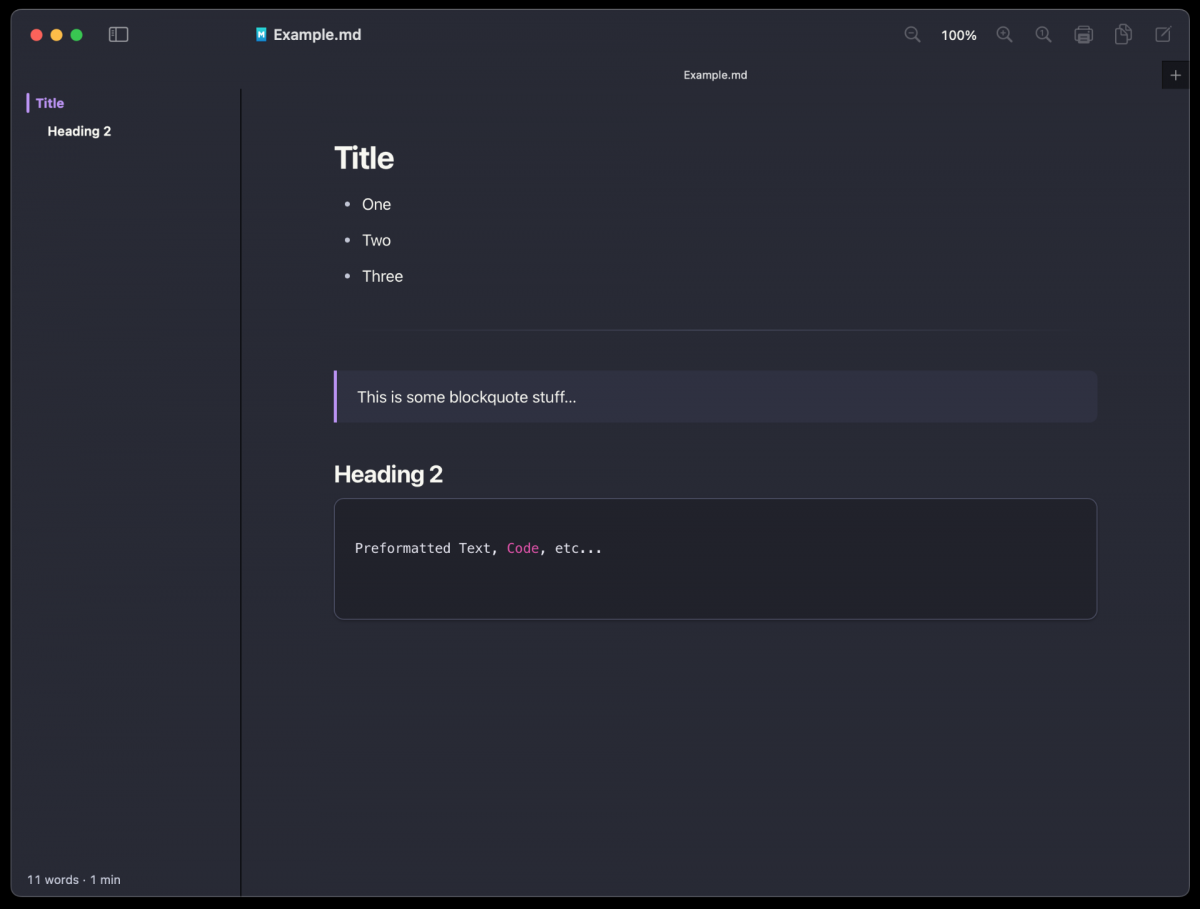
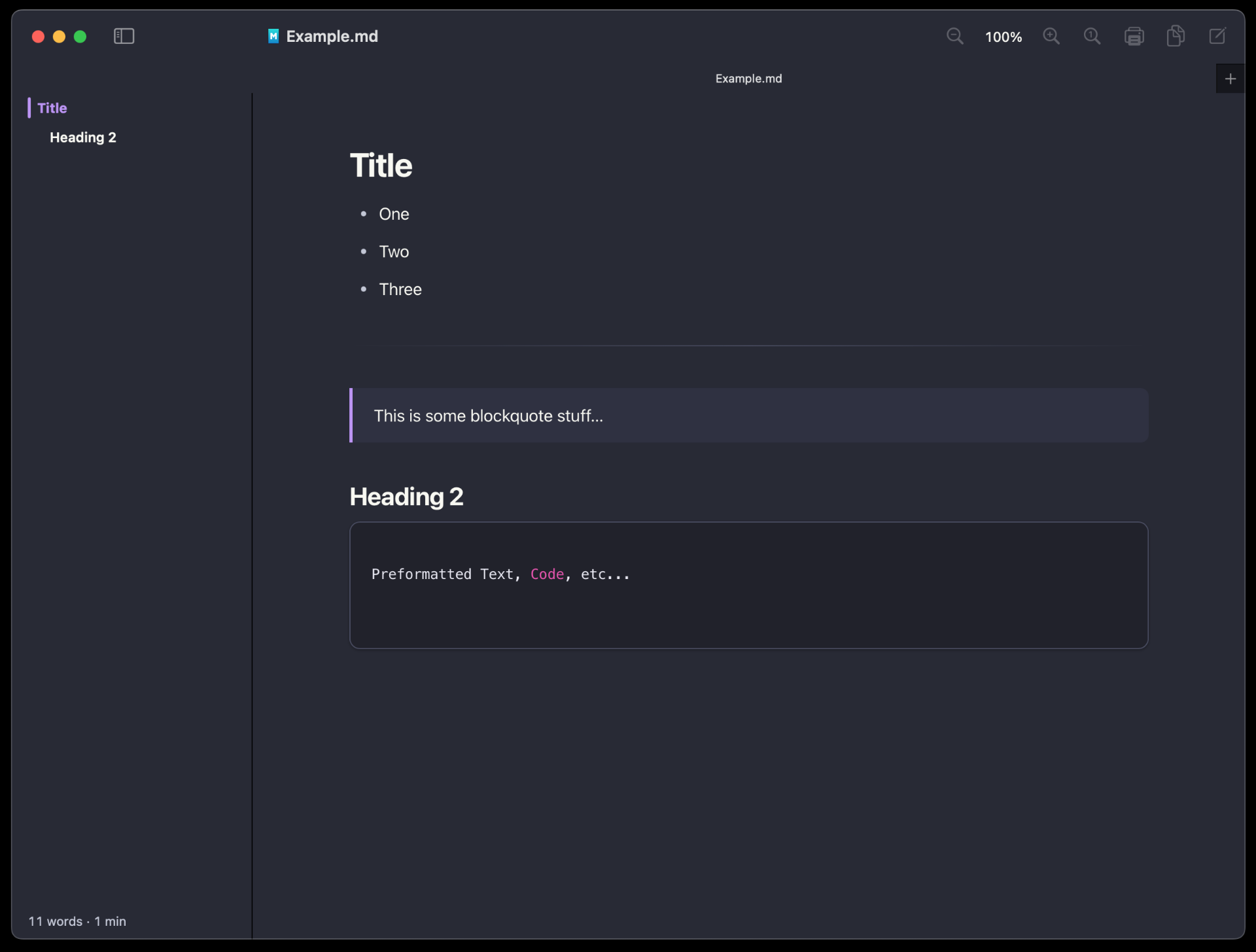
The author of MacMD Viewer got in touch with me and asked if I would be interested in looking at it. It’s a commercial application with various pricing, starting at $19.99 for use on a single computer (at a time), and while I’m glad it’s a one-time purchase and not a subscription, I don’t think it’s for me.
Here’s what the author had to say after reading one of my Bear posts.
MacMD Viewer is a small read-only Mac app for reading Markdown files, and readability is most of what it does: 12 themes, light and dark mode, zoom, and a spacebar preview in Finder. There’s no theme file to hand-edit, though.
It is a nice looking application, and if you want a commercial application that can read (but not write) Markdown files, maybe it’ll work for you. Here’s why it’s not for me.
Read-only? It just reads Markdown files. I also want to write in Markdown. I do it in Bear, and I do it in files that live in the file system. A Markdown file viewer isn’t useful for me.
It’s commercial… I mean, that’s not a deal breaker, and if it could write Markdown I’d like it much more. As it is though, I have a good solution with MacDown 3000, which is open source. But wait… First, see the comparison page.
MacMD Viewer seems to be all about AI, and if you know me… you know I hate AI. I actively avoid applications that have AI, were written with AI, or have anything to do with AI, but…
The world is complicated. While I love MacDown 3000, there are some issues.
Is MacDown developed using Claude? Sigh… it looks like it. And that’s the dilemma. MacDown 3000 is a tool I like/use, but it’s also open source. Would the maintainer drop developing it if they didn’t get assistance from AI to make development easier/faster? This is our modern day struggle.
And I have no solution… I absolutely want a macOS application that can read and write Markdown files. MacMD Viewer isn’t it. MacDown 3000 is it, but I don’t love the AI/LLM stuff, though if it’s only used for development and I never ever see any evidence of it while using the software, maybe I just have to live with that… for now.
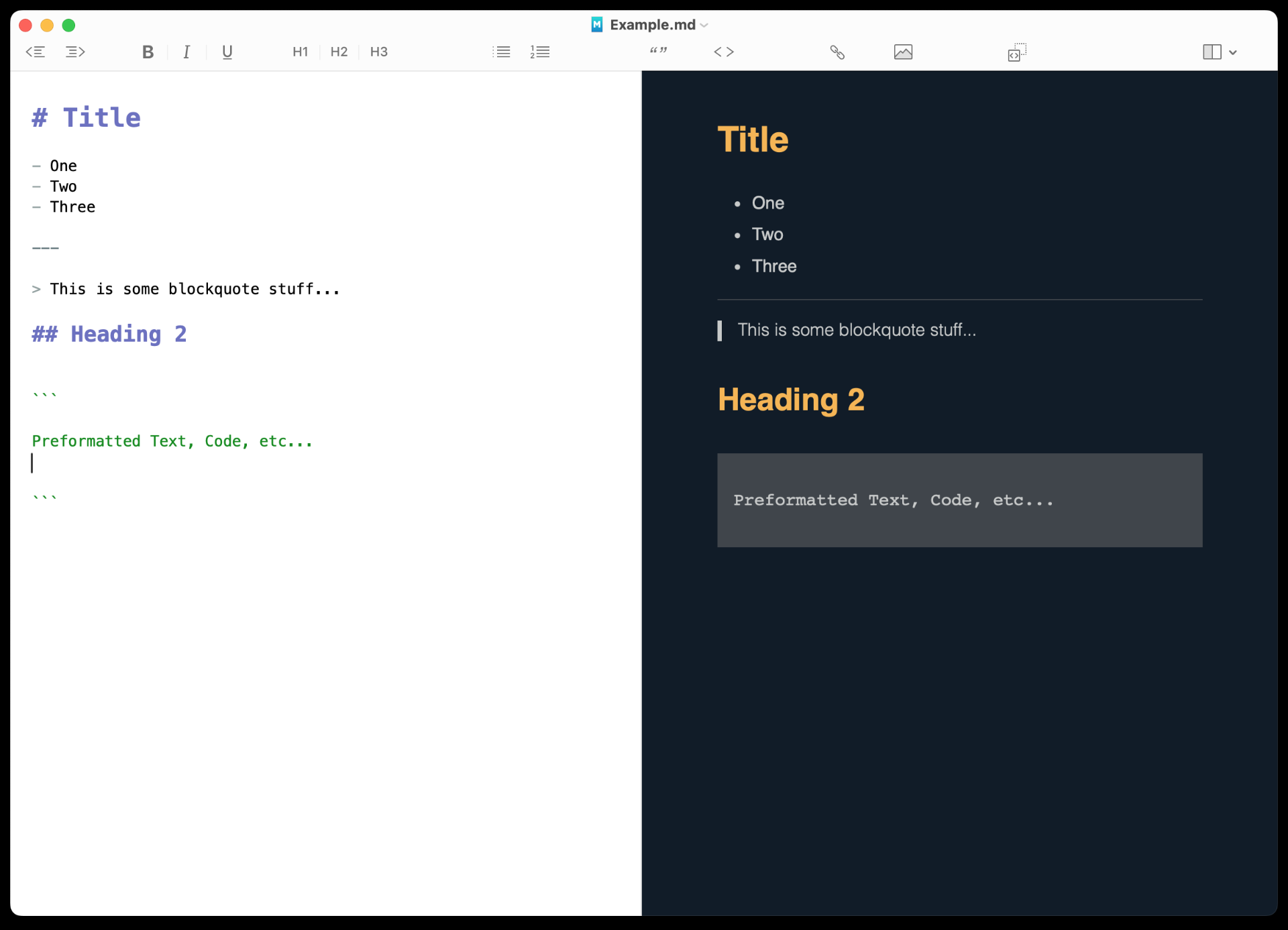
Here’s MacDown 3000 with a theme I edited to make look like my Bear theme. (Also, some Fediverse rambling.)