

(This post is Part 2 of my MadCamp ReCap. See the first post as well. In this one I’ll cover all of the sessions I attended)
How to make duct tape crafts
The first session I attended was led by Quinn, the 9 year old daughter of Andy Lester. She showed us how to make a pen and some duct tape into a flower. So in a room of 9 adults, none of us could make one as awesome as hers. This was a fun session, and would be perfect for KidsCamp at BarCampMilwaukee6.
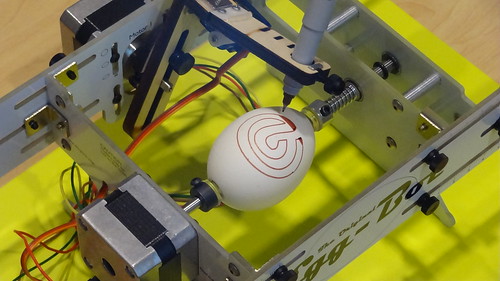
Introduction to the Egg-Bot
Hmmm, I don’t know that I can review this session, as I was the one who led it. I basically gave an Egg-Bot demo, and talked about what it does, and what I’ve learned, and showed some designs I’ve printed, and I threw some eggs. I then attempted to print a Bendyworks logo, and an Athmapolis logo. I guess this session went well, people seemed interested, but hey, who doesn’t love an Egg-Bot!?
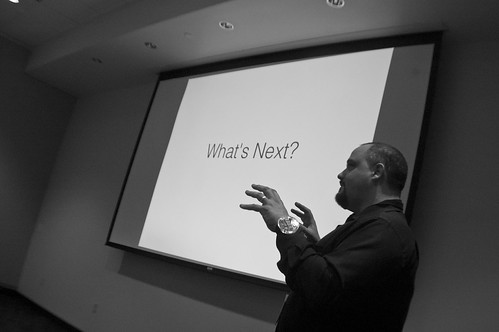
How I made a CNC laser with junk from the basement
I got to know Jason earlier this year, and he may be Beaver Dam’s most prolific maker. (But hey, it’s Beaver Dam.) Anyway, I think I helped convince him to attend, and even lead a session at his first BarCamp. He walked us through building a CNC laser device out of scrap (mostly old CD/DVD drives) and some parts that had to be bought. Great session! I love hearing makers talk about their projects.
Twilio Magic – building phone apps with a simple web service API
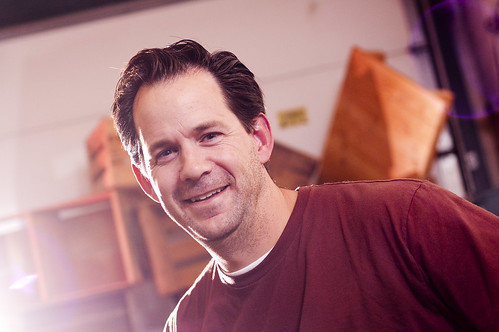
I actually only attended a few minutes of this session, which almost didn’t happen until I pointed out to Greg that the flyer mentioned a Twilio session. Well, I caught some crap from Greg because I cut out of this session to hit up the Hackerspaces talk going on 10 feet behind me. (To be fair, I finally got around to digging into Twilio the day after MadCamp, and I’ve already written some fun sample code.) Anyway, I’m familiar with Greg’s Twilio projects, and we even used one during the day, the MadCamp Notifier. (Note that the photo above is not from MadCamp, but a photo I took of Greg at BarCampMilwaukee5 last year.)
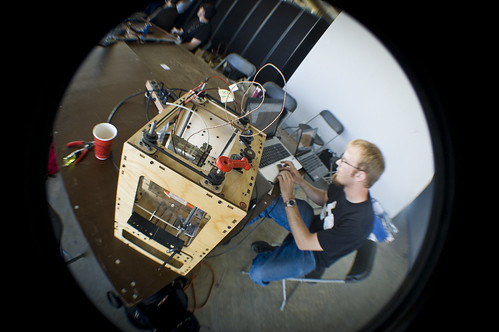
An Introduction to Hackerspaces, Makerspaces, and Coworking
This one was interesting. It was so interesting I left the Twilio session (sorry Greg!) because I was pulled in by what I was hearing. My disclaimer: I’m a member of Milwaukee Makerspace, but I am not an officer, or a founder, or in charge of anything. Anyway, the Sector67 guys led this, and talked about how they run their space. I brought up a few points about how Milwaukee Makerspace does things (or at least how I understand they are done) and I sort of felt like there was a little tension about the differences between how the two places operate. In talking to other later, people were not surprised, stating that almost every space will operate differently, and often one space will thing they are doing it exactly the right way. :) I’m really hoping that at BarCampMilwaukee6 we can have a talk with people from Milwaukee Makerspace, Sector67, Pumping Station: One, and Twin Cities Maker, since all groups will have people present. I should probably propose this to all of those folks. It could be a great learning experience.
Introduction to 3D Printing (MakerBot/RepRap)
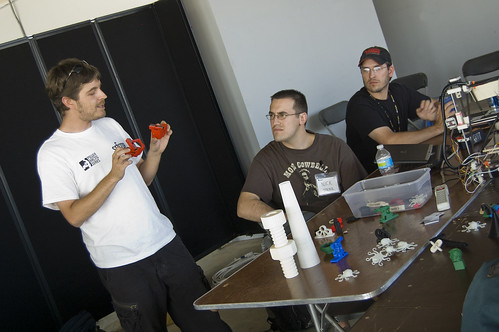
This one was simply awesome. I’ve been in love with the MakerBot for some time now, and wanted more info. Joe from Sector67 gave a great overview of 3D printing, and also talked about (and had present) a RepRap machine. We saw a bunch of samples that had been printed, and at some point Chris did get the MakerBot talking to the laptop he had and we got some printing done. It sounds like Joe and at least one printer might also make it to BarCampMilwaukee6 as well, so get ready for more 3D printing fun.
Lightning Talks
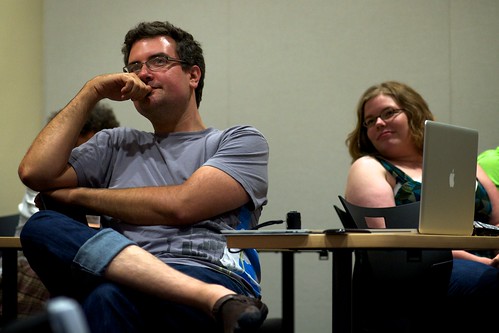
The Lightning Talks, just like last year, were a lot of fun. I just wish more people would do it! I think if you didn’t lead a session, you should jump at the chance to do a Lightning Talk. If they didn’t stop me, I’d probably do 5 of them. Seriously. It’s just 5 minutes, talk on any subject, I tend to go pretty fast, so I hope it’s not boring. (I did the Time Lapse Bot again, and showed the raw footage from earlier in the day.) I have some favorites, but I also have an audio recording of them all to publish, so I’ll wait until I do that before I get into those…
So that was MadCamp (aka BarCampMadison the 4th.) I enjoyed it, and I await the next one. In the meantime, BarCampMilwaukee6 is coming up soooooon.


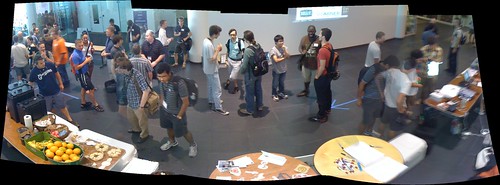


 This is a session by Dan from