Categories
Uncategorized

Custom Lighting Controller

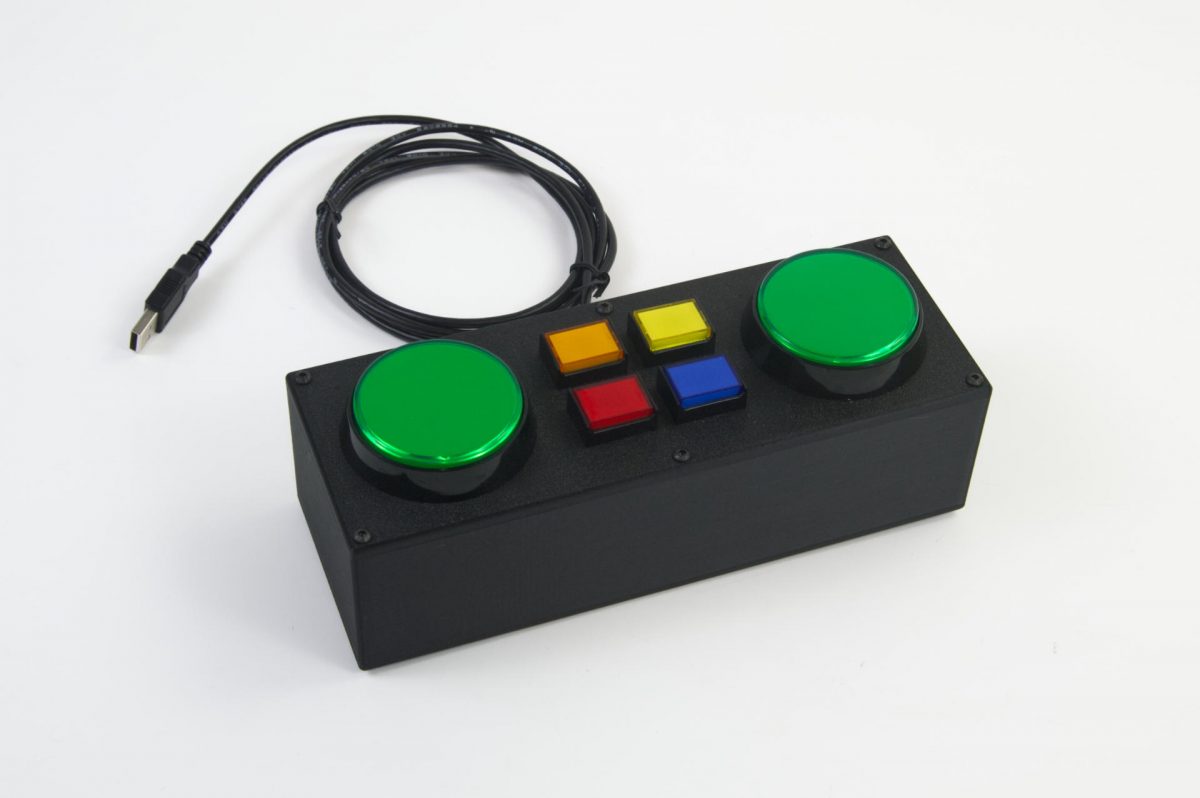
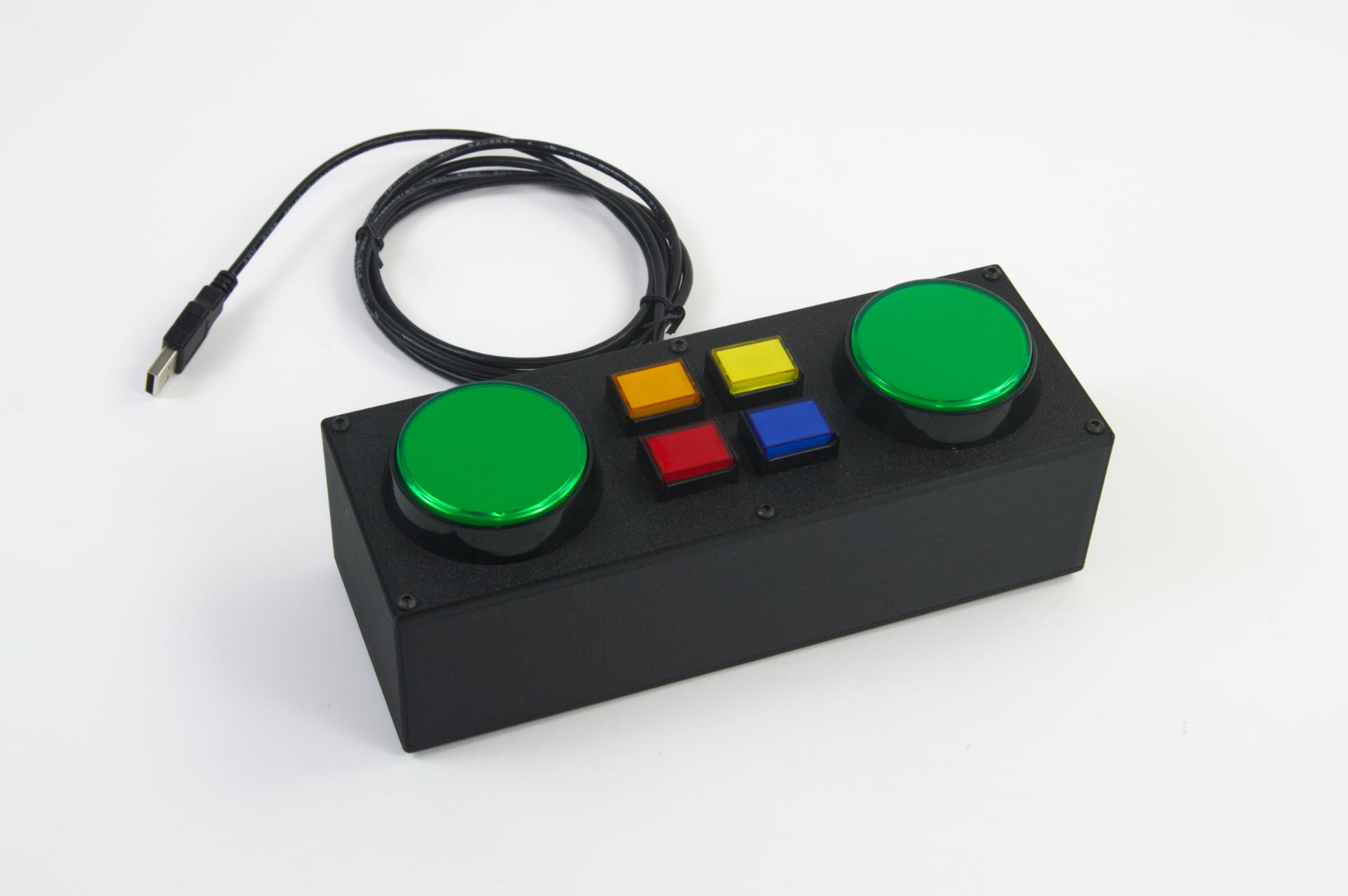
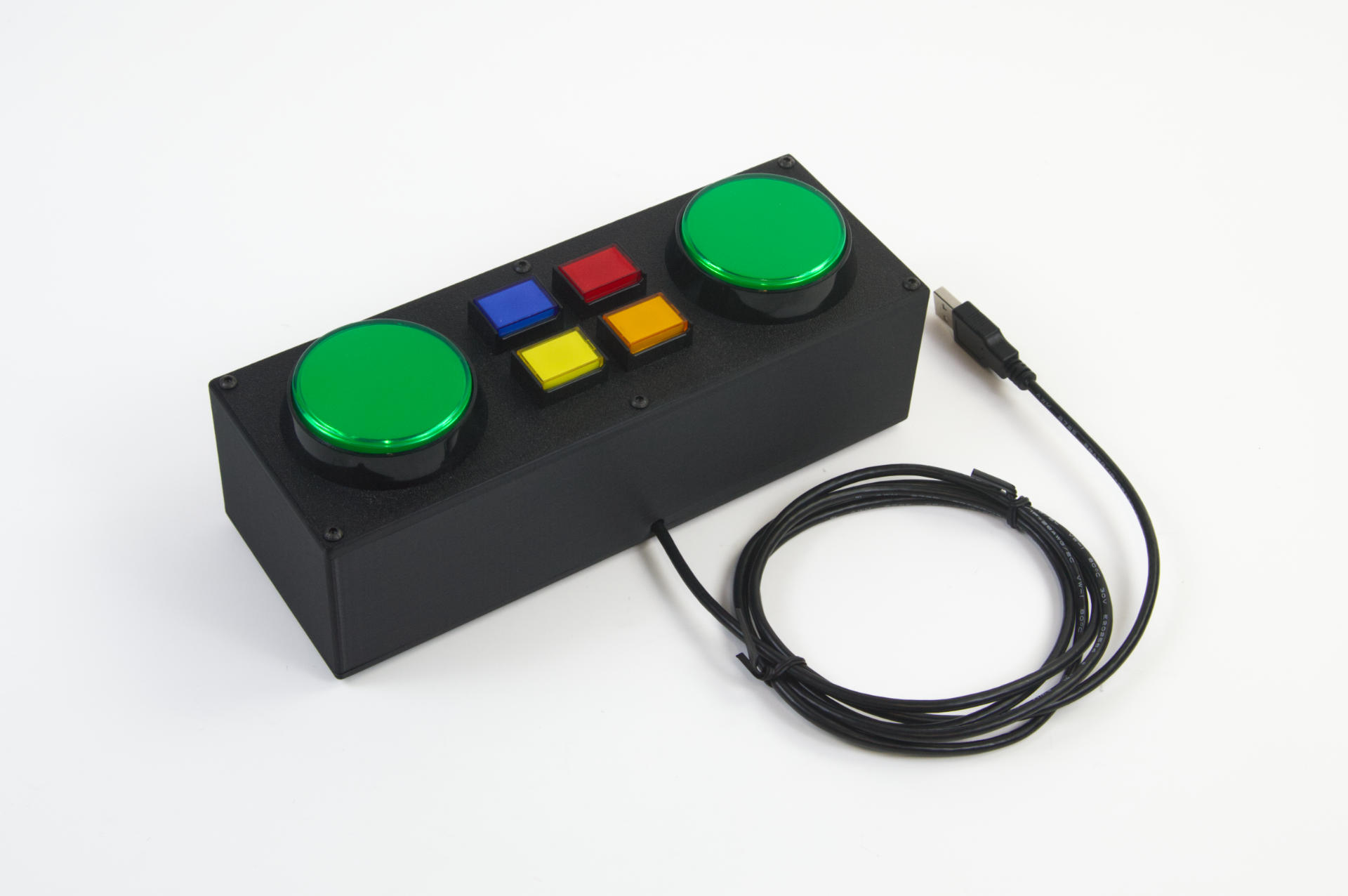
I was contacted by someone wanting a custom controller to work with the lighting control software they used. The controller would be programmed as a USB MIDI device and it just needed to send noteOn data to the software. I build controllers so how could I say no?
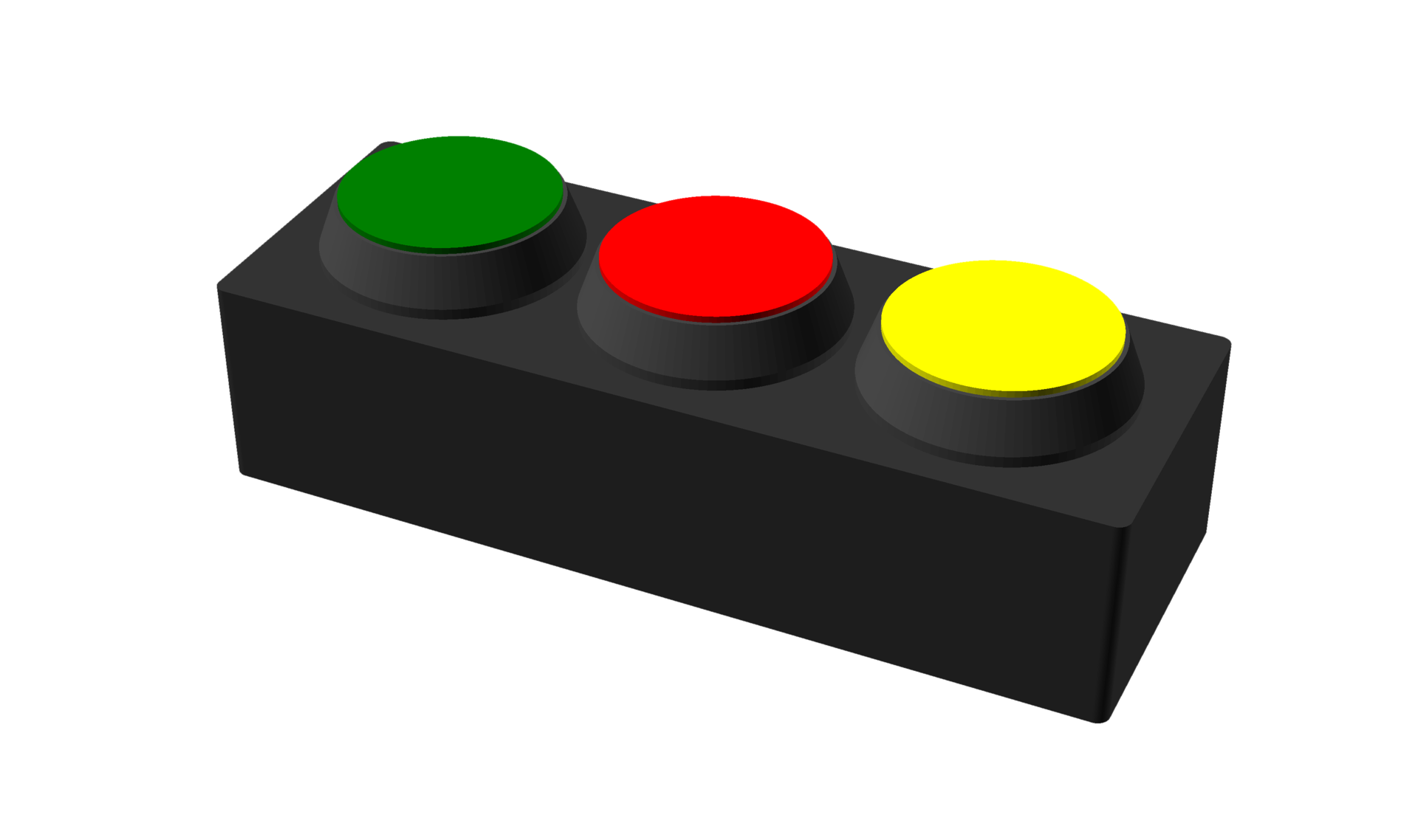
This was the first sketch based on our discussion, which had three 60mm diameter buttons. After some back and forth the client asked about adding more/smaller buttons, so we came up with this…
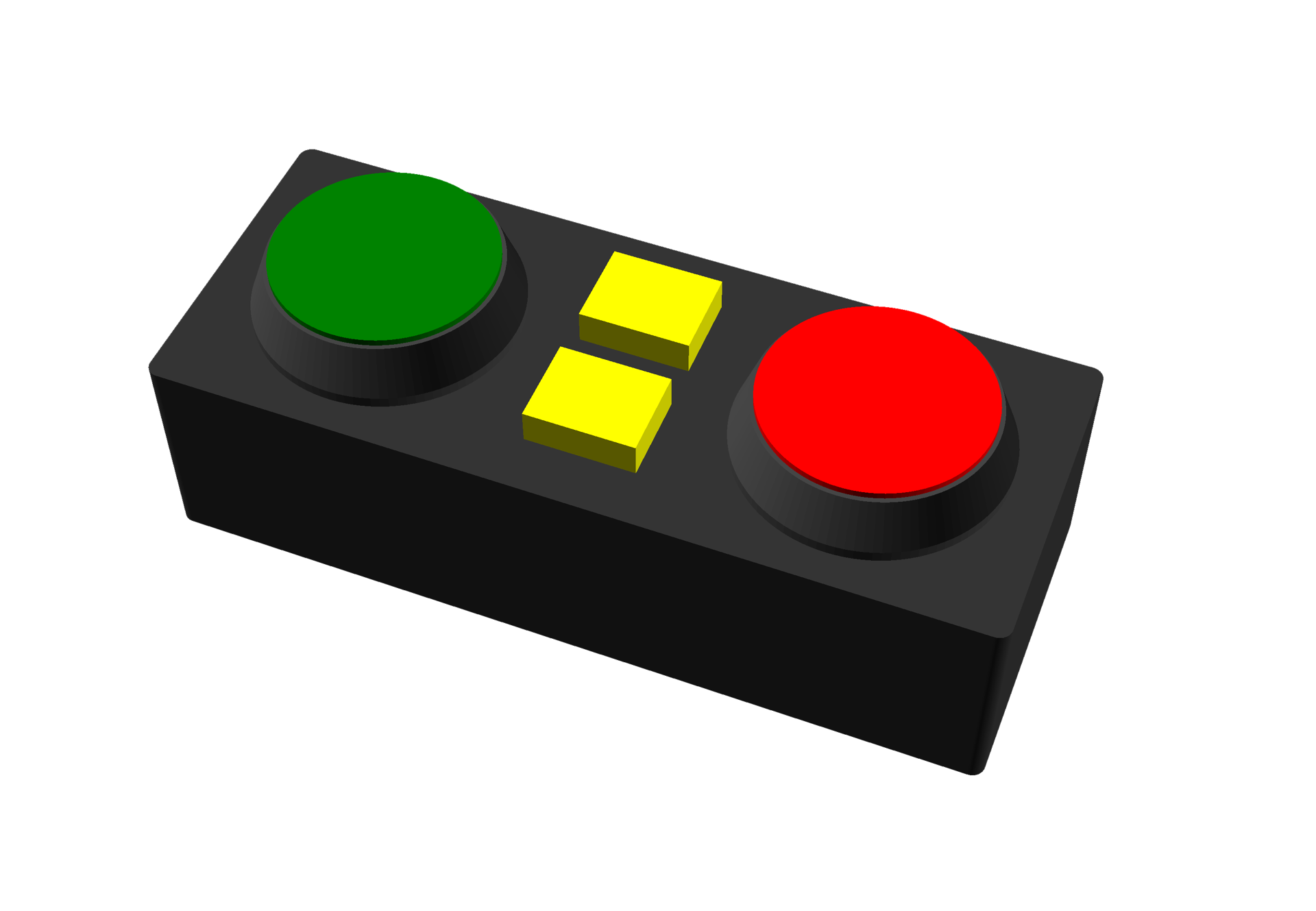
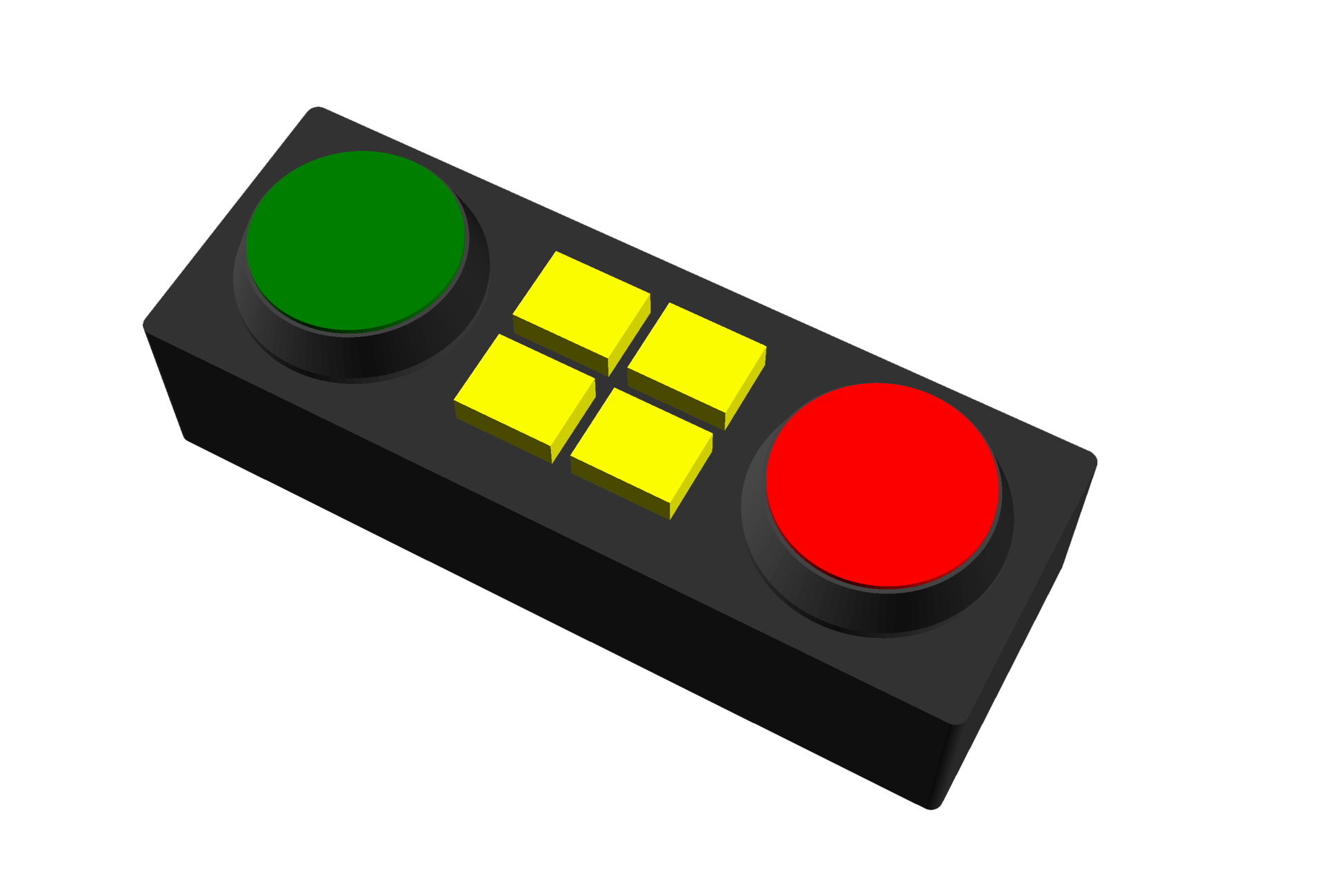
But they wanted to see a four button version as well as two buttons. These quick and dirty renders were mainly to show the spacing of things. Once we agreed on what it would consist of, I got to work. (I should note that sometimes I do 2D sketches in Inkscape for the client to see, and on occasion I do the sketches directly in OpenSCAD.)
For these projects I design the enclosure in OpenSCAD and try to make things parametric so it’s simple for me to change the dimensions of things if needed. I’ve got my own OpenSCAD library I use for this, and I continually tweak it to be exactly what I need…

I’ve found this to be what works best. I get the whole reusing of code, and I do that! In the past I’ve tried to use code that other people have written but usually hit a wall when I need to do something weird or something they didn’t anticipate. This way I know all the code and what it does and how to change it easily.
I should note that this isn’t your standard computer code that can do terrible things or compromise security if you do something wrong… it just renders a 3D object.
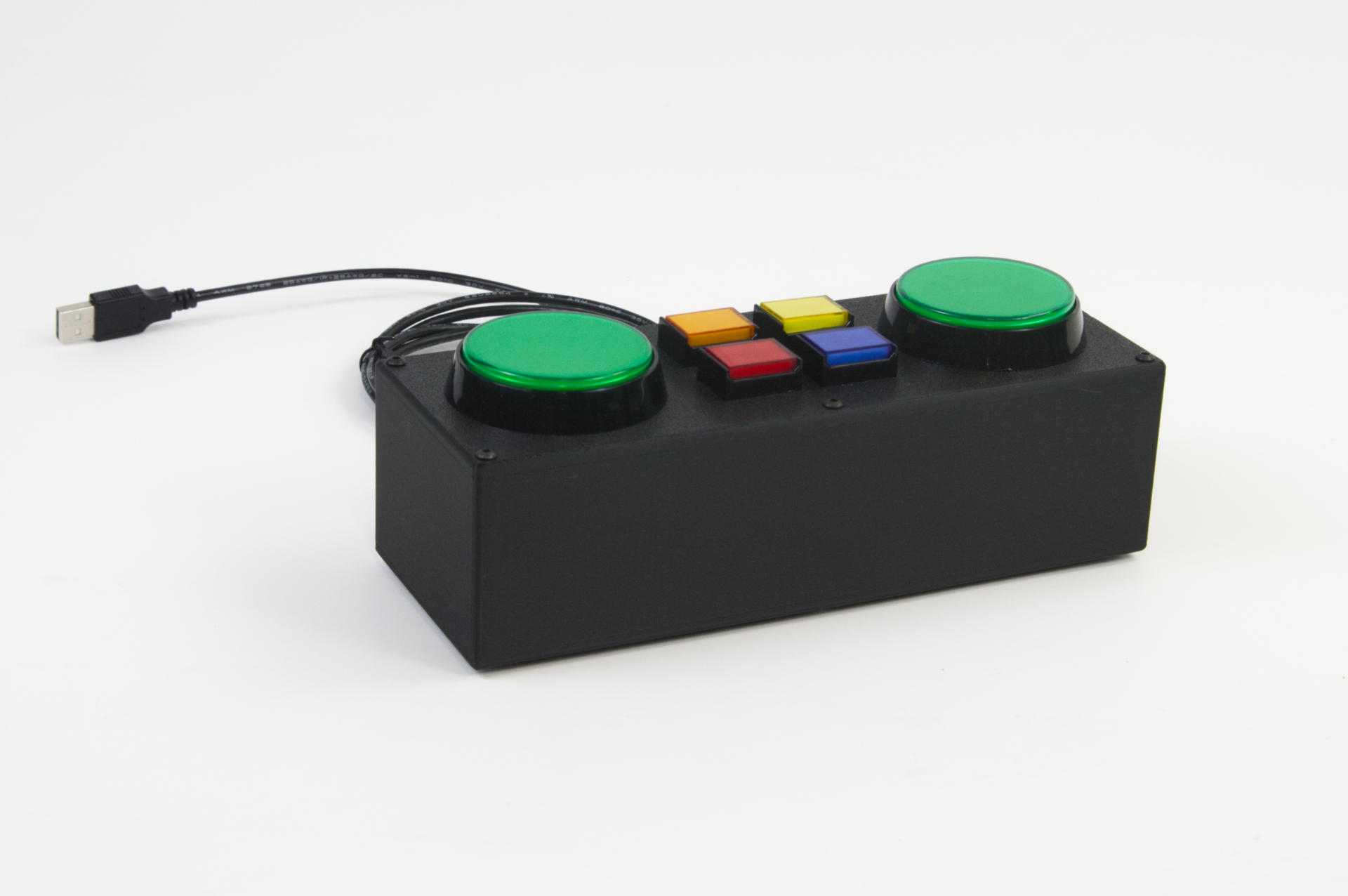
Anyway, the controller turned out well, the client was happy, and even sent me a thank you email once they got it and started using it. I really do like doing these custom projects, and I know that sometimes I may not charge enough but I am definitely learning things along the way and perfecting my process… and there’s some value in that for me, so I’m good with it.
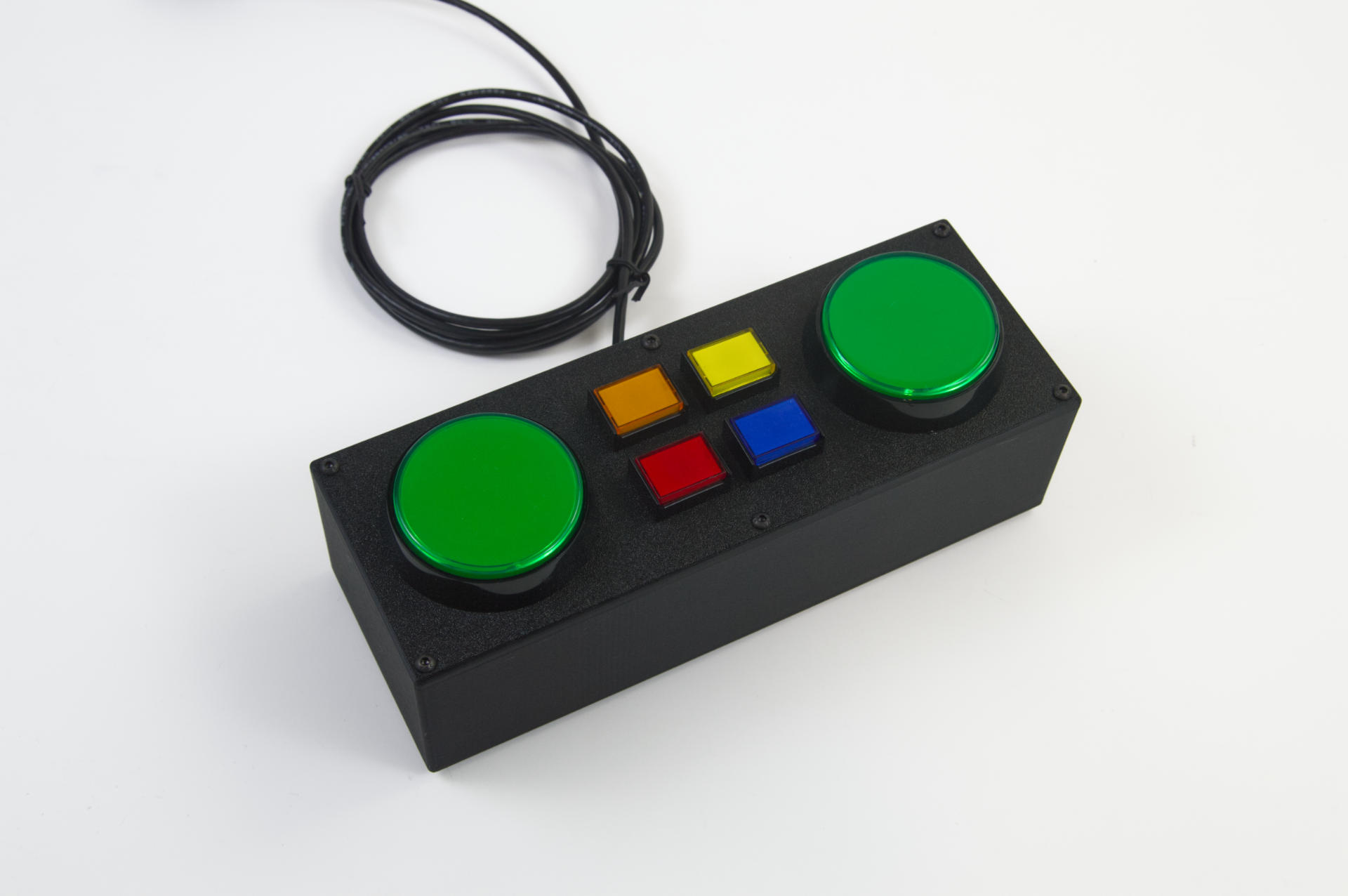
As always, if you need some custom built MIDI or USB controller, get in touch!
Categories
Uncategorized

Mouse Click Space Controller

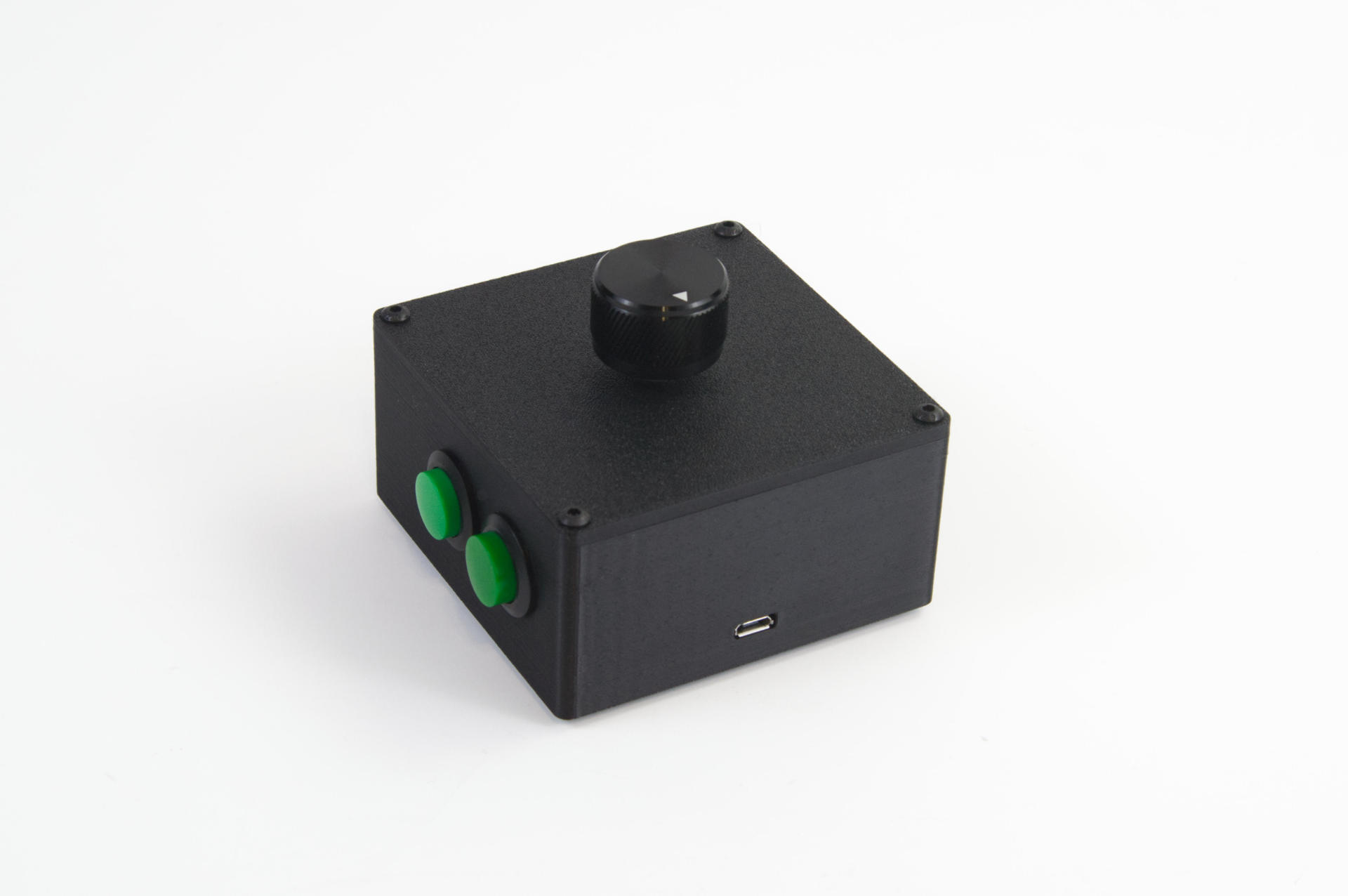
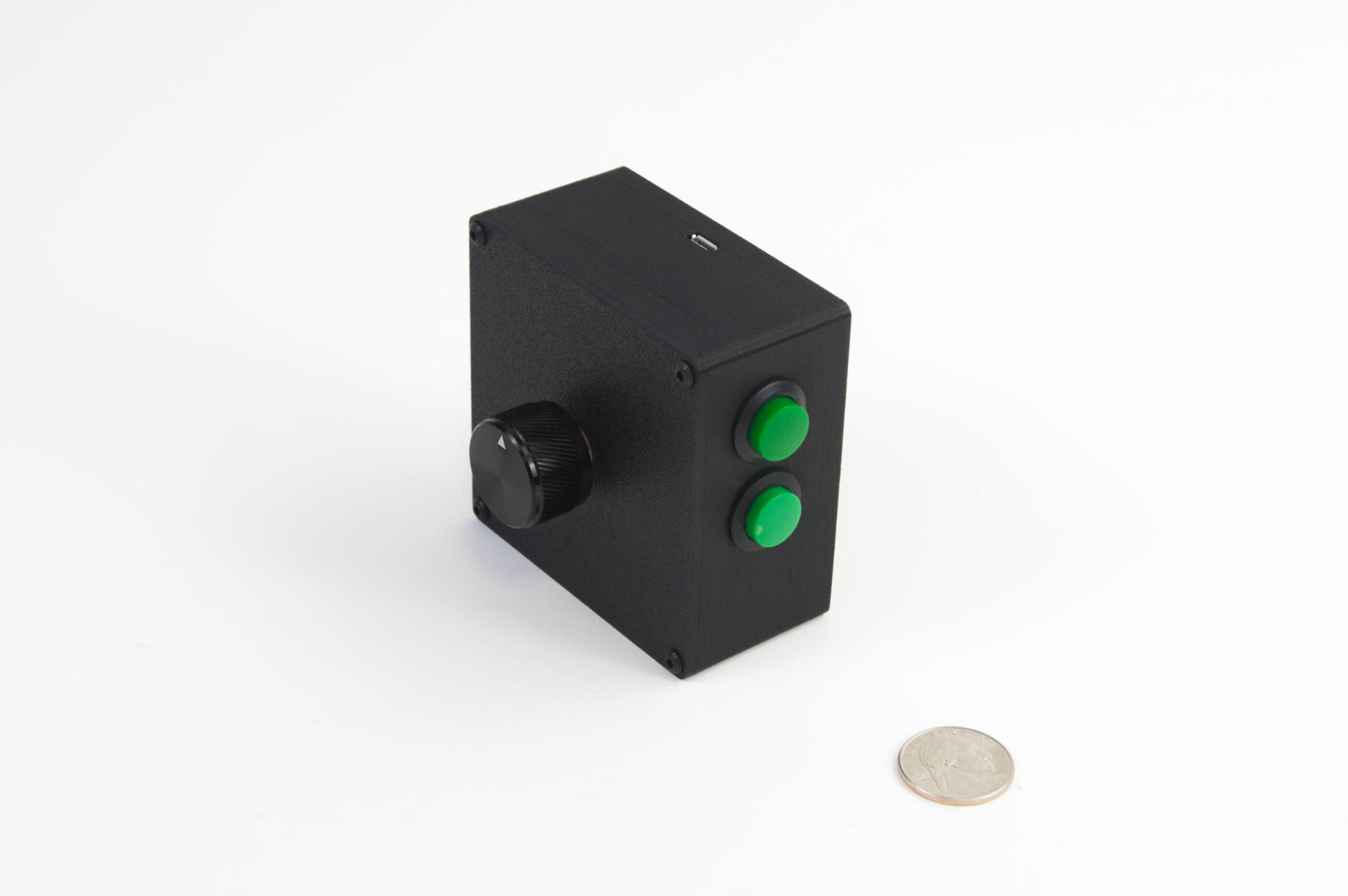
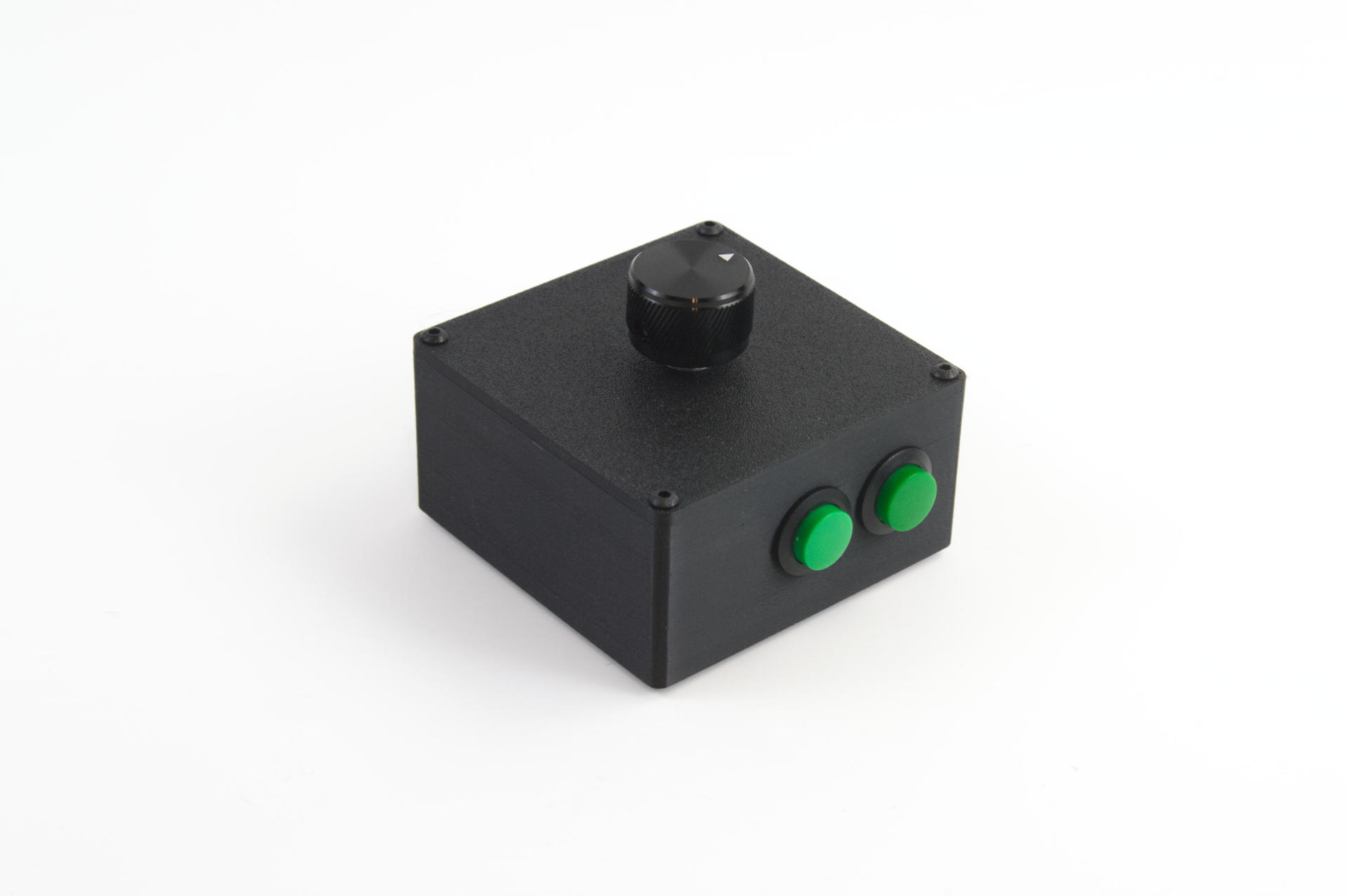
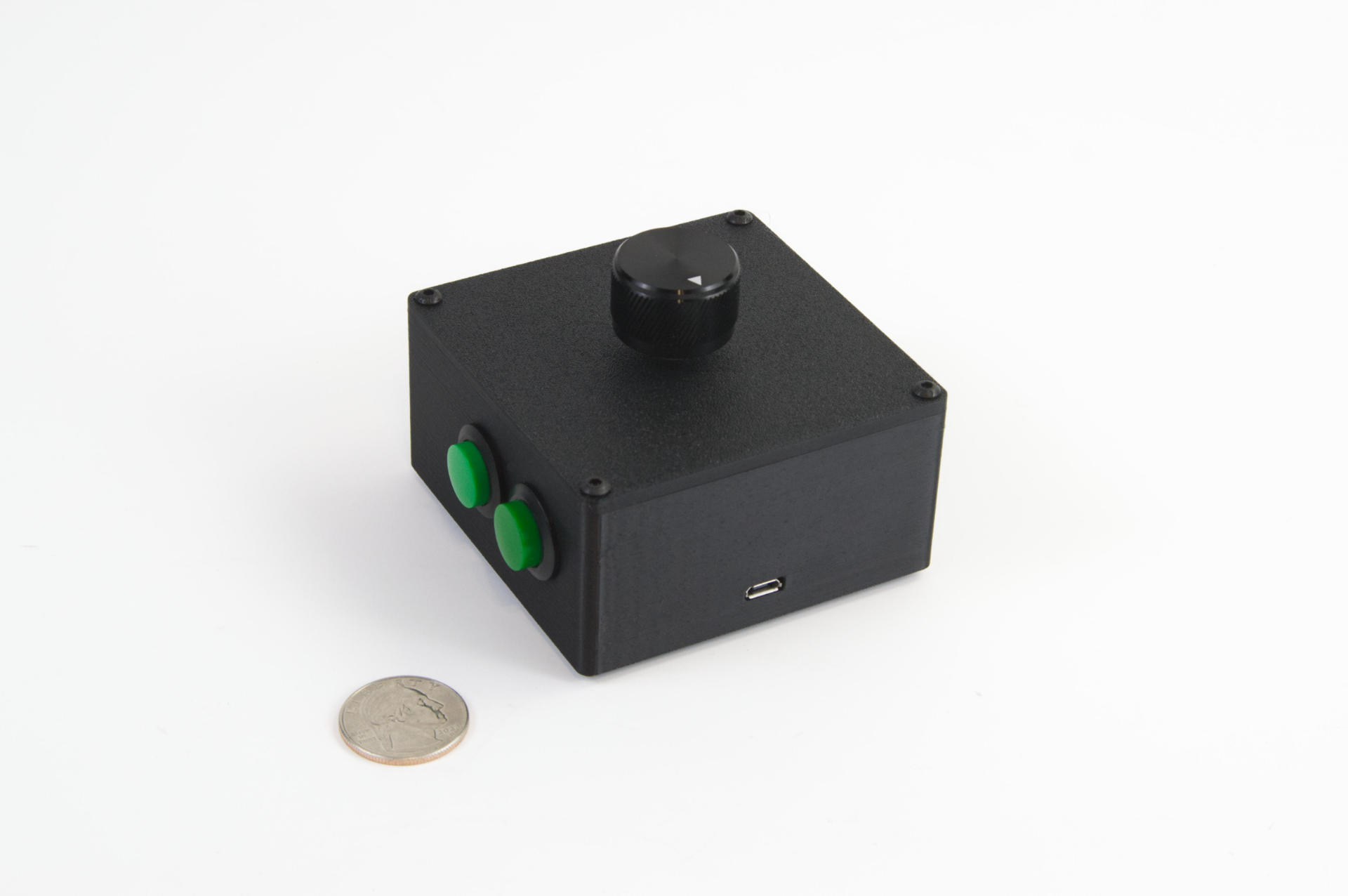
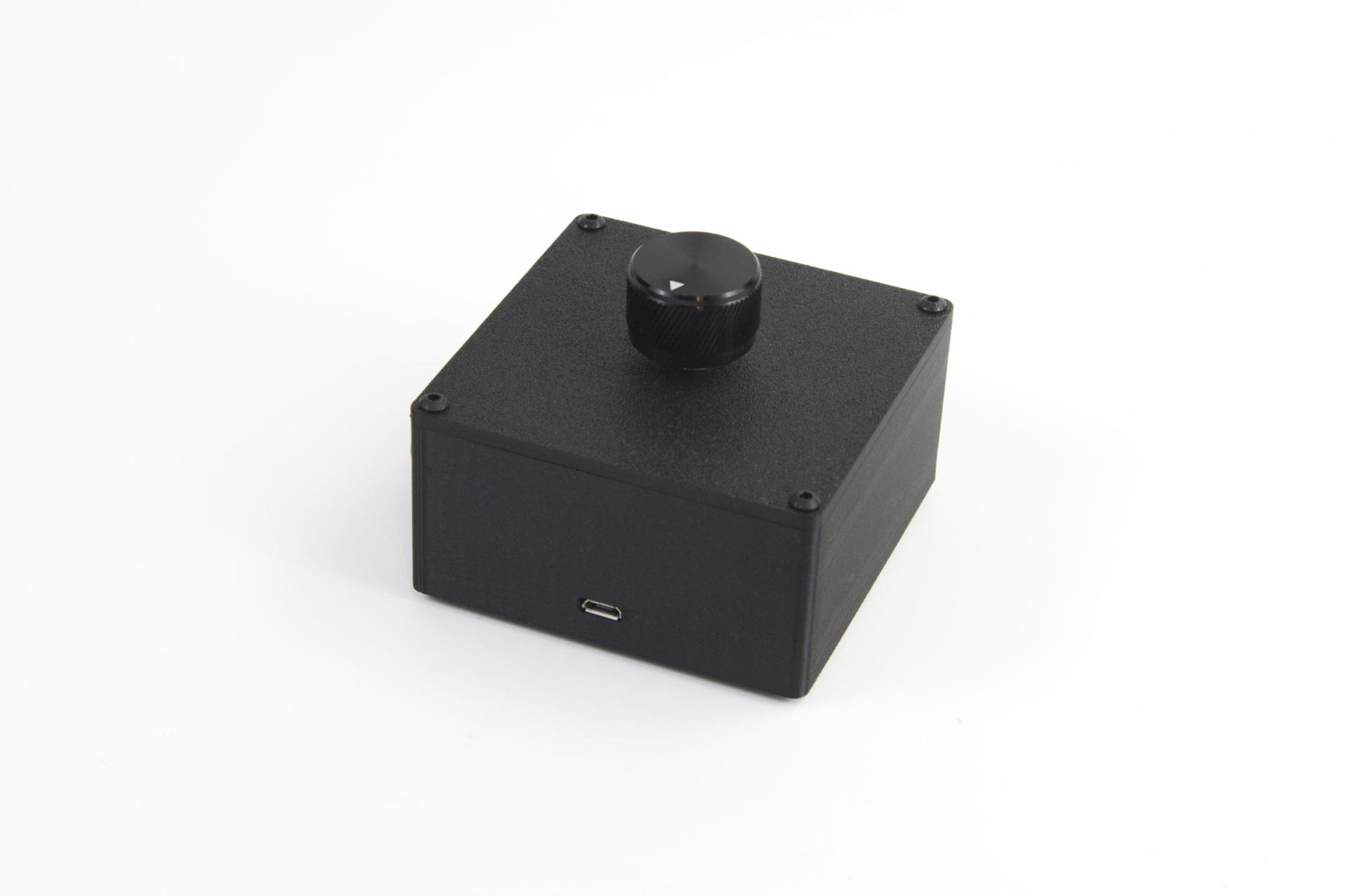
Someone who got one of my S1D Controllers and was using it with MAME got in touch with me and wanted a version with a few buttons added on. They said the knob programmed as a mouse scroll wheel was working great, but wished it also had a left and right mouse button so (based on a provided sketch) I adjusted the case, added two buttons, programmed the knob/button to send a space character, and that was it.

I’m glad I rewrite all my OpenSCAD code for generating enclosures a while back as that made things a bit easier, but honestly I can already think of some improvements, and may end up rewriting it all again in the future…

You can find out more about the S1D Controller on this wiki page. And yes, I did in fact create a wiki for all the products I’ve created, which you can find at codex.2xlnetworks.net. It also has links to custom projects a few guides, and other things. I want it to serve as a support site for the products I build.

Etsy has worked quite well for me, but I also want a separate space, and not necessarily a separate shop, so this was a good compromise and allows me to easily update things, add new stuff, etc. All the classic wiki jazz. (It’s sometimes hard to believe I’ve been using wikis for close to 25 years!)

Categories
Uncategorized

6 Button MIDI Controller

I was recently asked to build a 6 button MIDI controller. This will be used with a Midas M32R Digital Console by someone who runs sound production. They wanted (up to) six mute groups, so the MIDI Controller LC was a little short with only four buttons.

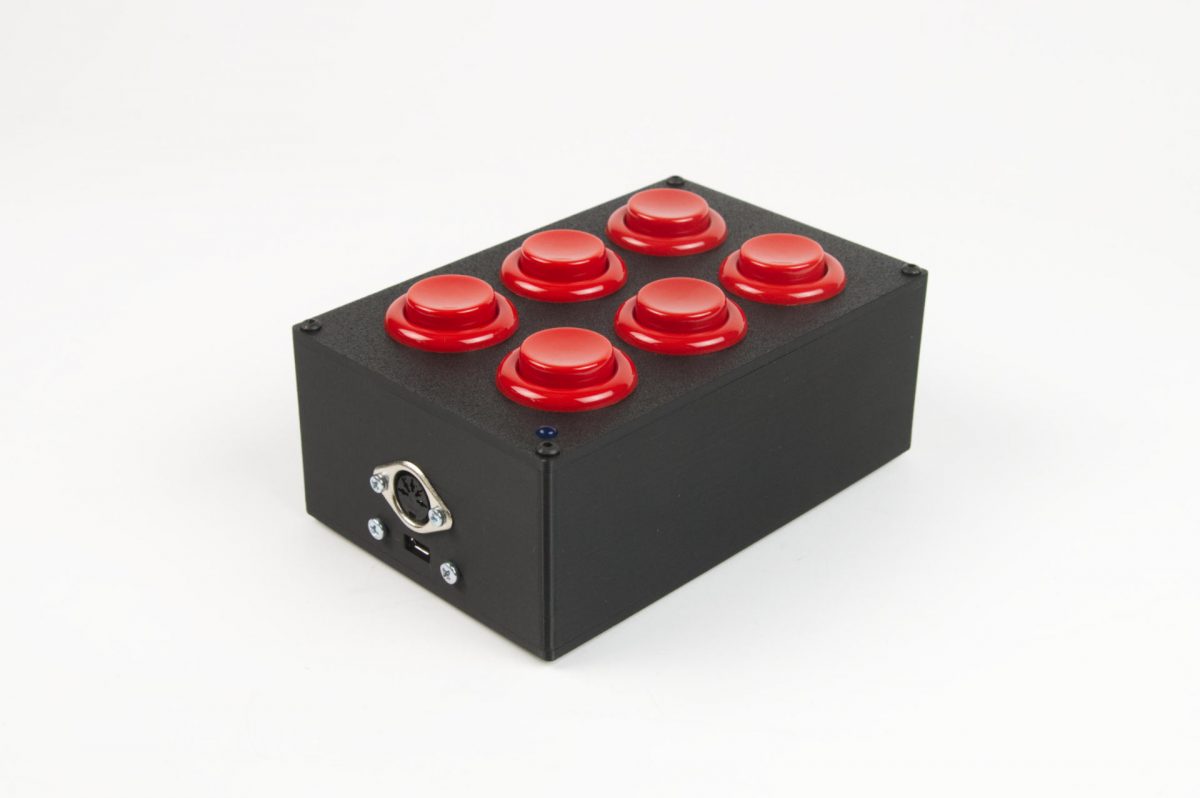
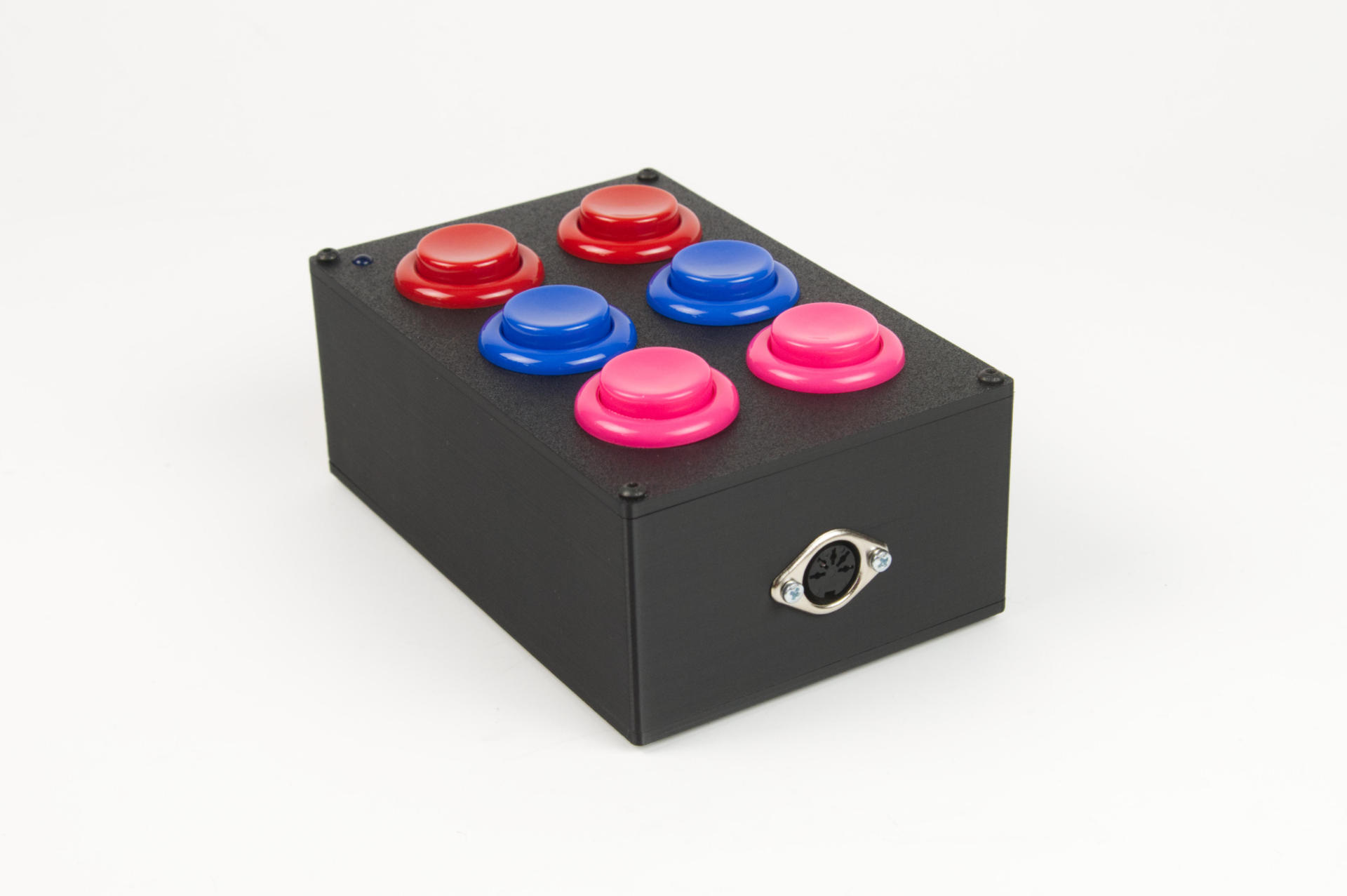
I ended up modifying the LC enclosure to fit two more buttons, and you’ll notice there’s actually a 5 Pin DIN MIDI output port on both ends. That was a request from the client, and fairly easy to do. Like most other MIDI controllers I build this one is powered via a Micro USB port. The nice thing about this is we can do USB MIDI output (if plugged into a computer) as well as standard MIDI out via the 5 Pin DIN ports. Alternately you can just power it via a standard USB wall wart power supply instead of a computer.

For the programming the client asked for something special as well. Instead of just sending a single MIDI command, it toggles between two different commands. I think the M32R expects one thing for mute and another for unmute. That was pretty easy to implement.

The bottom cover is removable in case the client ever needs a firmware update. Some of the devices I build have enclosures with small holes in the bottom to load the firmware without opening them up via access to a reset button. Not all devices have that, and it’s actually pretty rare that I do need to provide firmware updates, but it’s there if needed.

The client wanted all red buttons, though when I was sending in-progress shots I threw a bunch of other colors in for a quick photo.

As always, if you need some custom built MIDI or USB controller, get in touch!
Categories
Uncategorized

8K2 Controller and DM48X MIDI Harmonica

Back in 2020 I built something I called the 8K Controller which was a USB HID device that could send various key commands to a computer. I sold a few of them, but since it could also work as a USB MIDI device I ended up selling one to Jason Keene who is this amazing musician who plays a Lekholm DM48X Digital Chromatic Harmonica. (Yes, a MIDI Harmonica!) He wanted the controller to work with the AUM Audio Mixer on the iPad.

Now I don’t really know anything about the DM48X or AUM, but Jason worked with me to figure out the programming he needed, I wrote the code, sent him a controller, and it all worked! A few other people wanted the same thing, so I made a few more…

Jason had one request though… make it smaller. And I had one issue… the chip shortage. So to solve those two issues I did a redesign, made it a bit smaller, swapped out the microcontroller, designed a new PCB and enclosure, and made the 8K2 Controller. The name might not be great but you can get it on Etsy.

8K2 Controller on Etsy

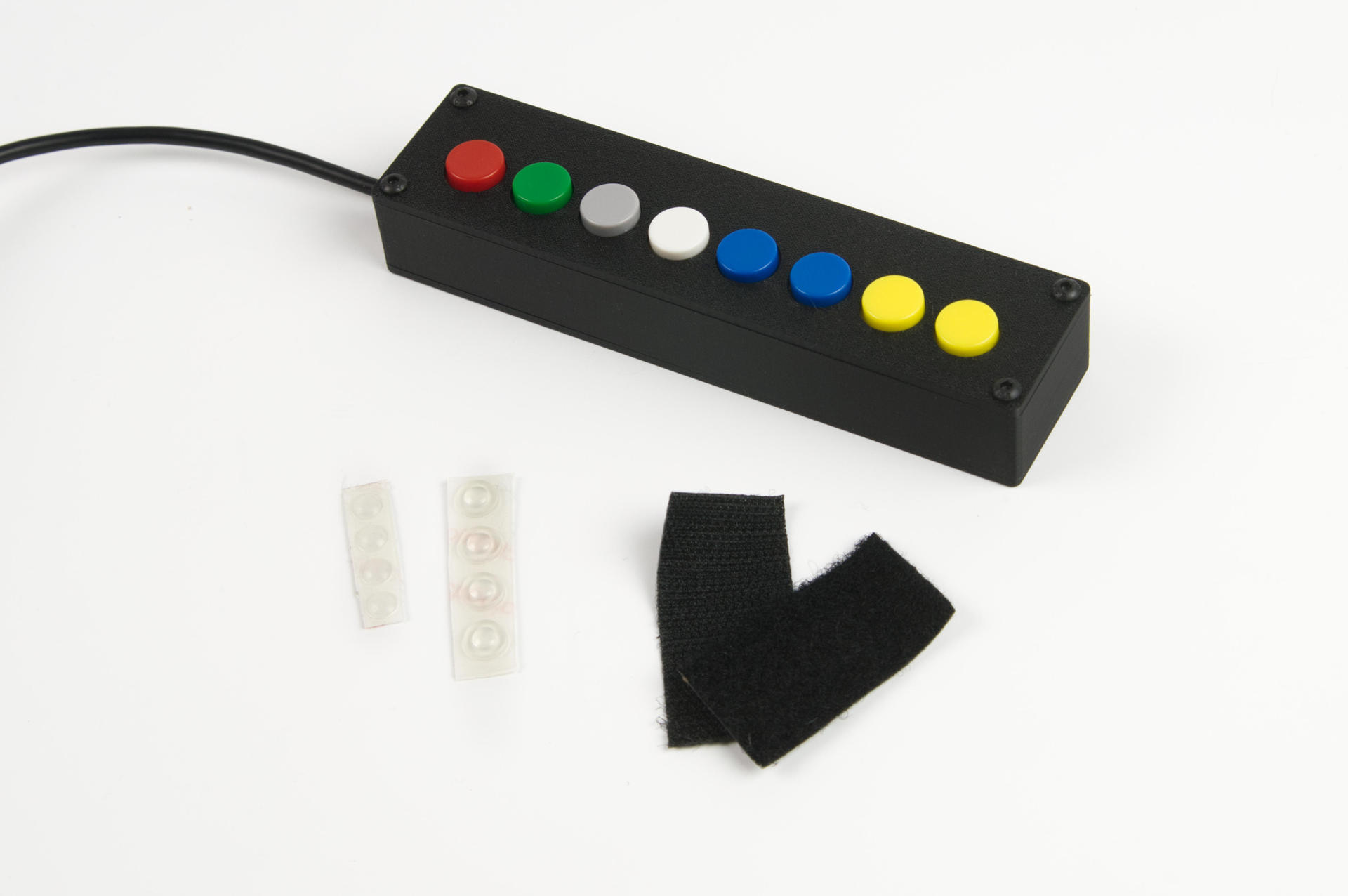
We’ll program it the same way we did for Jason, and though we can’t offer much support in the way of the setup. It will come with a 10 foot USB cable, some hoock & loop, and a few rubber bumpons. And while we can’t offer much in the way of support for using AUM or the DM48X, Jason is available for that sort of thing, so get in touch with him.

Finally, here’s a great video Jason made showing off his chops and how he uses the 8K2 Controller with his setup.

I’ve said it before, I really love making things for musicians and other creative people, so if you’re looking to try this controller with your setup get in touch or just grab one from the shop.

Buy the 8K2 Controller


Categories
Uncategorized

Simple USB Switching Device

I recently sold a USB controller to a large company and then the Experiential Marketing Team there had a few calls with me about what they wanted to do next, which was build a “very large” controller. I gave them a huge quote (because it would have been a huge project involving custom fabrication) and they eventually got back to me saying they found someone local who would do the fabrication, but wondered if I could still do the programming part of it. I said “Of course!” and we got going…

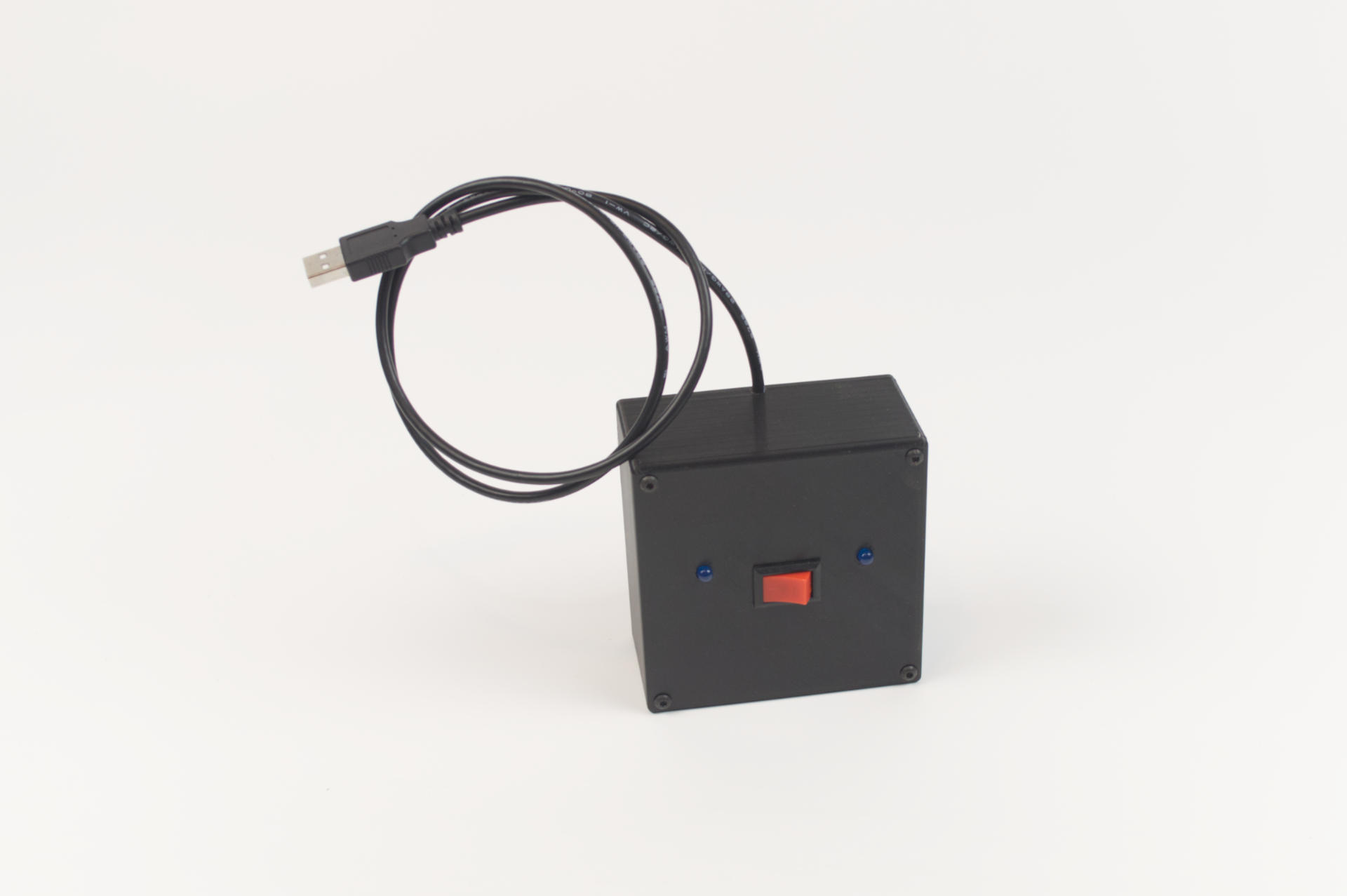
As we talked through the project I realized that if I just sent them a microcontroller with a bunch of bare wires it may not be the best experience for them, so I offered to build a prototype/testing unit that would be fully functional, and then also provide the “bare wire” version they could install into the custom fabricated unit they were having built.

One of the people asked if they should have a backup in case of failure, and of course that’s always a good idea so I said I would throw in a spare as well.

Projects like this tend to be pretty easy for me. I’ve got my own OpenSCAD library to easily create the enclosure with the holes I need, and I can easily add new holes as needed. I can choose to print the top lid integrated or separately (and attach with hardware) and I tend to do the lid separately now because it means faster printing, less support material, and I can easily iterate when needed.

The electronics for most controllers I build is the same, so if I don’t have code that does what someone wants, it’s fairly simple for me to rewrite existing code to do what is needed. I test things on macOS and Windows for every project, and Linux if that is needed. (It is sometimes, but it’s rare most of the time.)

Anyway, a project like this is actually pretty fun for me, which is why I keep doing them. I can get away with not charging a ton because I have my system down really well to produce what people want.