Categories
Uncategorized

Apple Shortcut – Talking Reminder

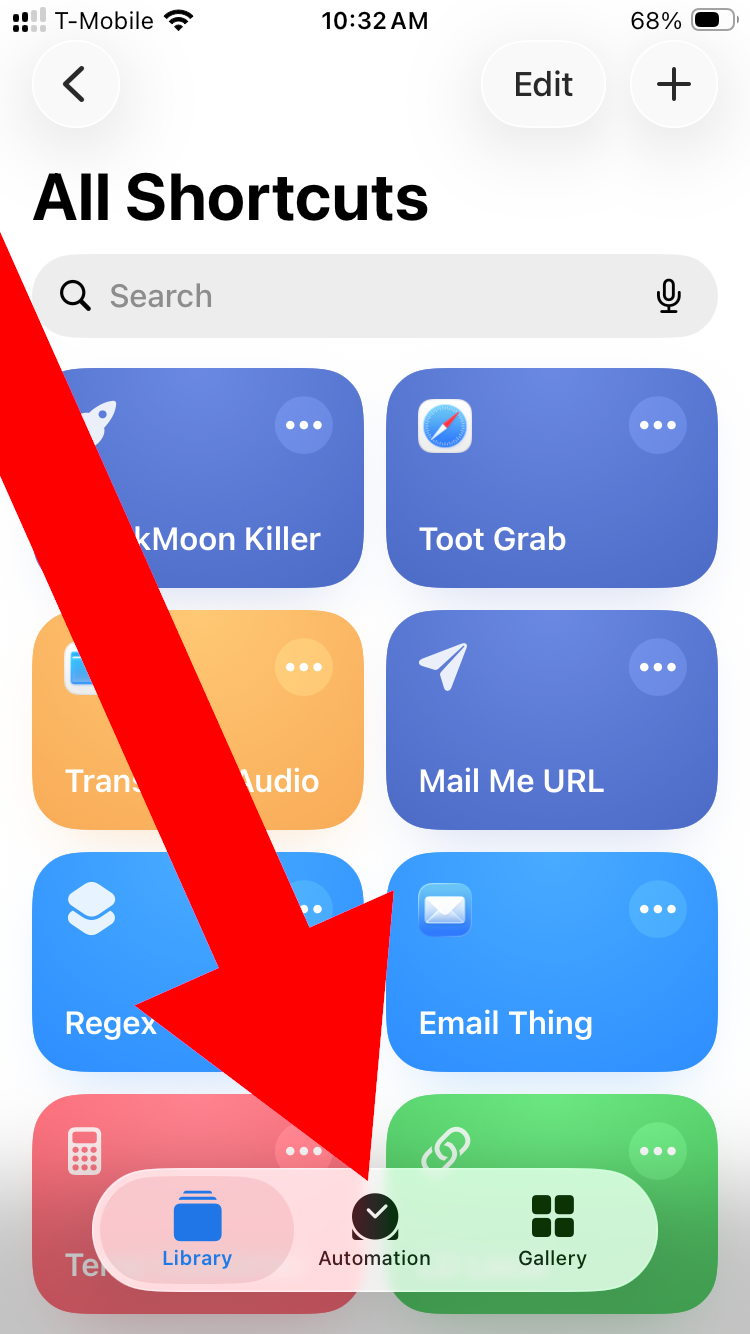
Apple Shortcuts screen shot

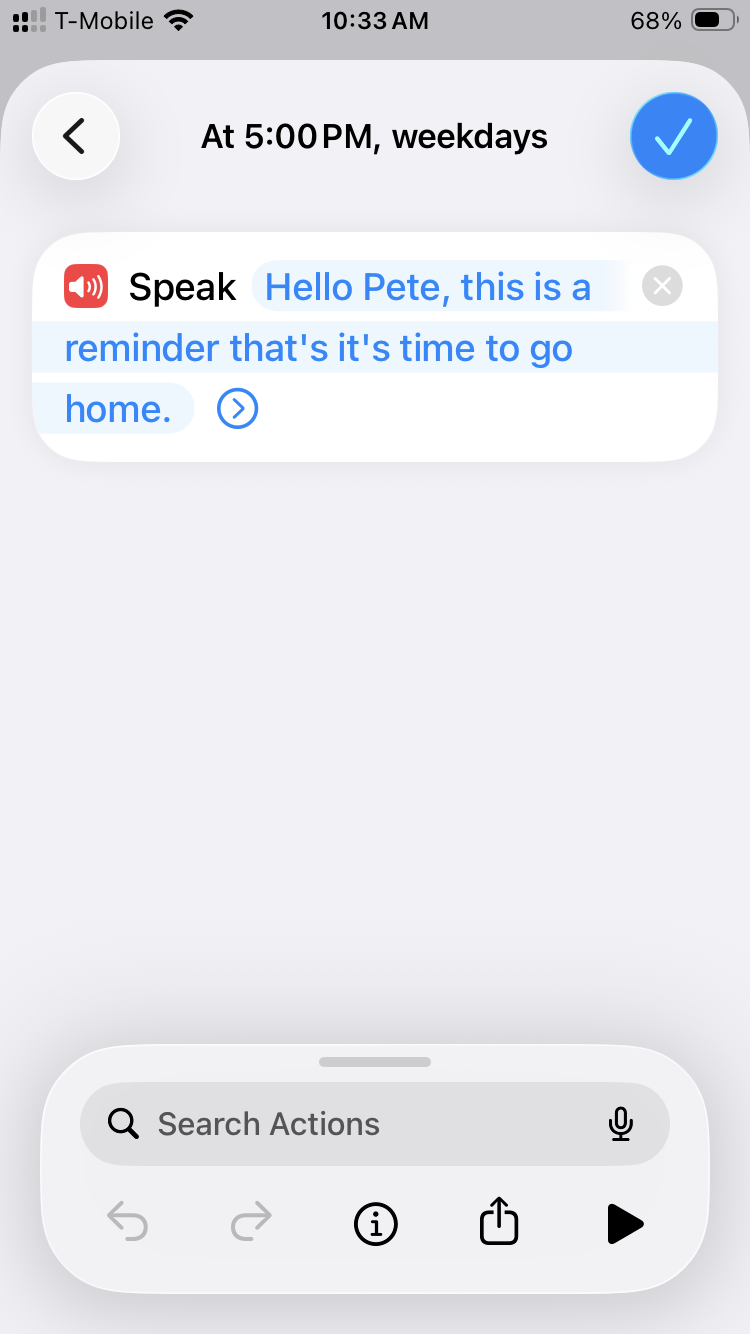
I previously mentioned Apple Shortcuts (with a silly example) so here’s another one using the “Automation” feature.

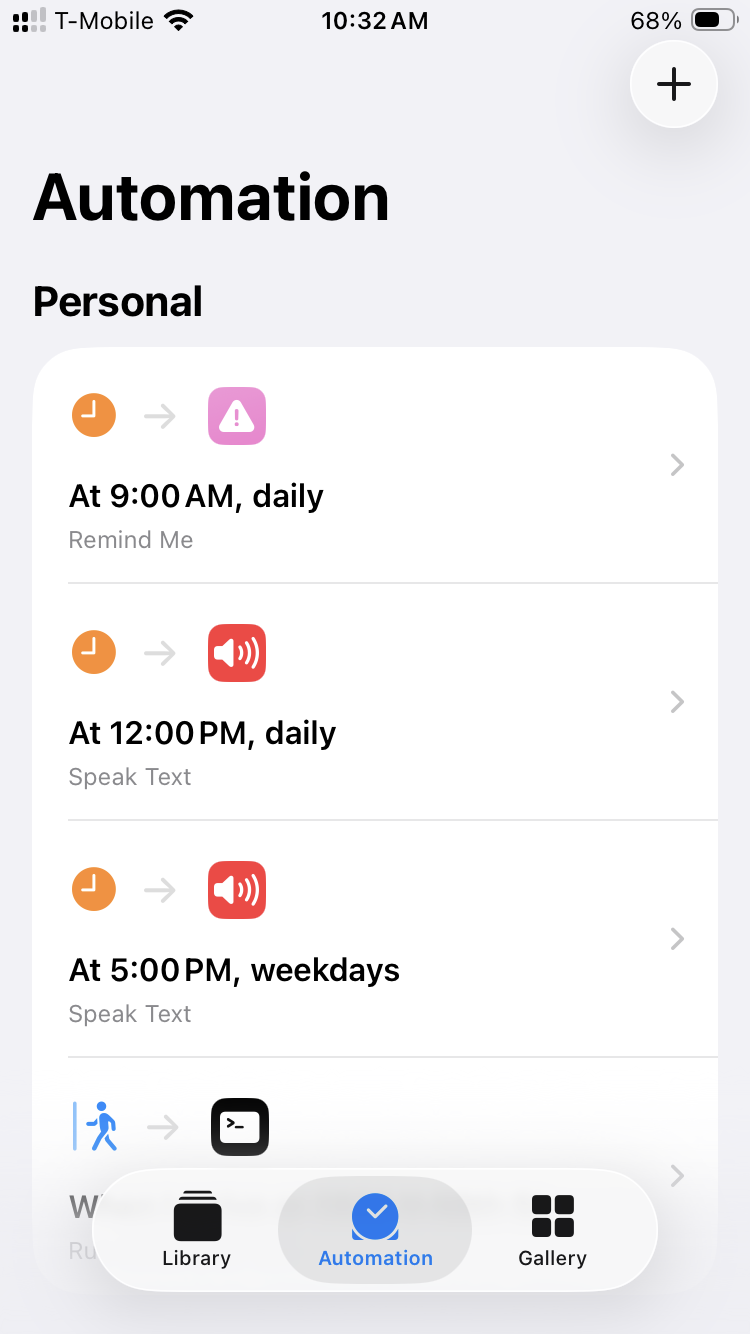
Apple Shortcuts screen shot

You can set an Automation to run at a specific time of day, so I have one at noon to remind me to take my medication and another at 5pm to remind me to leave work.

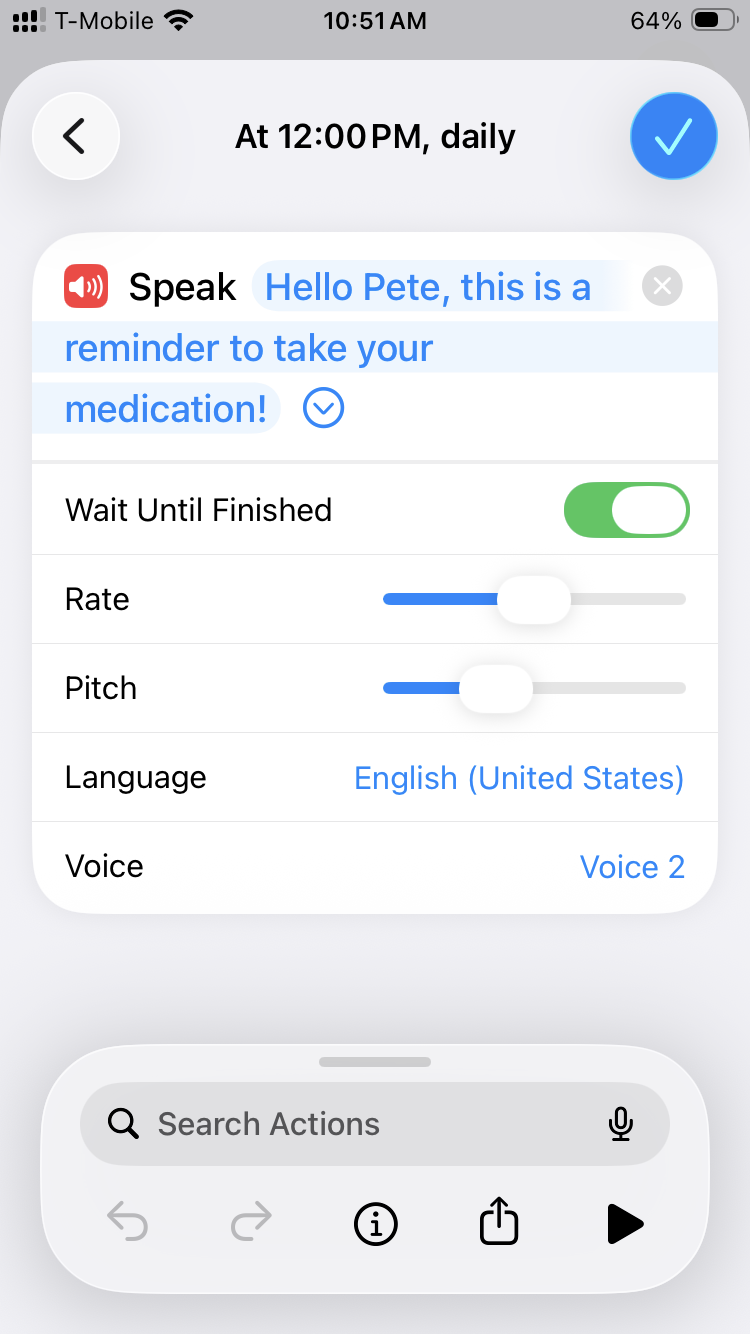
Apple Shortcuts screen shot

You can also set an Automation to Speak Text. Yeah, just like the say command on macOS. I used to set up cron jobs to run scripts with the say command to remind me of things.

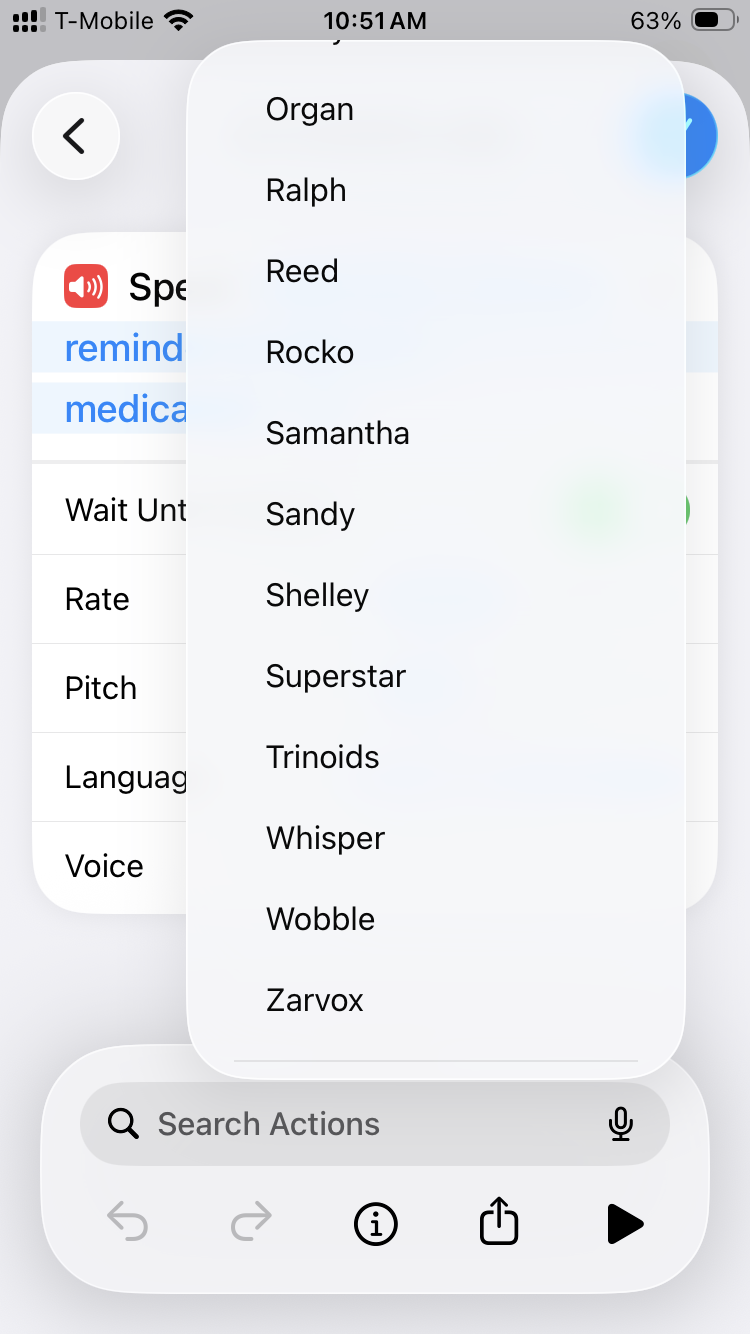
Apple Shortcuts screen shot

But wait! Remember all those awesome voices like Organ and Zarvox? They’re all here to hear!

Apple Shortcuts screen shot

Funny story, the first time I set these up I was home alone and heard someone talking from another room in the house and I freaked out! I thought someone else was in my house. Nope, just my phone talking to me.

So yeah, there could be some good prank potential with this feature if you can access someone’s phone for a few minutes.


This post was shared on Mastodon.

Categories
Uncategorized

Apple Shortcut – Toot Grab

Apple Shortcuts

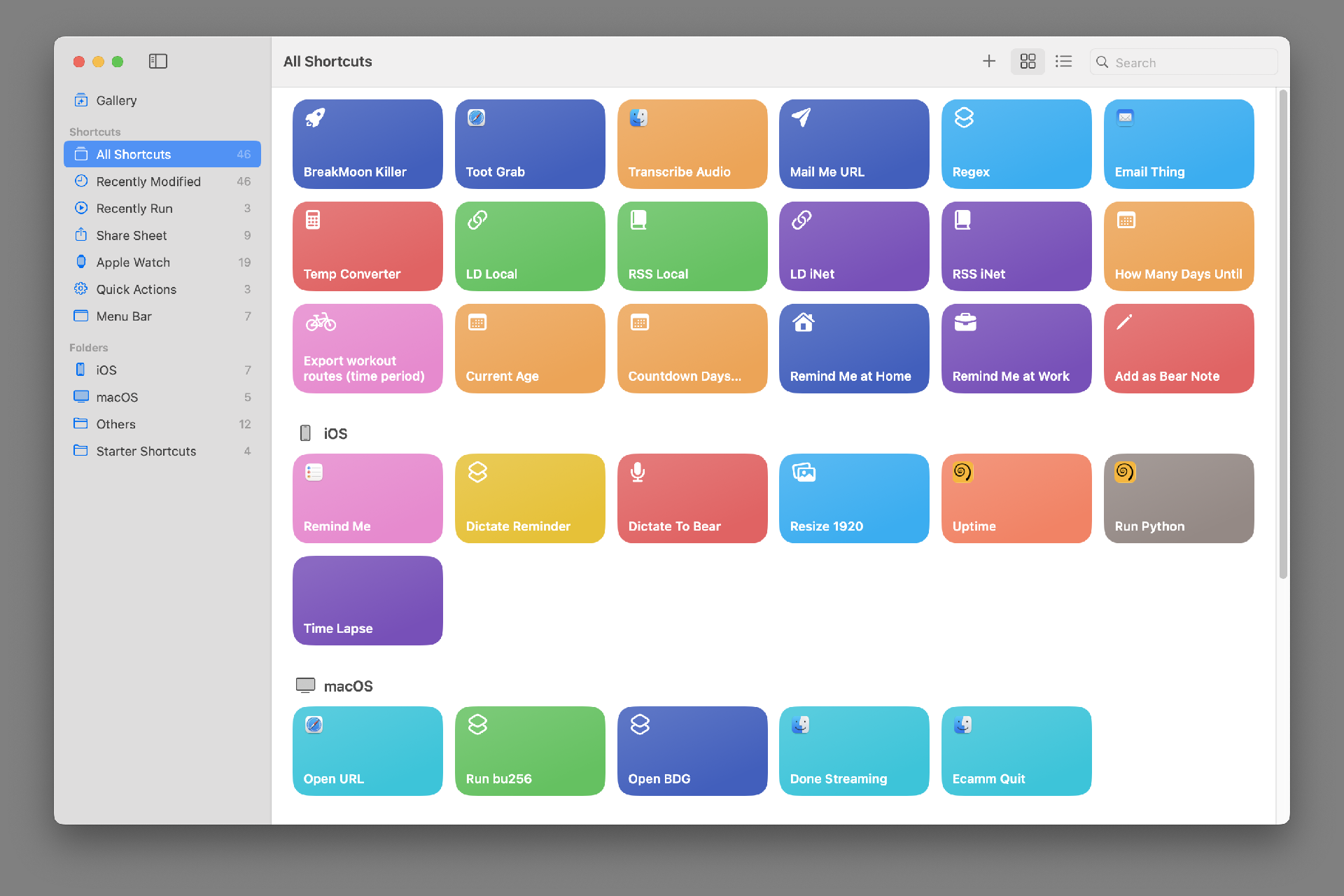
I’ve been messing around with Apple Shortcuts lately. It’s a weird thing, like most things from Apple that try to make complex things simple. Shortcuts (as we’ll call them) can run on macOS and iPadOS and iOS. (So on a Mac, an iPad, and an iPhone.) Not all shortcuts run on all seamlessly, as they may rely on things that work on one platform but not another.

Here is a Shortcuts User Guide but it’s for iOS (iPhone and iPad) and where’s the macOS guide? And try searching for “Apple Shortcuts” and you get plenty of results about keyboard shortcuts. Sigh…

But whatever. Besides all that, I’m just going to share some silly (and maybe some useful) shortcuts with you. I’ll show you them (so you can make your own) and explain them.

Toot Grab Shortcut

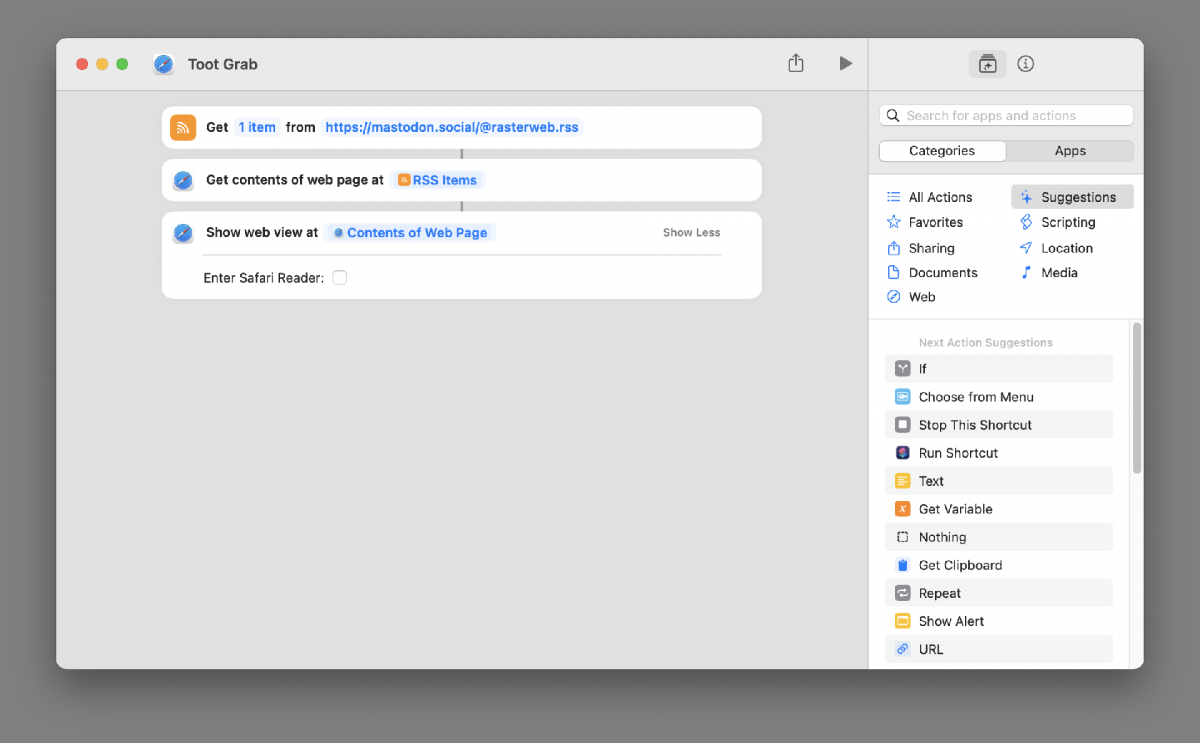
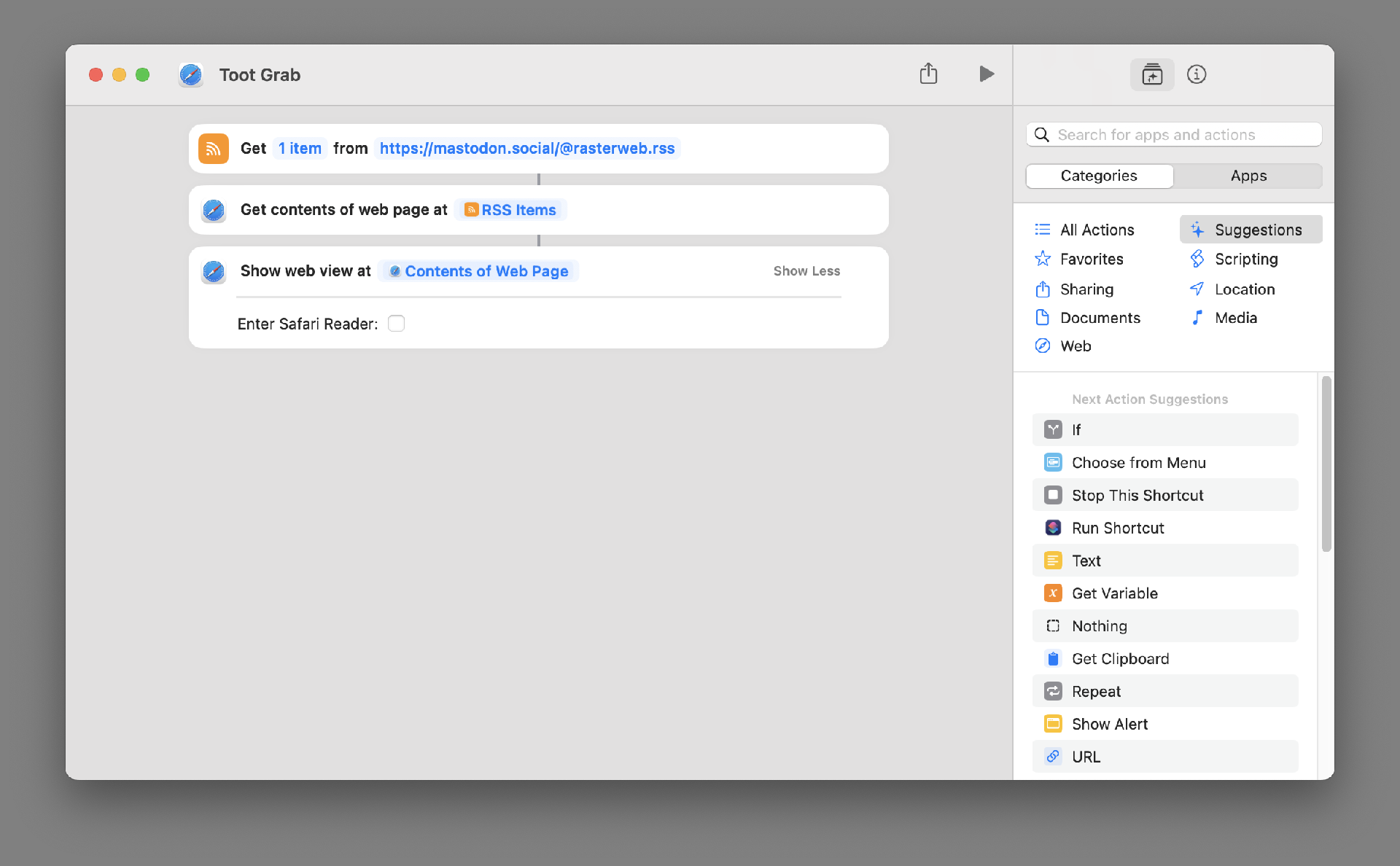
This one grabs the most recent Toot I’ve posted on Mastodon and displays it. You could change to use any RSS feed. Either another Mastodon account, or a blog you like, or any feed. (And it works on macOS, iOS, and iPadOS.)

Example output of the Shortcut

Here’s what you see when it runs. It does run a bit slow (at least on the 2018 MBP I am typing on right now) but again, this is just a silly demo.

To make your own version you’ll need to explore Shortcuts and find the commands you need.

(And yes, I know I can share shortcuts to make them easy to install, but I’d prefer you explore it and look around and figure things out.)


This post was shared on Mastodon.

Categories
Uncategorized

EGDR606 Drum Machine

While I’ve been doing this DAWless thing and avoiding using computers for music making I haven’t completely moved away from what might be called “computer music”. I was exploring iOS music applications and found the EGDR606 Drum Machine which was $3.99 USD.

It’s a recreation of the Roland TR-606 which means it’s similar to the Behringer RD-6 Analog Drum Machine I use. For that reason I gave it a try. While I would rather use the RD-6 every time, while on the move the EGDR606 can be a fun little thing to play with. Occasionally I’ll make some drum pattern than I can then try out on my RD-6, which is nice.

You can find a nice review on synthanatomy.com or check out the PDF manual.

I did find the application a little rough as far as saving out patterns, but it it can export WAV files and you can grab them to move elsewhere. Honestly that’s probably due in part to the clunkiness of the iOS file system, so it’s not a huge deal. It could just be a bit cleaner.

(If you’re more of an 808 fan you can check out the EGDR808 from Elliot Garage instead.)

Categories
Uncategorized

Processing

Processing

I’ve become quite the fan of Processing. When I first started to dig into the Arduino world, I turned to my old friend Perl to deal with Arduino<->Computer communication, but quickly discovered that Processing was an ideal environment for such a thing.

Perl is great (you know, IMHO and all that) but the main appeal for me has always been in Perl’s data processing capabilities, and having CPAN and a module for almost everything. Perl is fun, but it’s not FUN. I’ve dabbled with generating graphics with Perl using GD and SVG modules, but it’s not anywhere near the area known as fun.

Processing, in my mind, is built for fun. So what is Processing?

Processing is an open source programming language and environment for people who want to create images, animations, and interactions. Initially developed to serve as a software sketchbook and to teach fundamentals of computer programming within a visual context, Processing also has evolved into a tool for generating finished professional work. Today, there are tens of thousands of students, artists, designers, researchers, and hobbyists who use Processing for learning, prototyping, and production.

Processing sometimes gets called a “multimedia programming language” and is used quite a bit by artists and designers, and probably much less by hardcore software developers. Check out OpenProcessing for some great example sketches.

Drawing

My own sketches are not very impressive yet, but as I said, Processing it a lot of fun. It’s reminiscent of the olden days of graphics on the Apple ][ where you plotted things out in HIRES graphics mode but, you know, way more advanced.

It’s pretty easy to build Processing sketches that respond to sensors connected to a microcontroller like an Arduino (see Accelerometer Art) and that’s something I’ll definitely be exploring more of in the future.

Android

Processing runs on top of Java, or is a subset of Java, or whatever. This is great because you can easily create a Processing sketch that can run on Mac OS X, Windows, and Linux, and even create a standalone application for each platform. (It’s that promise of Java we had long ago!) But the real excitement is that the latest version of Processing lets you target Android as a platform. Supposedly you can build an app in Processing and get it into the Android Marketplace. (I’m not aiming to get anything into an ‘App Store’ but just want to run my own apps on my own devices, as mentioned in my Android vs. iPhone post.)

And speaking of the iPhone, it looks like iProcessing and Processing.js may be able to get Processing sketches running on iOS… neat! (Processing.js is also on my TO DO list. I’ve toyed with it briefly and it’s pretty amazing.)

One of my complaints about this “new world of Apps” on phones and tablets and non-traditional devices is that there is too much of a barrier to entry to building things that run on them. I’m hoping Processing might help bring that barrier down a bit.

Update: It seems May is Processing Month. I didn’t know! Now I feel compelled to do more.