Categories
Uncategorized

Coospo TR70 Radar Bike Light

Coospo TR70 Bike Light / Radar

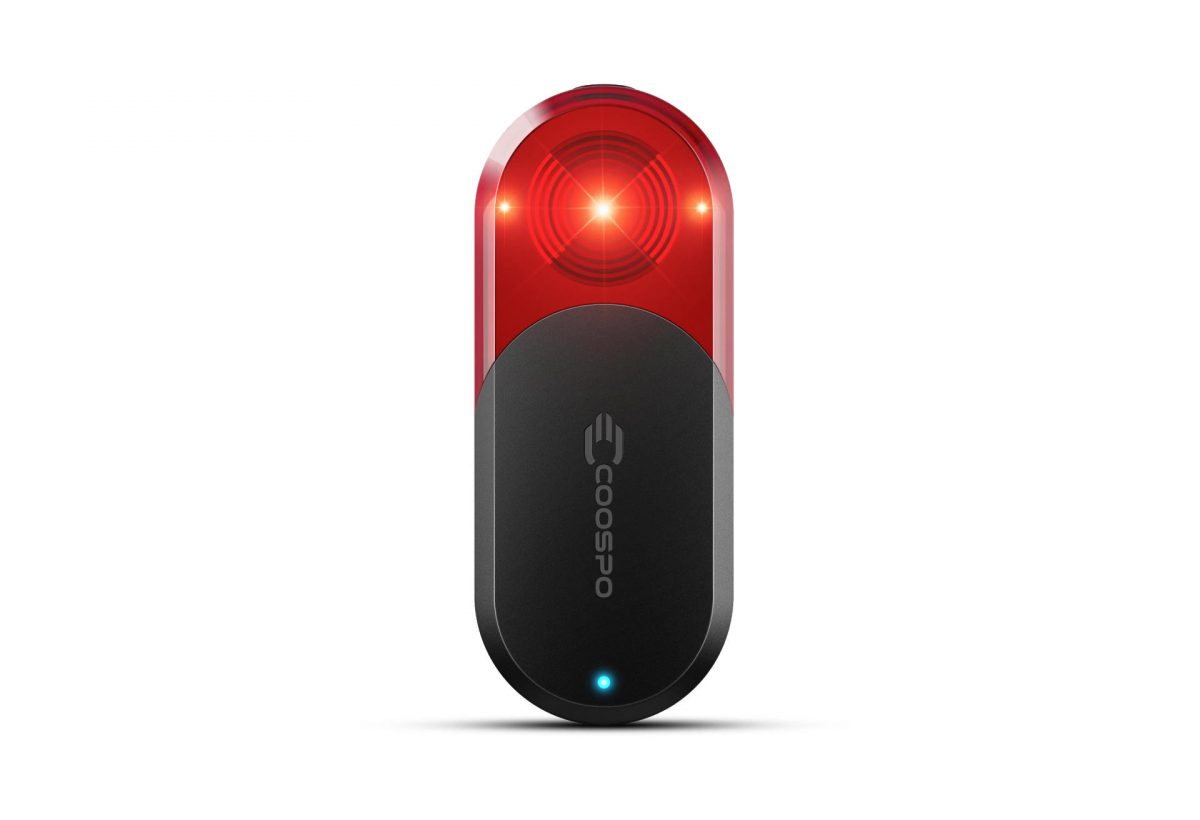
I recently picked up a Coospo TR70 Radar Bike Light to use for my bike riding, specifically for my commute to work since it puts me on a few roads where there can be heavy/fast car traffic, mainly Hampton Avenue through Milwaukee, Butler, and Menomonee Falls.

Matt has a Garmin Varia and I thought about getting one but I still get nervous spending over $100 on something.

The Garmin Varia is $150 USD while the Coospo TR70 is $70 USD. That half-price deal really got me interested, though I was worried about quality, especially with the app, since I use my mobile instead of a cycling computer.

Oh, Trek also has their own, the Trek CarBack, which is $200 USD, which is even nore expensive! But does have the best name.

Okay, so how well does the Coospo TR70 Radar Bike Light work? Before I got it I read a few reviews, watched some videos, and now that I’ve used it for a few weeks here are my first impressions, though obviously I don’t have any other units to compare it to, so this is more “Pete’s take on a bike radar” than a full-on review.
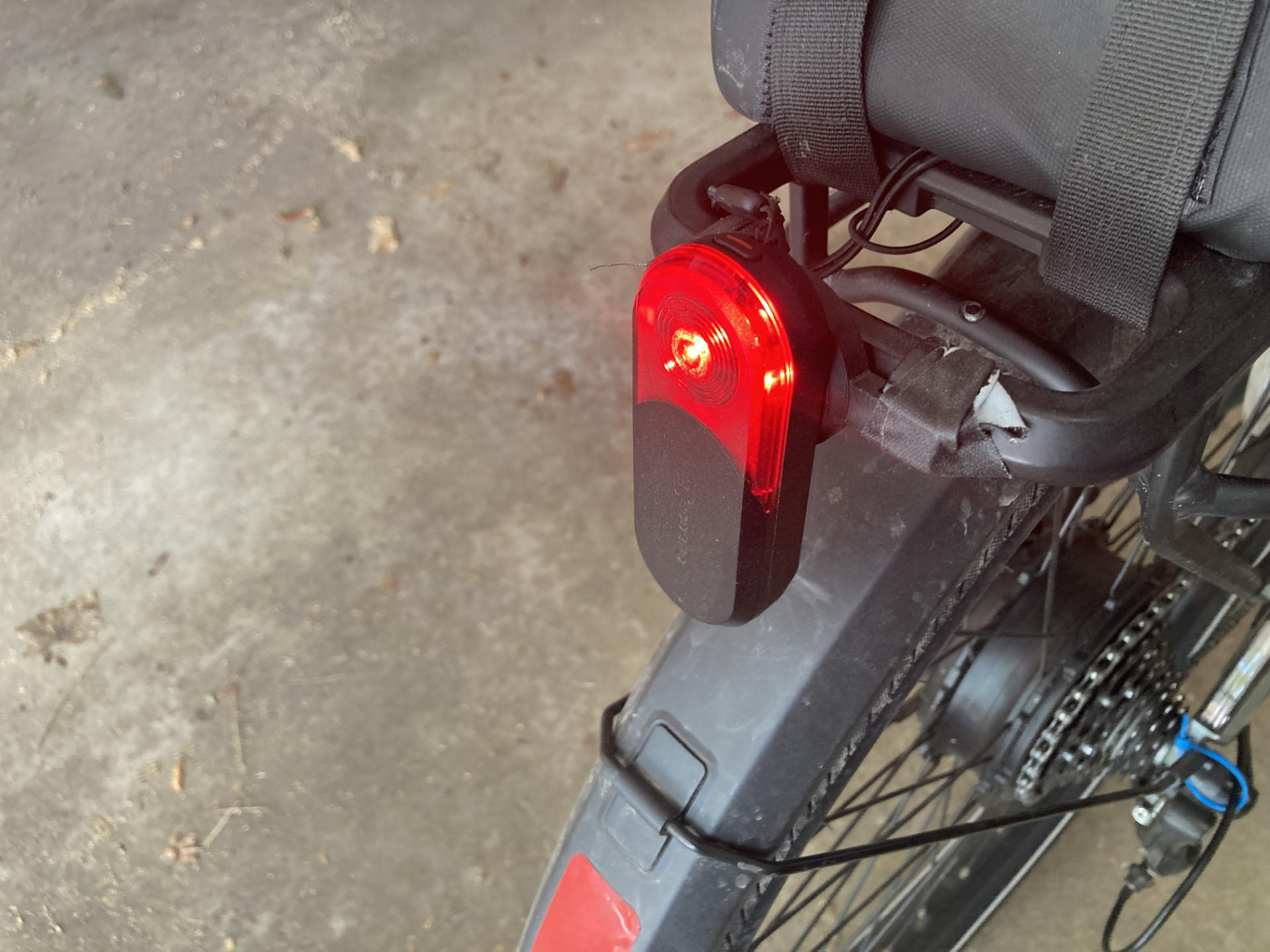
Coospo TR70 Bike Radar

I am impressed. I read all these reviews talking about false positives and false negatives and I’ll just say that 98% of the time it seems to work perfectly. Maybe there is a 2% or less error rate, but I don’t rely solely on the radar. I still look around, I look back, I stay aware.

Here’s an example of my use. While riding down a road where it’s best to take the lane, if I hear beeping I am 98% sure there is a car behind me. I can choose to speed up, move aside, etc. I can also look back and double-check if there’s a car, but it’s not going to change my behavior. This is specific to the route I take commuting. The radar is an additional warning system that is almost always right.

One of the roads I take is 35mph and drops to 25mph. If I am on the single-lane 35mph part and not going top speed (25mph on the ebike) and then hear the warning beeps I can hit it hard, pedal faster, and get to the 25mph part where the road goes to two lanes and I get my own lane while the cars can take the other one.

So basically I’ve tried to implement specific strategies for my riding. For me, this works well. If you just ride with no regard for cars and think the radar will be 100% accurate all the time, well… I don’t trust any machine that much.
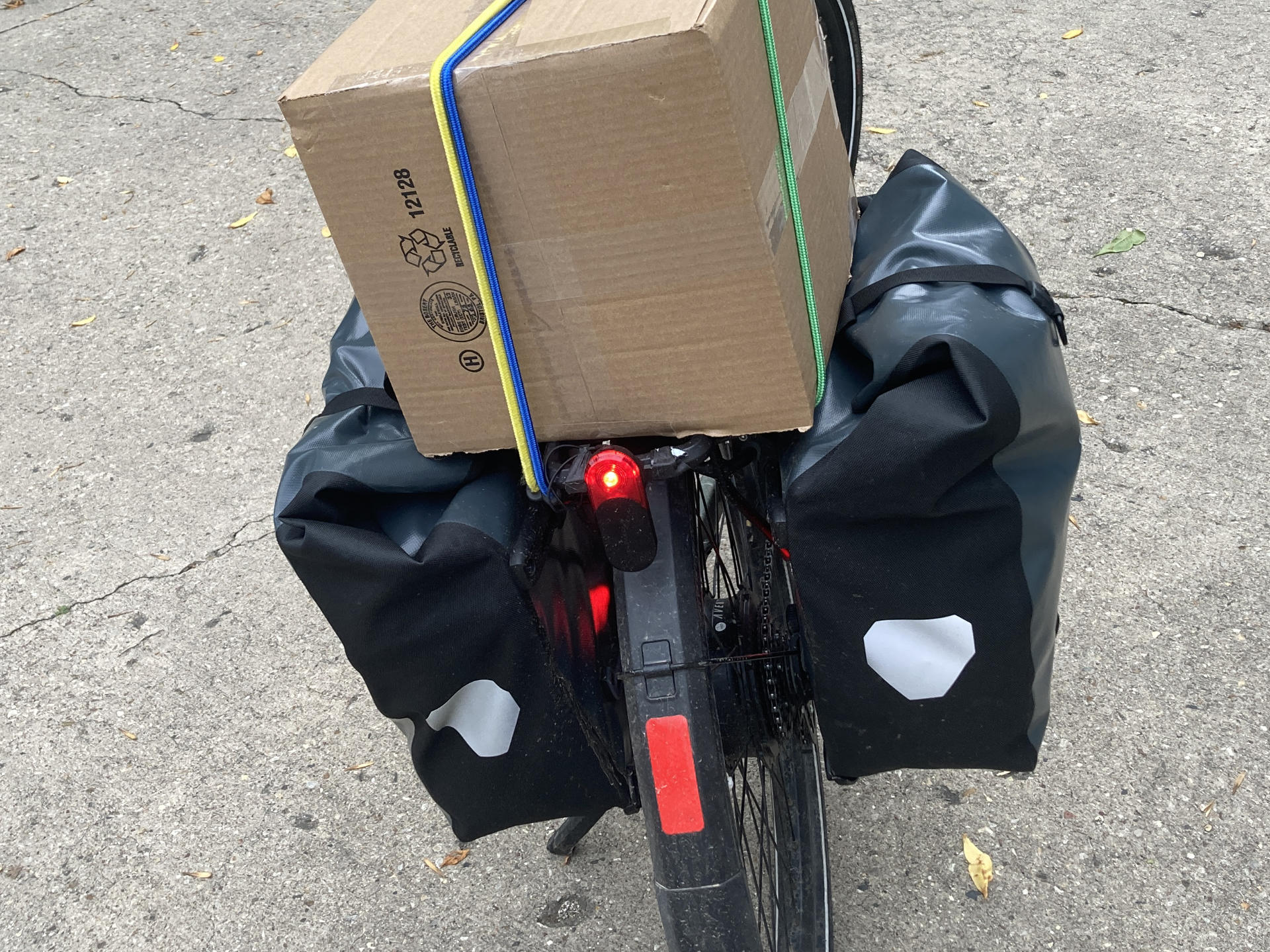
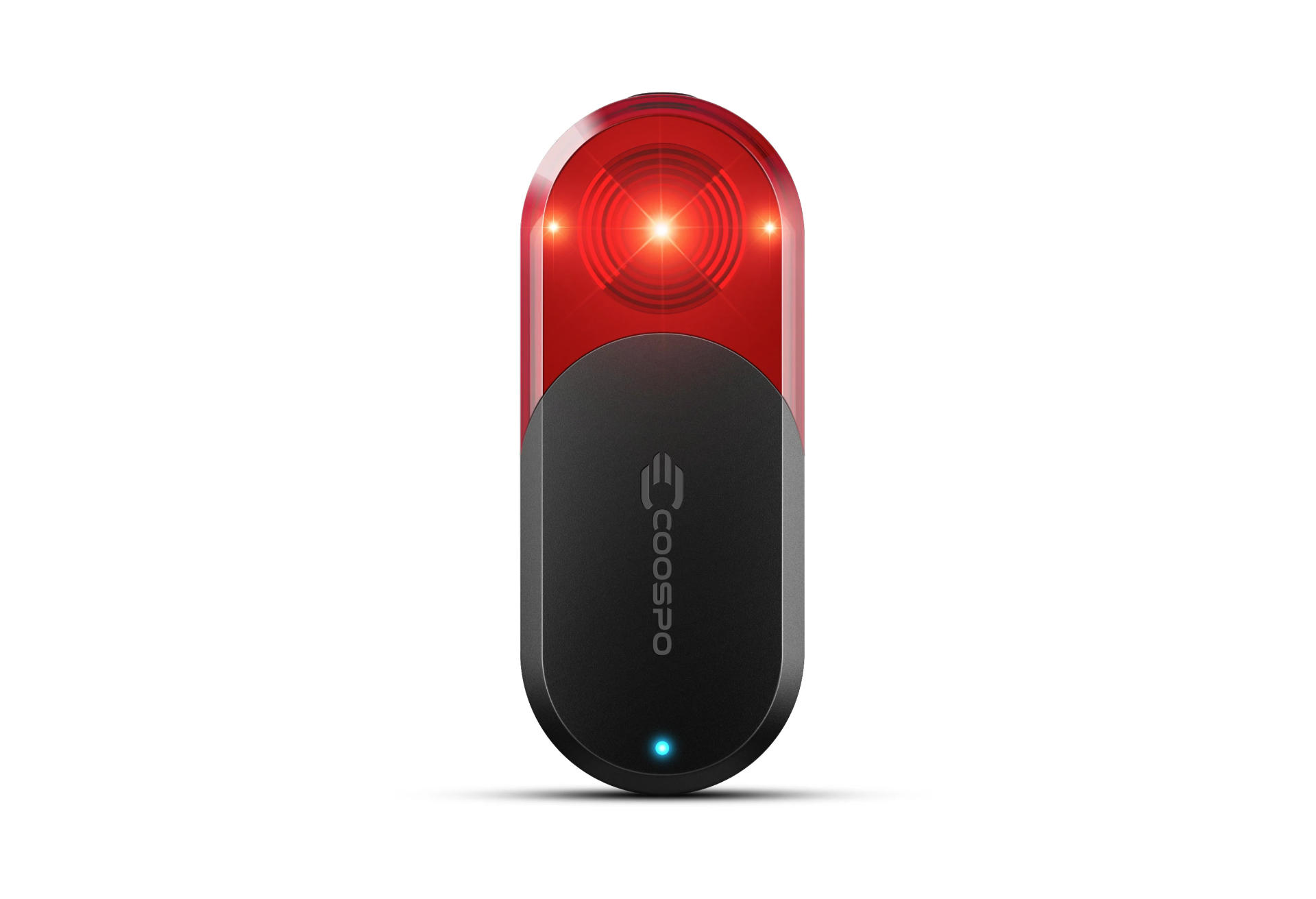
Coospo TR70 Bike Radar

When I commute in the protected/separated bike lane the radar will let me know when cars are coming up behind on the street. I’m not on the street, but this is still good! If I know a car is coming I can be extra careful when I come to a cross-street in case a car driver decides to turn right into my path. Again, I still look, but the warning is another prompt to look.

As for the mobile app, it has some annoyances, but it’s good enough. I did have to set my phone to not sleep the screen at 5 minutes because it would dim while the Coospo app was in the foreground. Granted, it still beeps, but you don’t see anything. Now, sometimes I have another app up front, like the Fitness app or whatever, but luckily the Coospo app will run in the background and continue to warn you with beeps if cars are approaching.

There might also be an advantage to the mobile app. I’ve read comments that with a cycling computer paired some of them do not allow you to adjust the volume. Posters have complained about the loud beeping they cannot turn down. Luckily my mobile has a volume control.

Even if the radar isn’t that great, a good quality rear bike light might be $30 or $40 USD, so the fact that for $70 USD I got a good rear bike light with a 40 hour battery life is pretty damn sweet.

Categories
Uncategorized

Insta360 Camera (First Impressions)

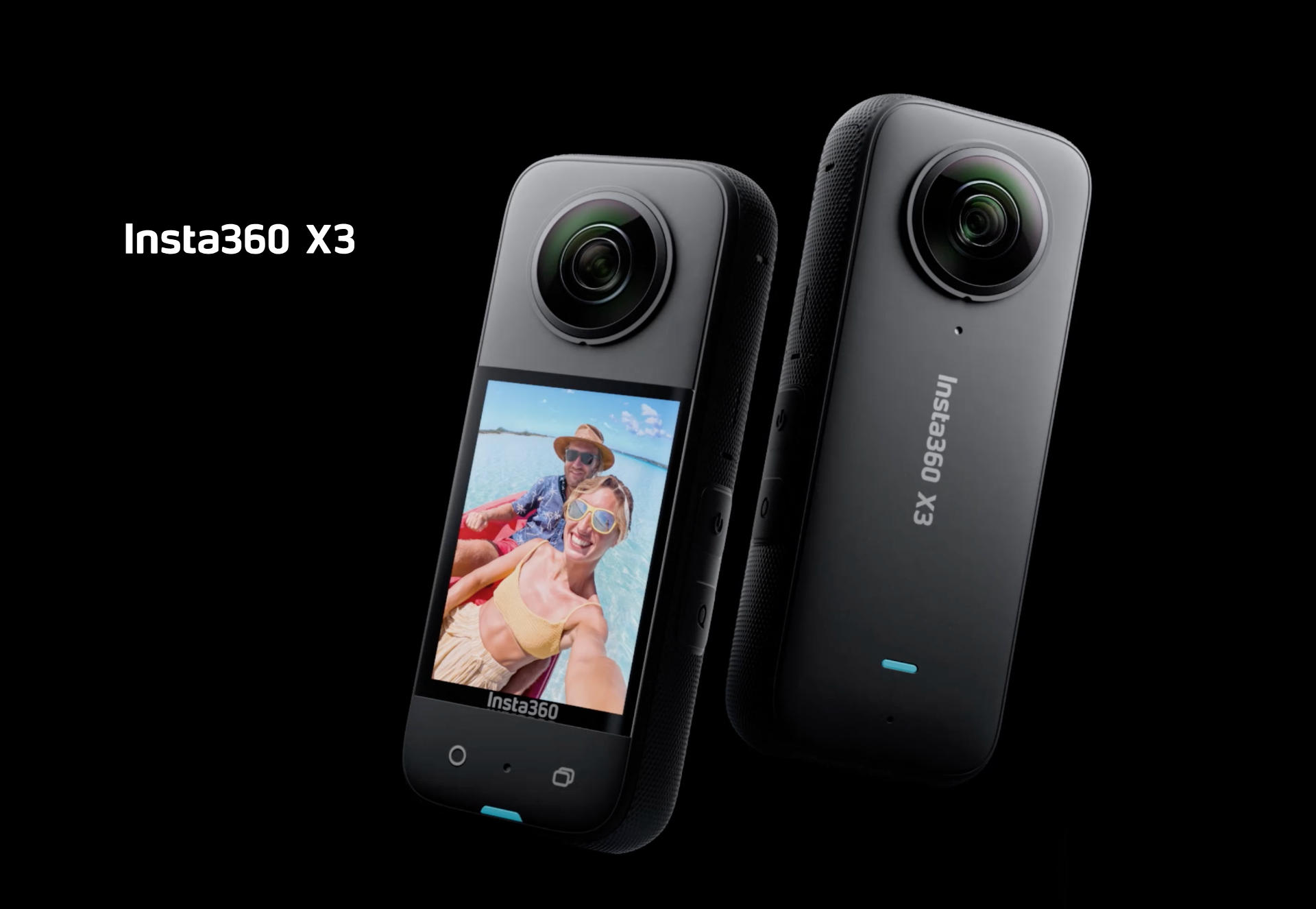
I recently got an Insta360 X3 Camera (affiliate link) because it was my birthday and somehow there was a sale and it’s been two years since I bought a camera.

Disclaimer: I had some credit card points to use up before the card goes away next month. The camera was $230, minus $90 I got it for around $150 USD.

I got a GoPro back around 2012 and used it to film the Power Racing Series until around 2019. I did not use it in 2020 because pandemic, but I did use it as a webcam for a bit. Then it sat unused for a while and it never worked again. I dug into the problem and the issue is a common failure. So while I still have it, the GoPro is non-functional.

That said, I considered getting a new GoPro, but the combo of the old one failing and seeing that GoPro the company was most likely failing, I decided to look elsewhere, hence Insta360. We use their webcams at work (and the quality is amazing, and an action sports guy I know loves his as well.

So I figured it was time to try something new. Here’s what I got besides the camera.

SanDisk 128GB Extreme microSD Card – I have a pile of microSD cards but they are older and slower and smaller. I tried one to start with and the camera basically says “This is an old slow card and it sucks”. Well, not those exact words, but it displays a warning.

Clamp Camera Mount – I’m no stranger to making my own camera mounts, but with this camera (which does not have a protective shell like the old GoPro cameras did) I wanted something strong and secure. I’ve read that one thing lacking on the Insta360 is a lanyard mount for extra security so a solid mount seemed like a good choice.

Insta 360 X3 Lens Guards & Screen Protector – The X3 does not have easy to replace lenses (like some later models) so that means if you scratch up one of the lenses you need to send it in for repairs. The lens guards are little half-dome plastic pieces to cover the lenses. They do add some distortion when the images from the front and rear cameras stitch the image together. I still need to work on minimizing this in the settings and software.

At this point I’ve only used the camera for a few bike rides, and for two of those rides I thought I had it recording and somehow did not have it recording. After the first time I read the docs a bit more (duh!) and thought I figured it out. Somehow I screwed up twice. Still, I think I just need to learn the controls a bit more.

I started to make a playlist of videos called Bike Riding.

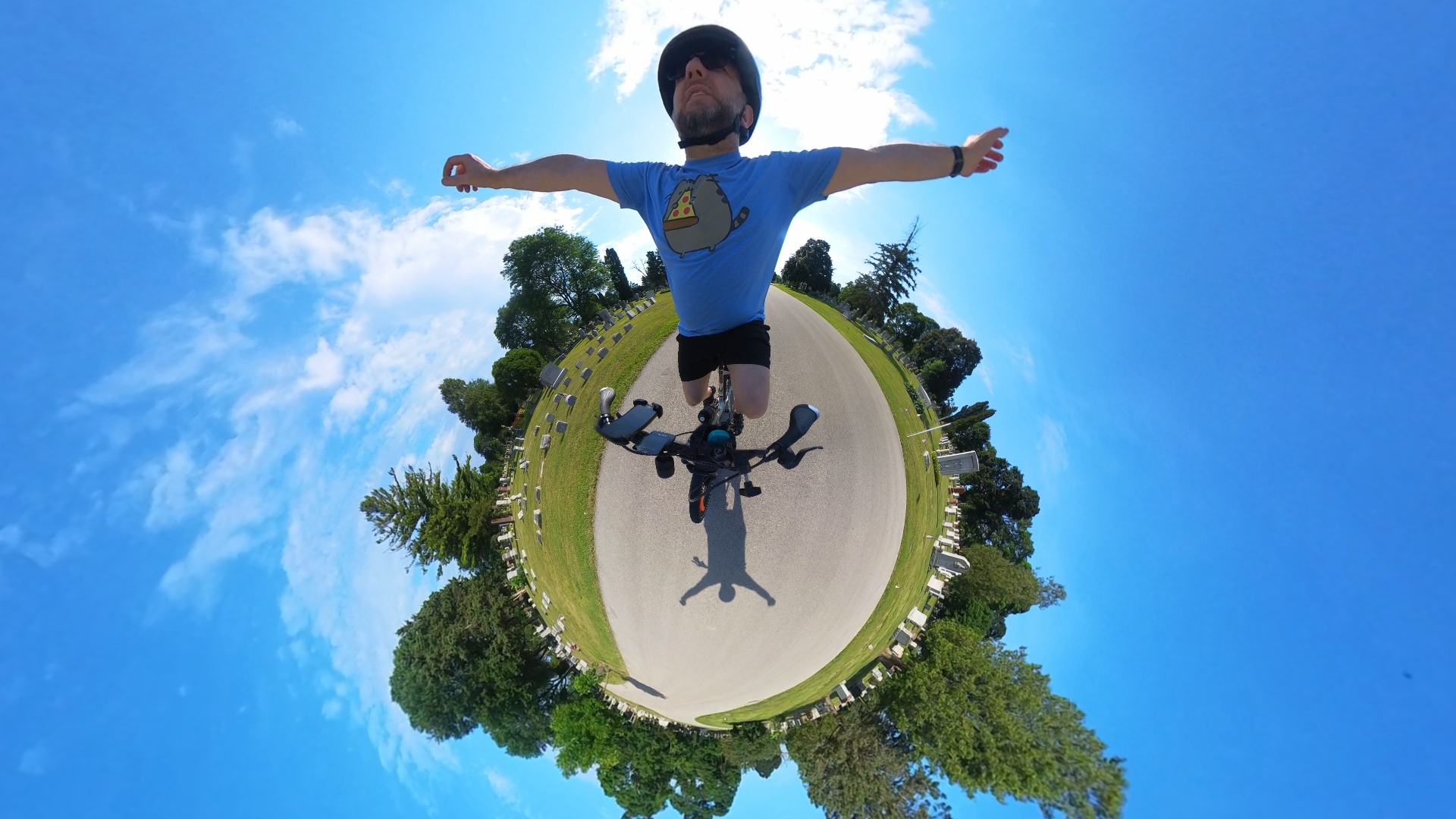
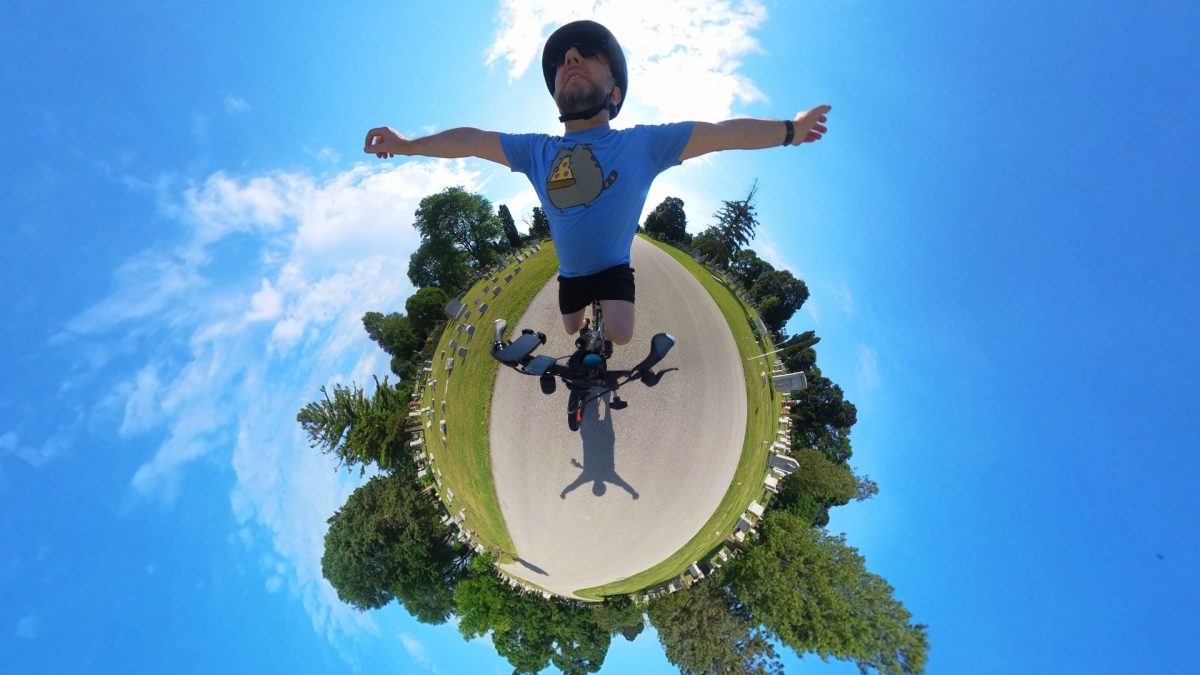
Oh! And as you can see from the photo above you can do some silly/fun/neat stuff with a 360 degree camera. Sidenote: Did you know I used to do 360/Panoramic photography? Back in 2010 I did it for work, and built my own head. (See a Photo Album of Panoramas!). So this is not totally new. I mean, the video part is, but hey, it’s been 16 years.

So far there is a lot to like about this camera, but this is First Impressions and I don’t want to overload things, so in the next installment I’m going to cover a few more things… some good, some bad.


Note: This post may contain Affiliate Links. Read More.
Categories
Uncategorized

Bern Major MIPS Bike Helmet

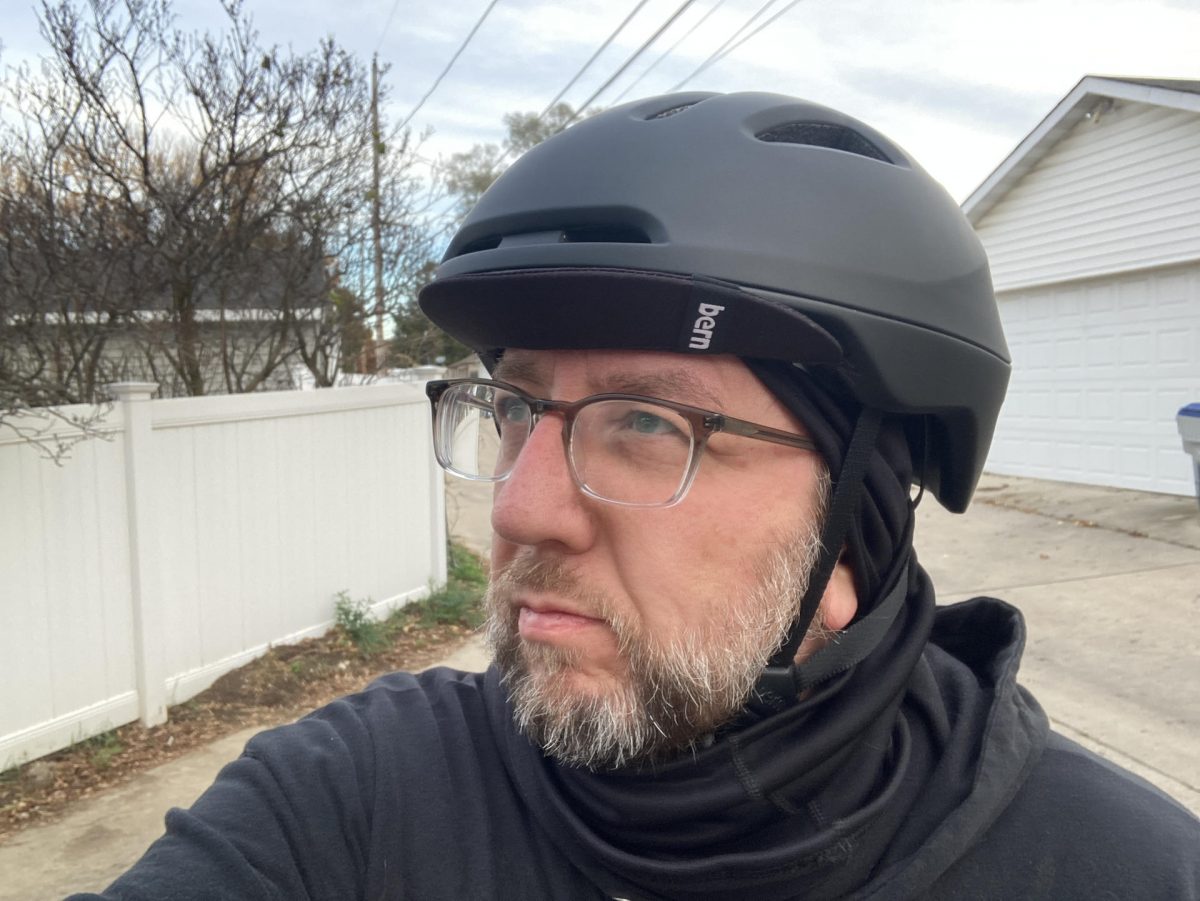
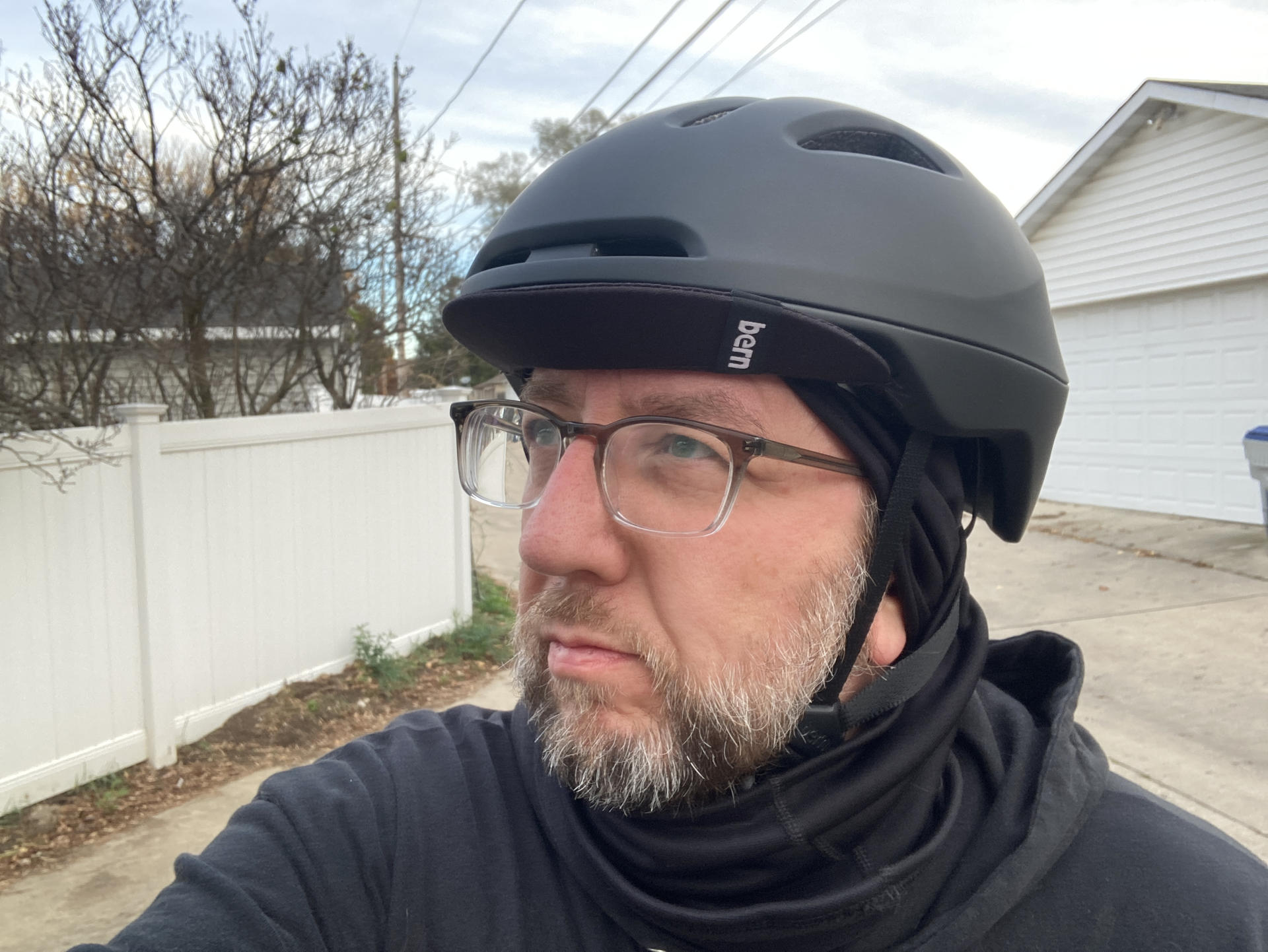
I got a new helmet. My old helmet (as seen here) was probably 17 years old and when I asked how often a helmet should be replaced people told me every 3 to 5 years! (And yes, I do know that if you are in a crash and your helmet sustains any impact it should be replaced.)

So yay, new helmet! I was looking at the Bern helmets because a friend of mine used to have one and I remember a nice brim on the front. Since I ride early in the morning I occasionally get blinded by the rising sun, and I typically just tilt my head way down and stare at the road, but I figured trying a helmet with a brim might be a good idea.

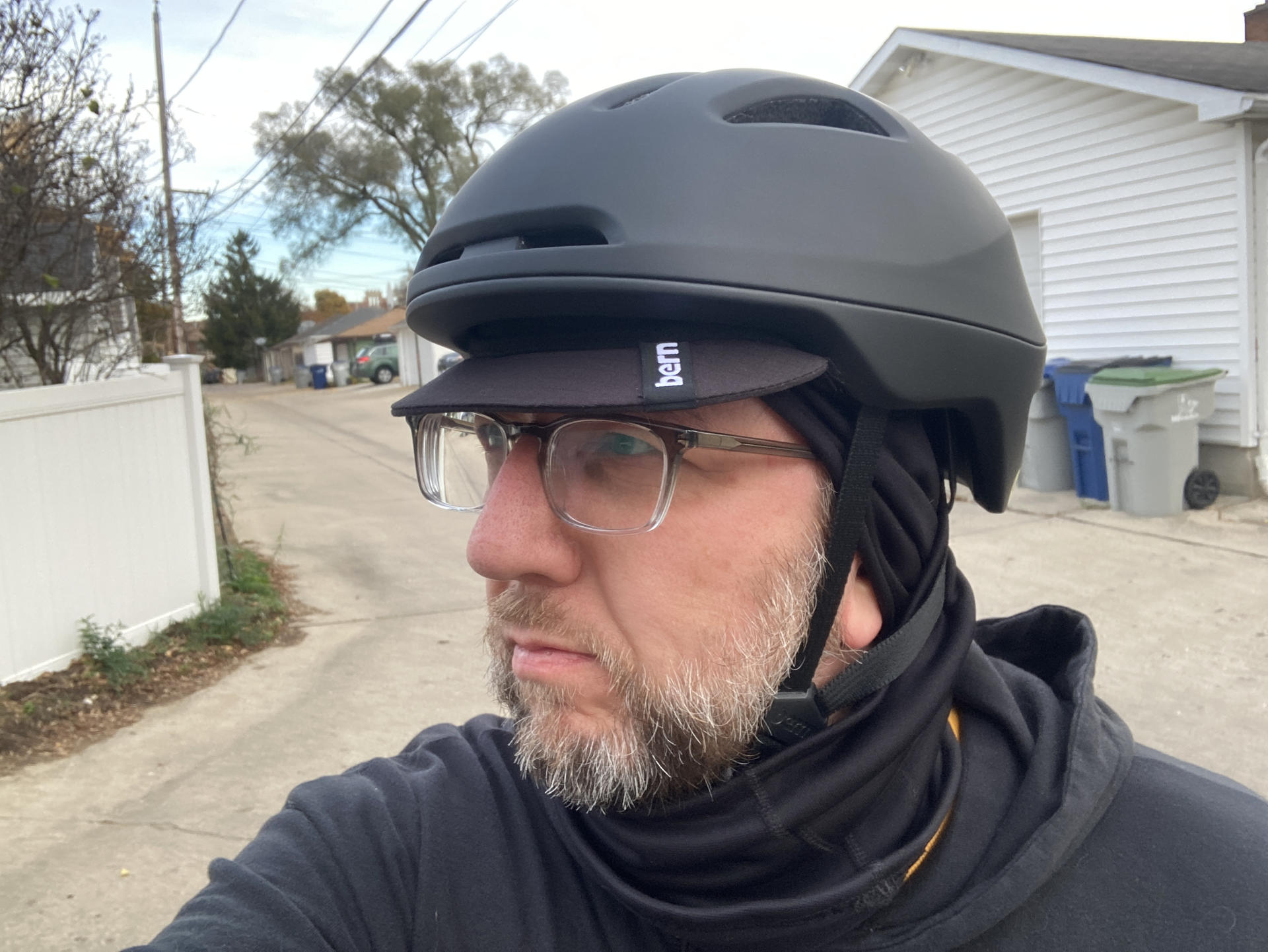
The photo above shows the brim flipped down. It’s really easy to flip it up or down with one hand while riding.

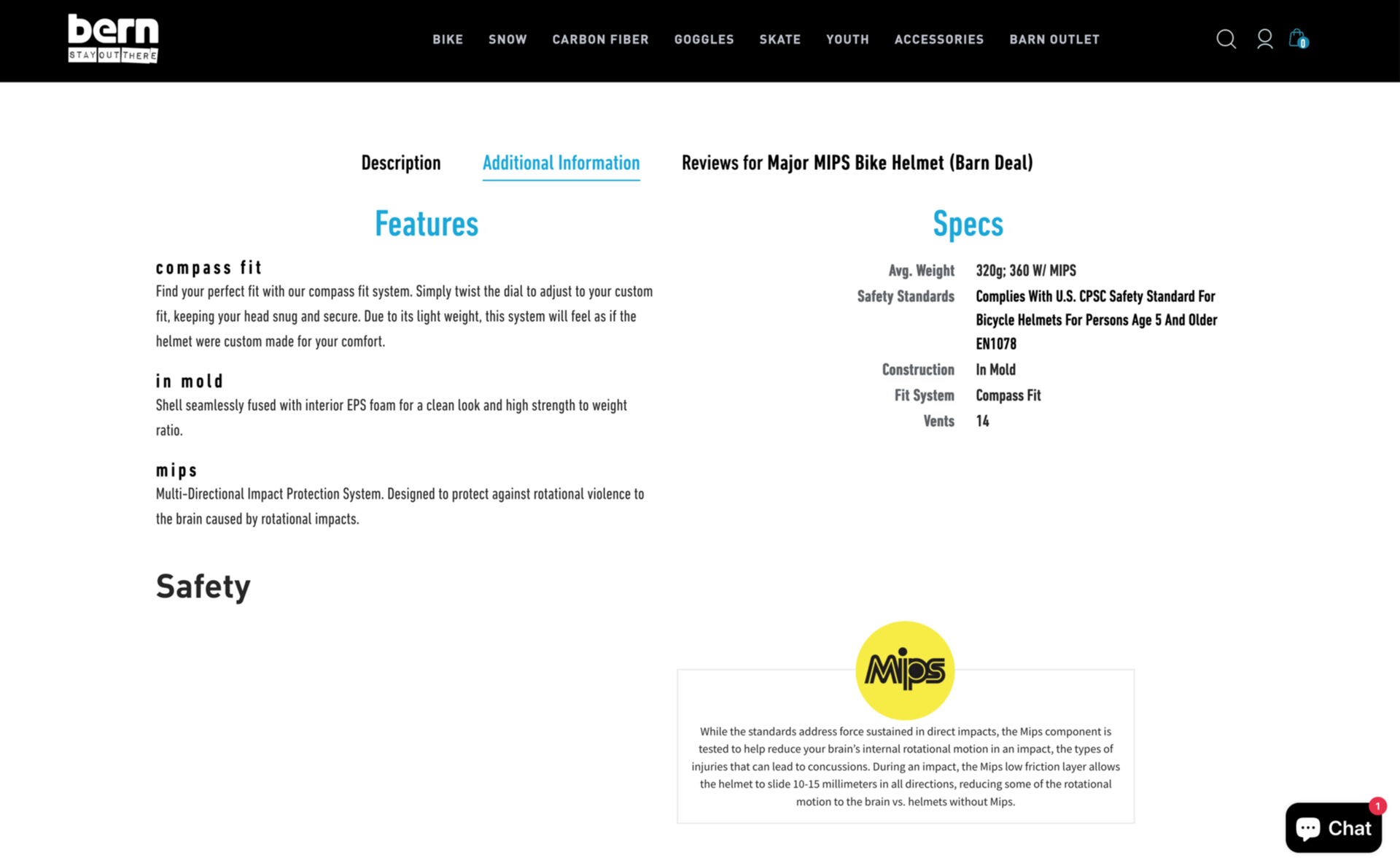
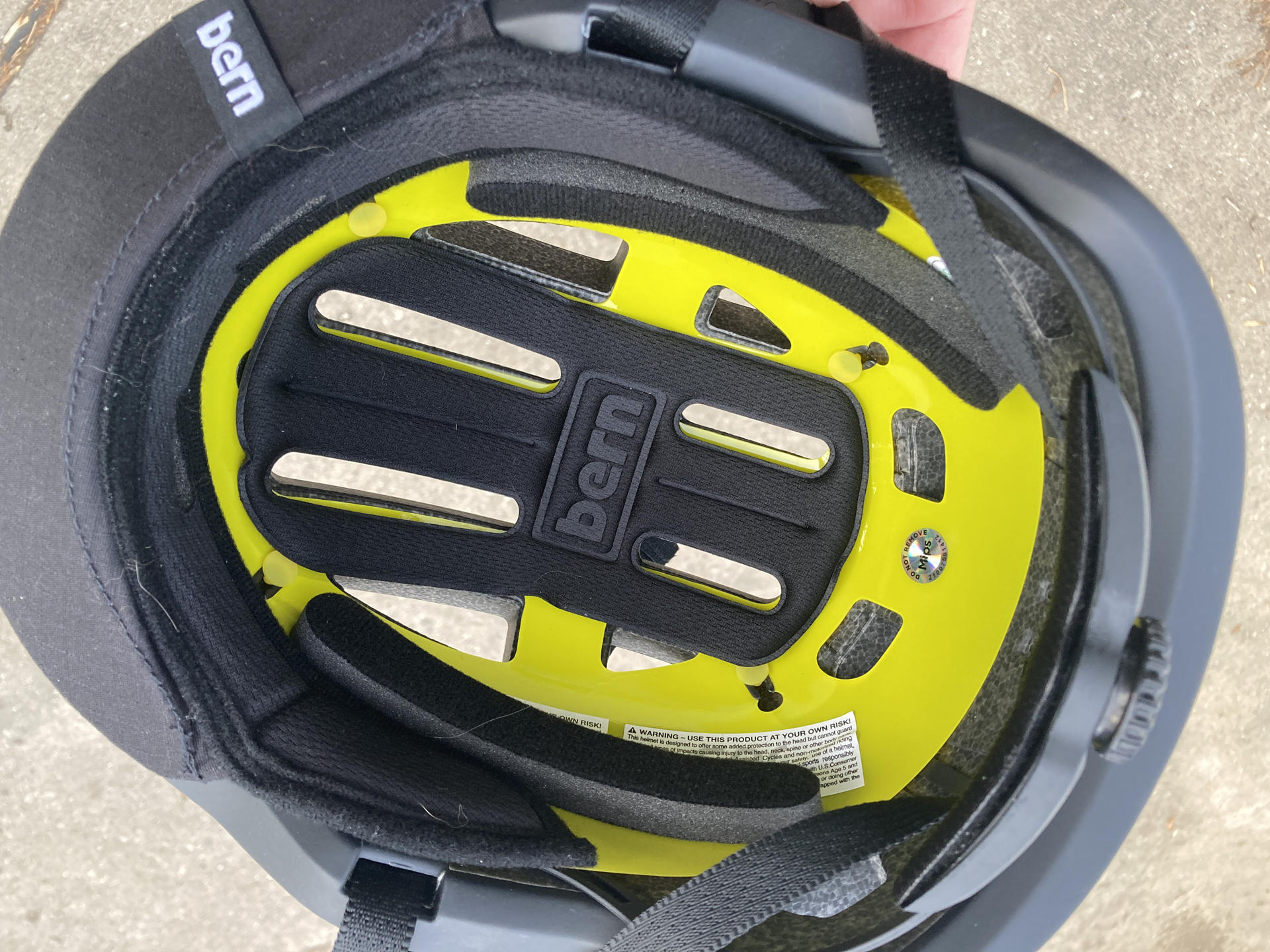
I head read about this MIPS thing for helmets and it seemed like a good feature, and this Bern Major helmet has it, so hooray for extra safety.

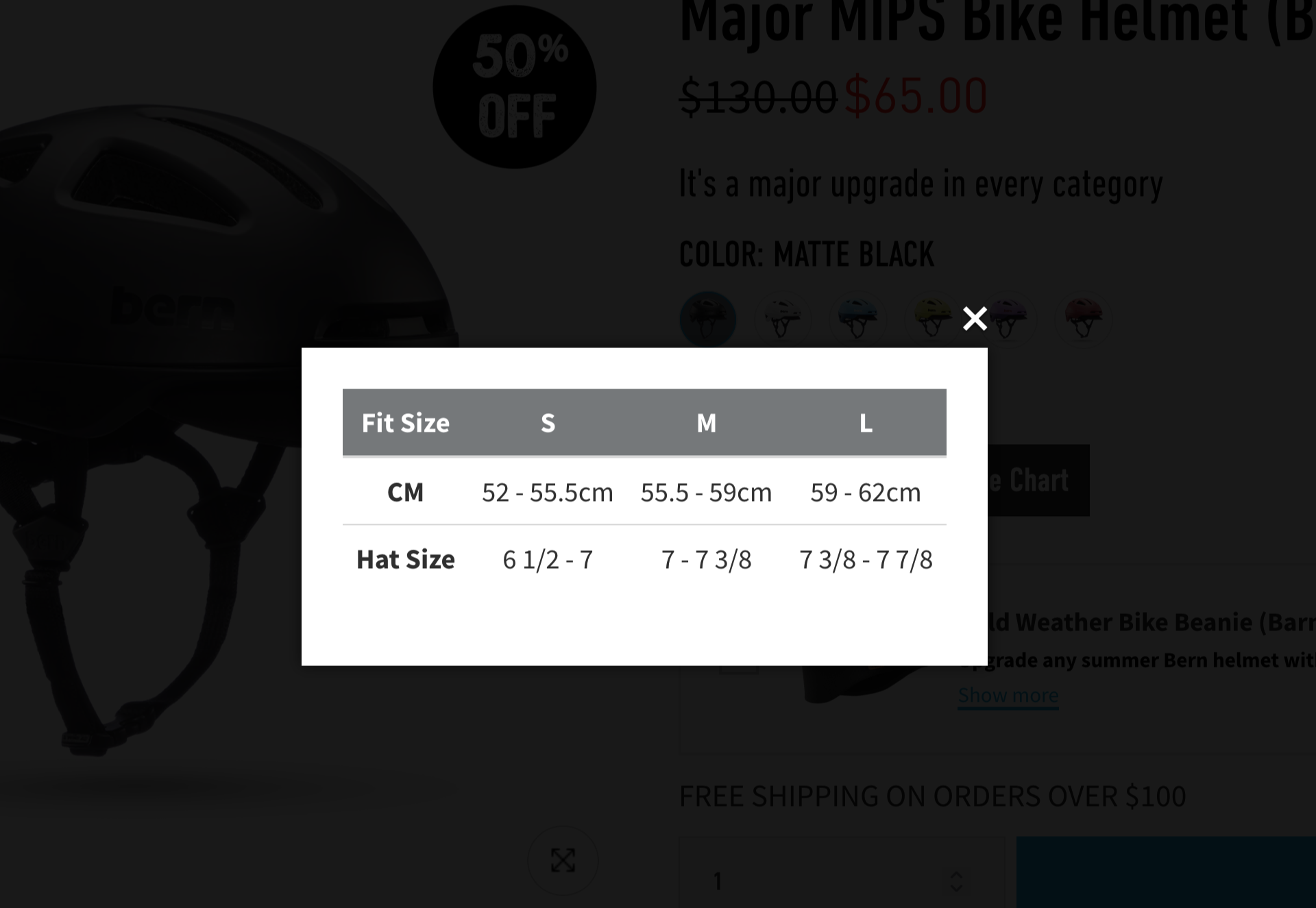
I was a bit unsure about size… I should note I did not try this on at a LBS but did order it online directly from Bern. My head measurement came in just at the top end of Medium, so I ended up going with Large just to be safe. I don’t know if this was the best option but I went for it.

So when I got the helmet the fit was okay, but I just felt like it should have been a little more snug. I didn’t want to return it and get a Medium (though Bern does have a really nice return policy) but instead I grabbed a foam pad kit from Amazon for $8. I added two strips along the sides and the fit is much better.

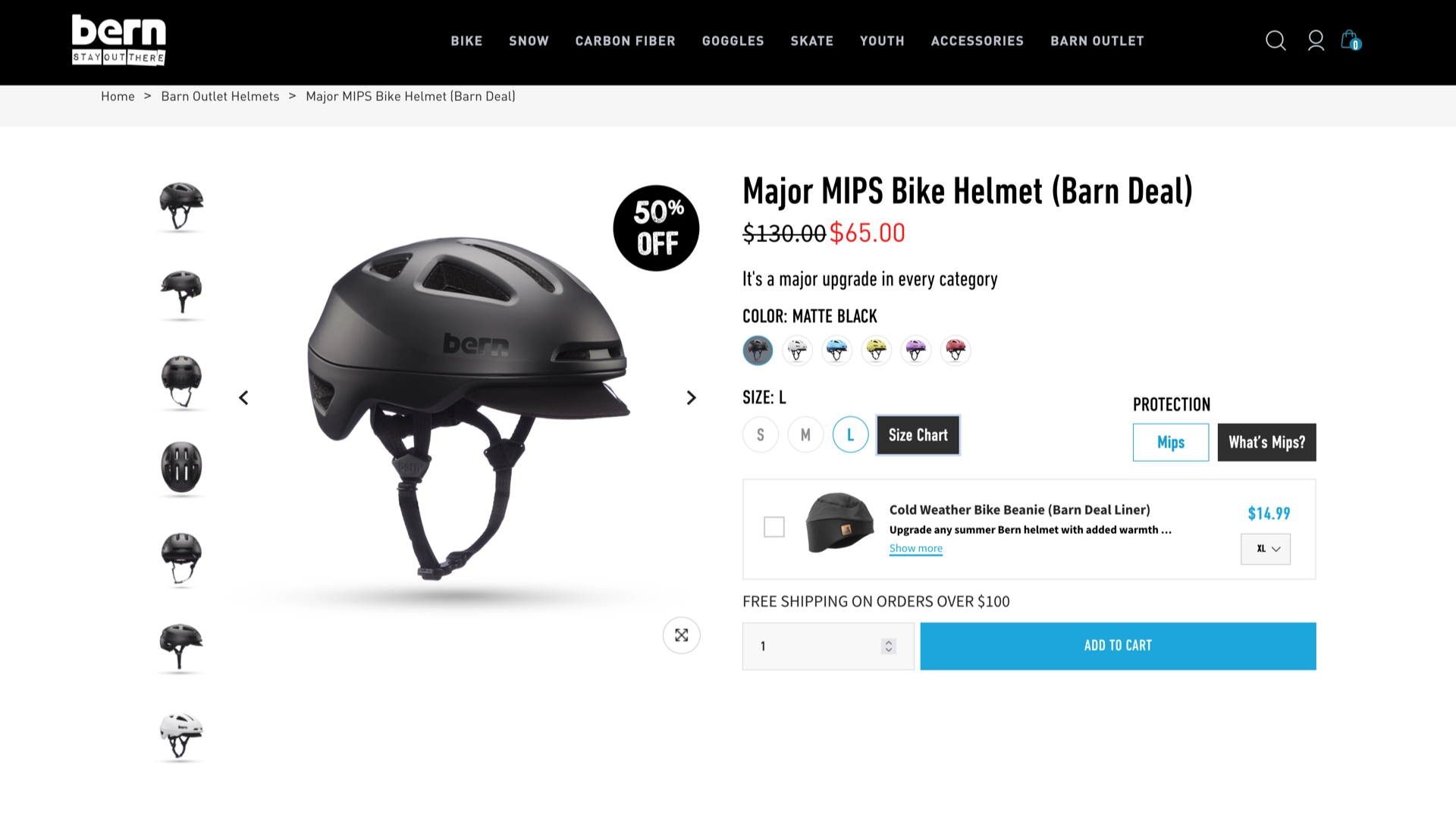
The Bern Major MIPS helmet was listed on their site as a “Barn Deal” and was $65 USD. I got a discount as a first time customer knocking it down to $55.25 USD and then with shipping added in it went back up to $67.25. (So the discount pretty much covered the shipping cost.)

Update: I just checked the price in May 2025 and it’s at $97.50. Is it because of tariffs? Who knows!?

Update: I just checked the price in October 2025 and it’s back to $65.00. Pricing is nuts in 2025.

I’m pleased with the helmet. It did take a few days to get used to it compared to the one I had over a decade (oops!) but next time I’ll probably visit a local shop and try a few options. I really do like the visor though, so we’ll see if I still do in a few years or if there are other good options.


Note: This post may contain Affiliate Links. Read More.
Categories
Uncategorized

Get Some Binoculars!

Dana and I recently took a trip to Ireland, and I decided to grab a new pair of binoculars to take along. A few months ago I saw a post that recommended binoculars as a gift and so I decided to gift myself a new pair.

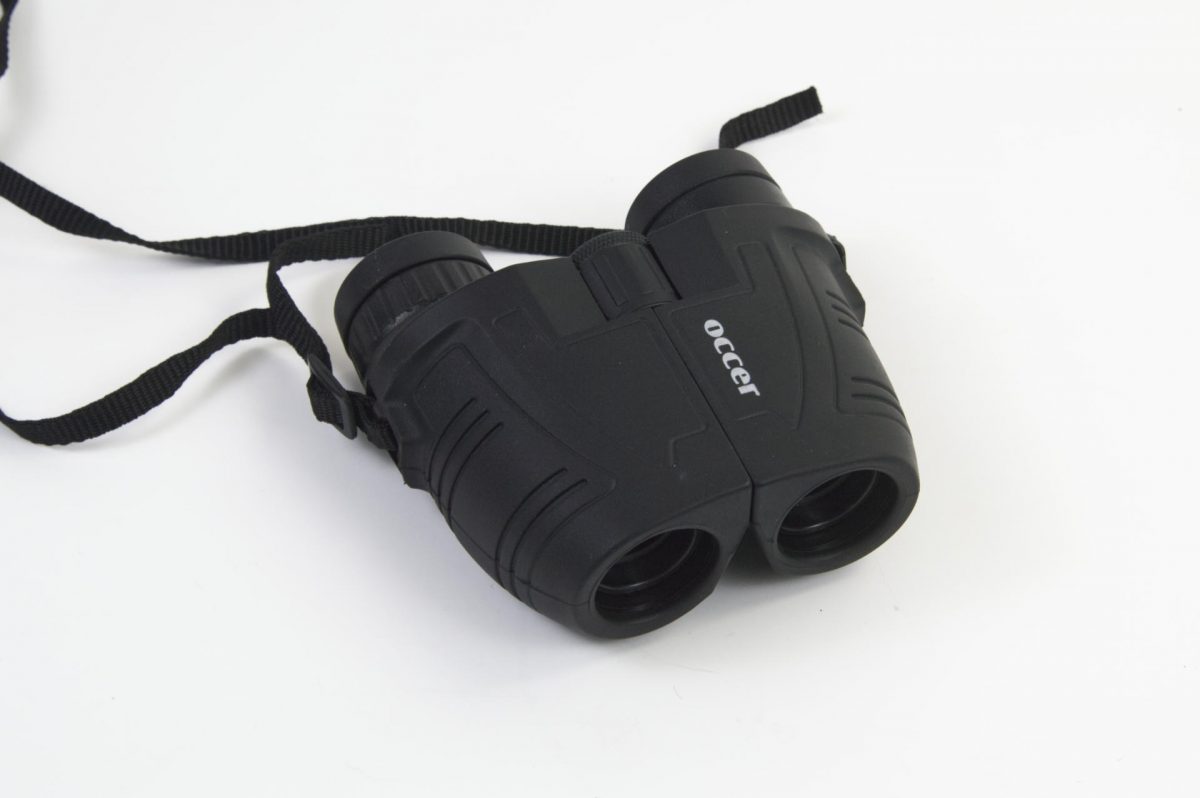
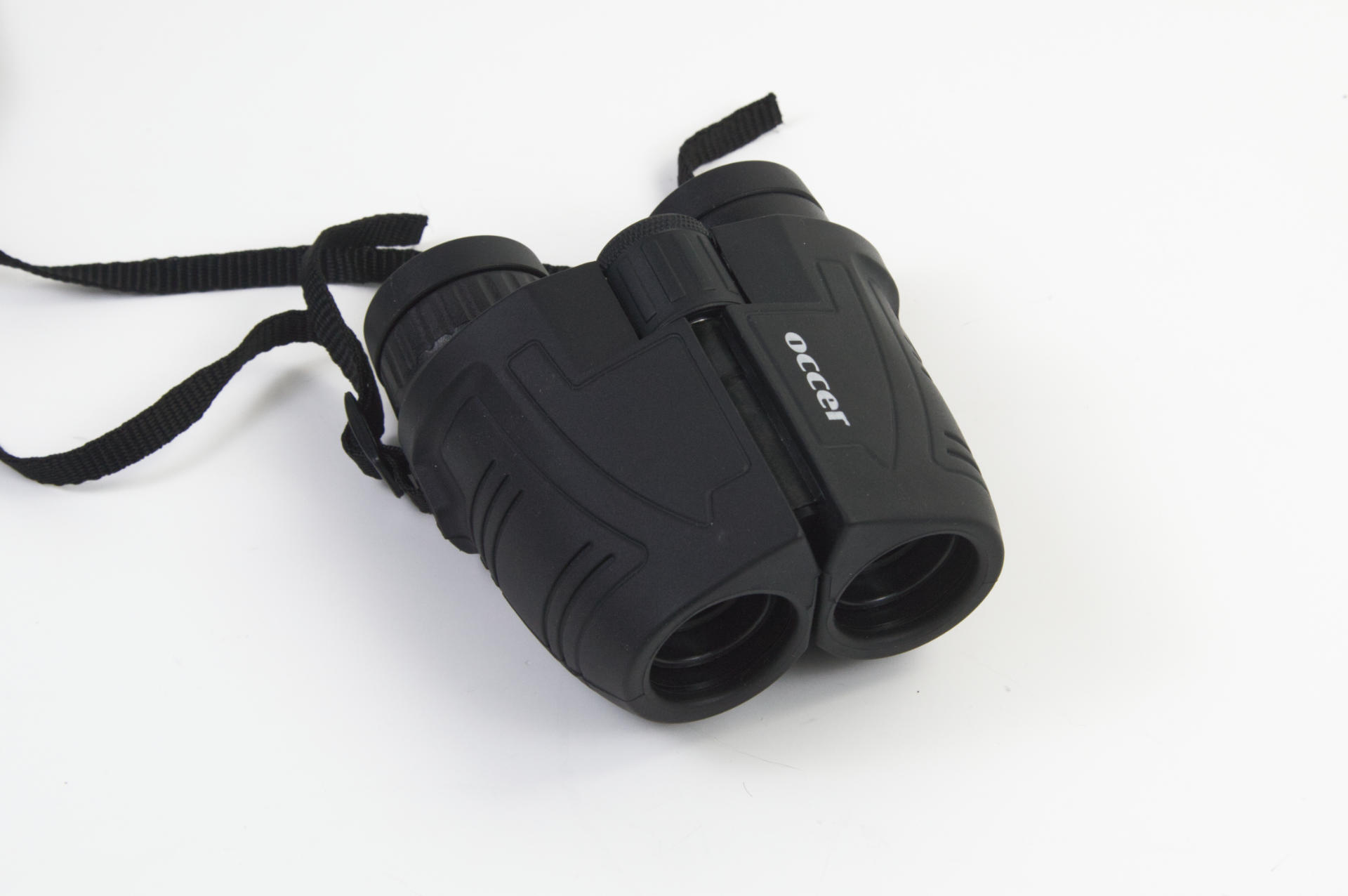
I ended up getting these Occer 12×25 Compact Binoculars from Amazon because I needed them quickly before we left for our trip and didn’t want to research dozens of options. (And yes, there are tons of options at various price points.)

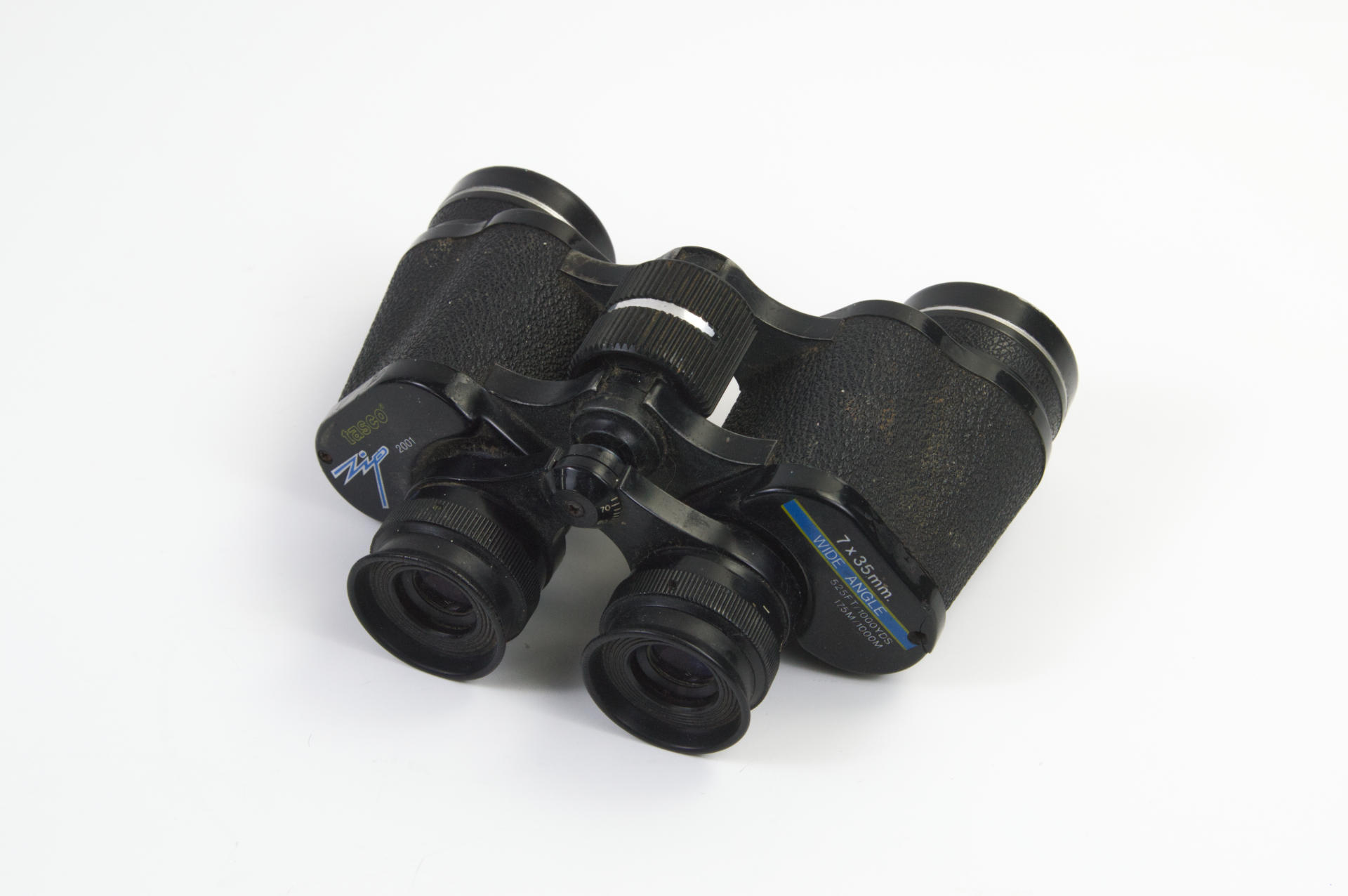
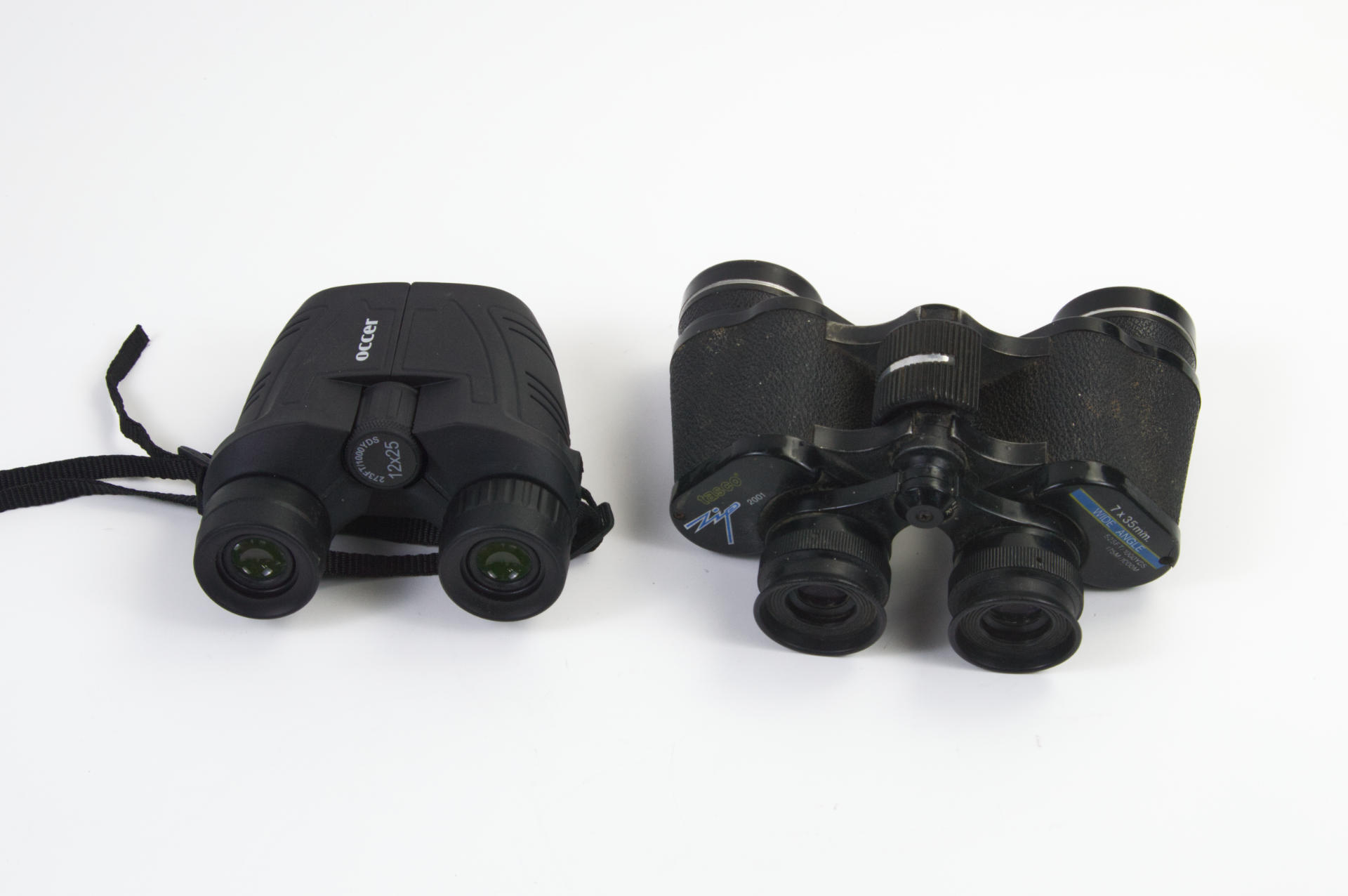
These are my old binoculars. I got them nearly 40 years ago as a kid. They still (mostly) work, though there are some broken bits, and the main thing not to like about them is that they are heavy! These weigh over 20 ounces while the new Occer binocs are under 10 ounces. Granted, the old ones are metal (and plastic) while the new ones are probably all plastic. Hanging 10 ounces around your neck isn’t too bad, but doubling that isn’t pleasant.

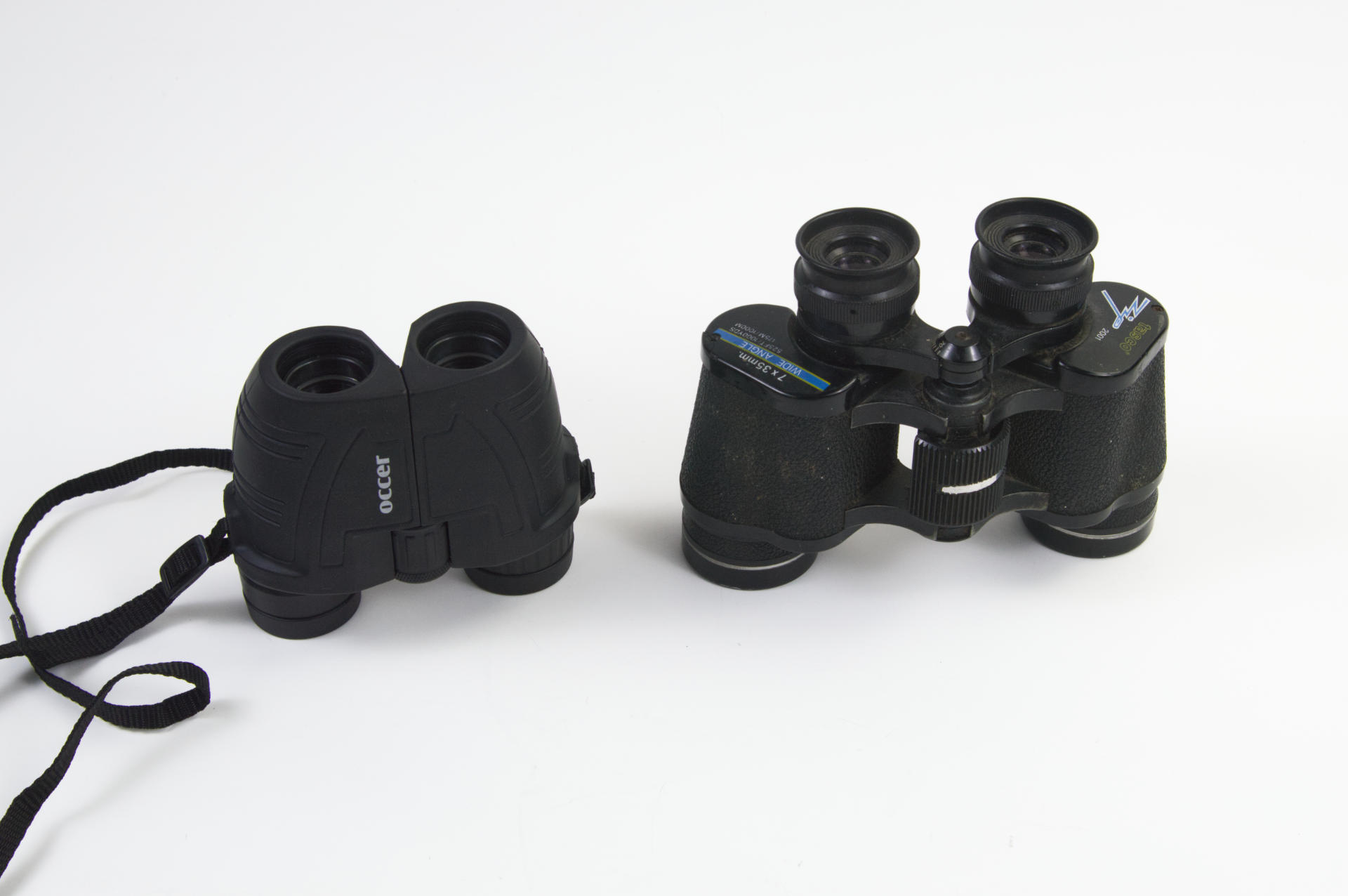
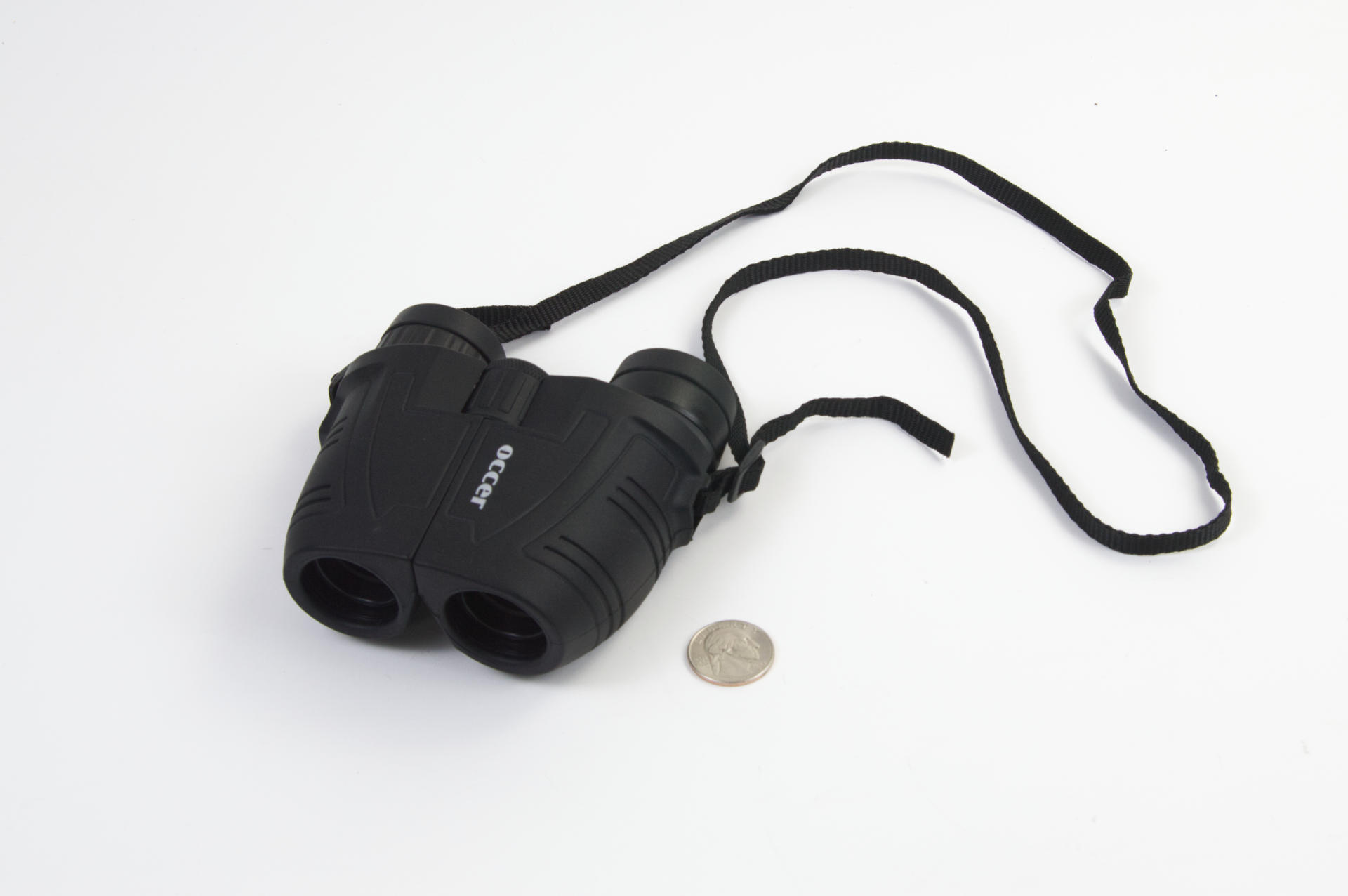
Here’s the size comparison… The Occer might fight in a large pocket but the old Tasco definitely will not.

And at some point binoculars switched from the end where you put your eyes being large instead of small. Dana actually tried looking through the wrong end when I first handed them to her!

These feel sturdy enough than I’m not too concerned with them bouncing around in my bag while hiking or biking. I haven’t dropped them yet, but since they’re pretty lightweight I’m not too worried.

I can totally see giving a pair of binoculars as a gift as well, since it’s one of those things I assume a lot of people don’t already own. I think Dana actually has a pair that used to belong to my dad, that she uses to look at the birds in our yard.

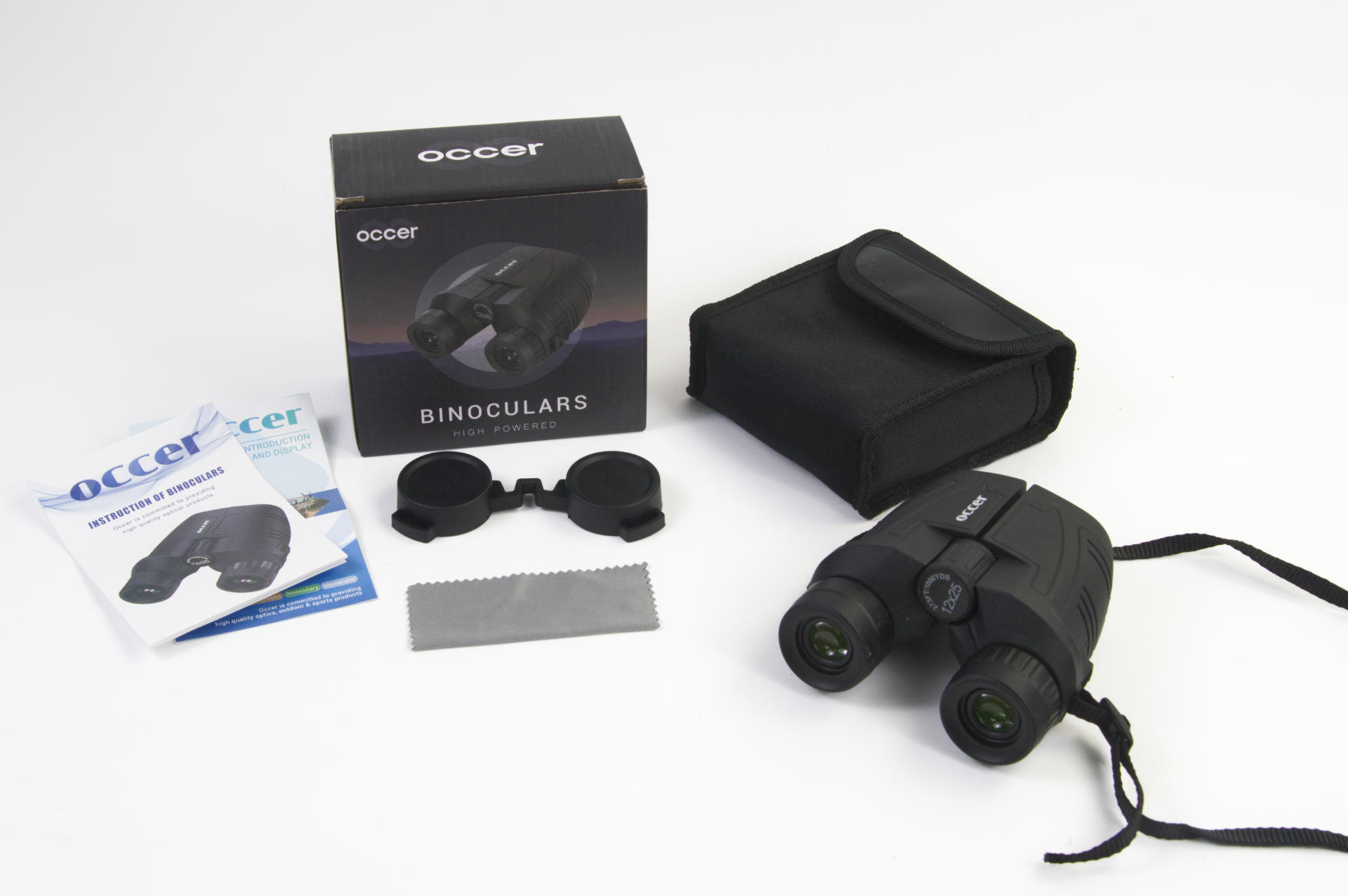
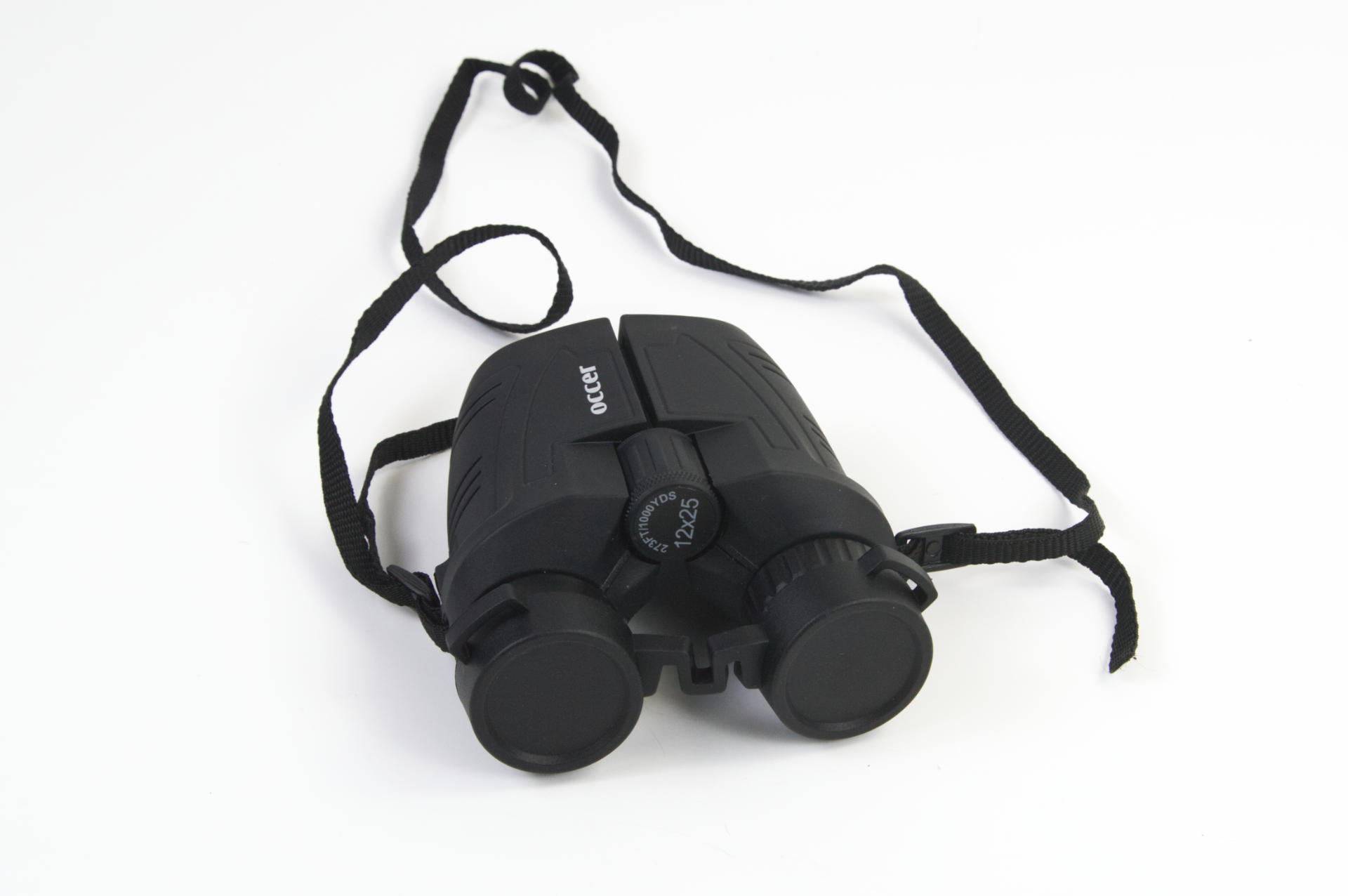
It came with this little connected eyepiece cover, and I didn’t even bring that on the trip because I wasn’t really worried about protecting the lenses from dust or scratches, but they’re nice to have. You also get a little lens cleaning cloth.

My one complaint is the strap. Even though the binocs are lightweight and small, the strap isn’t very comfortable on the back of your neck. I may try to rectify that situation by sewing up a small fabric strap cover.

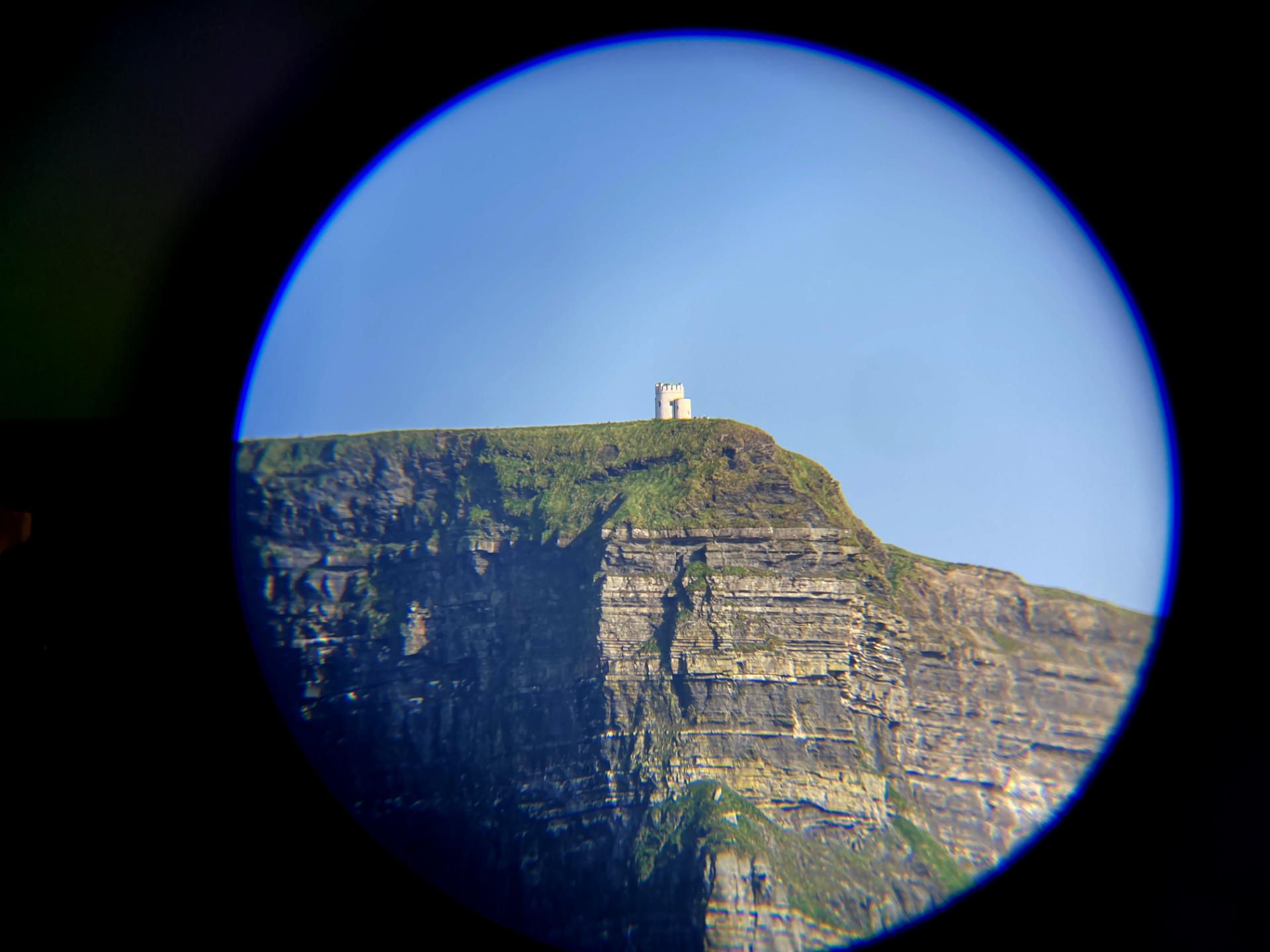
I did manage to get a photo through the binoculars using my phone while on a boat in the ocean. I took about eight shots and this was the best.

After I posted this a friend asked if I used a monocular. I hadn’t! And sort of forgot those were an options. (Lots of cheap monoculars as well!) I had thought about making a little phone mount thing to take phones photos through the binocs and it looks like some of the monoculars come with something, so I’ll investigate that a bit as well.


Note: This post contains an Affiliate Link. Read More.

Categories
Uncategorized

Modern Papermaking [Book]

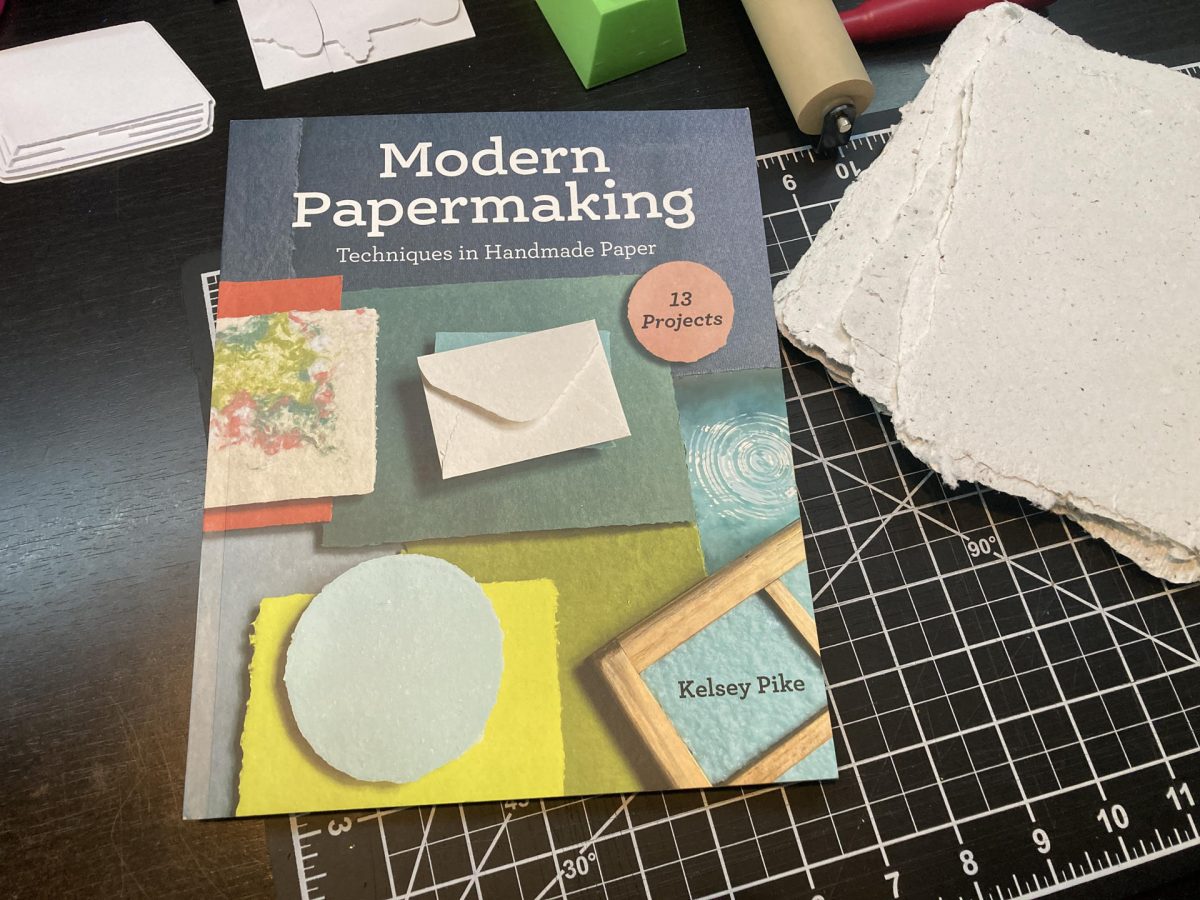
I picked up the book Modern Papermaking by Kelsey Pike because I wanted to learn more about making paper. My first real papermaking adventure was back in May of 2023. Then I made more, and more and more and even made my own 3D Printed Mould and Deckle. (I actually made a few of them along the way.)

I should point out that I learned enough to try my first batch of paper by watching a lot of how-to videos, and read a number of posts online, and sort of fused all that together into something that would work for me. I think in whatever creative endeavor you pursue you need to do what works for you. For me that means using things I already have, trying to avoid purchasing new supplies, material, and equipment if I can get away with cheap alternatives or things I already own. At least to get started… If I find that what I have is not adequate I can always update and buy things if needed later on.

So the question is, could you as a beginner, get started making paper with just this book, Modern Papermaking? I think so. Kelsey covers the tools she uses in her studio, but also talks about the tools you could use at home to make paper. There’s also a lot of good knowledge in the book I did not get from videos or posts online, and for that alone I’d recommend it for beginners.

I don’t know for sure, but I feel like the Modern in the title might be a reference to another book. Arnold Grummer’s Complete Guide to Easy Papermaking. Grummer is a well known name in papermaking, and his book was published in 1999, so it is a bit dated… in some ways. I mean, making paper is an art that is over 2000 years old, right? Grumer’s book is good (I checked out a digital copy from my local library) but it feels very DIY and hacky, more about weird experimentation and trying anything, which I of course really like, but in contrast Kelsey’s book seems aimed more towards people who want to make nice paper.

Kelsey sells nice paper in her Etsy shop, and that means she’s making paper that is consistent in color and quality, since people are buying it to make nice things. (Check out Kelsey’s site at Sustainable Paper + Craft for lots of great items for sale and other good resources.

In contrast, I will probably never sell paper. I do like making it because I can use it for my printmaking practice and it helps recycled a lot of the paper in my own household. I will be making a batch for a friend who does daily drawings. I don’t know how it will perform yet but it will be interesting to see the results.

So yes, I would recommend Modern Papermaking by Kelsey Pike if you are interested in getting into making your own paper. Start with it, and then fill in with other resources (videos and posts you find online) and if you get stuck, get in touch and I’ll offer any advice I can!


Note: This post contains an Affiliate Link. Read More.