Categories
Uncategorized

MIDI Controller 4 Button LC

I was contacted by someone who really liked the Four Button MIDI Box I had built but was hoping for a less expensive version, so I built one. The Four Button MIDI Box had some specific design requirements regarding size and power, which made it more expensive, but this version (dubbed “LC” for “Low Cost”) does not have such constraints, uses a different source of power, and different components.

This one actually gets power via Micro USB, so any old cheap phone charger should work just fine. Also, while this specific one only does MIDI out via the 5 Pin DIN port, it is capable of doing MIDI out via USB as well. In fact, it can send different data out of the DIN port and the USB port if desired, which is kind of cool.

I usually start these kinds of projects doing some simple sketches to get an idea of size & scale of things. Once the customer and I agree on things I do a 3D model of the enclosure so it can be 3D printed.

It usually take between two and three prints to get it perfect. Sometimes I just do partial prints of certain parts (like the holes for the jacks) to make sure it’s all good. This time I did the math wrong so I did three prints to get things perfect. (I also printed a spare right away in case it was needed.)

I’m pretty happy about how this one turned out. Leaving a bit more room for wiring inside the enclosure really helps. I also used silicone wiring which is more flexible and easy to shove into place. In fact, I may build another one right away and add it to the shop in case someone else wants one.

Categories
Uncategorized

Adafruit NeoTrellis M4 808 Drum Machine

A while back (umm, last year?) old pal Kirby gave me an Adafruit NeoTrellis M4 with Enclosure and Buttons Kit Pack which I believe he got in an Adabox. At the time I was like, “Hey, this is neat!” and put it aside because I was busy with work. Well, I finally found it when I was cleaning the office and decided to dig a little deeper and discovered the demo code it shipped with was already running a minimal drum machine! They had some samples loaded up and it was a super-basic tracker. Fun!

The provided samples were not that great so I grabbed a kick, tom, snare, and hi-hat from the classic Roland TR-808 which, well, you probably know. As for the Adafruit NeoTrellis, it’s is a fun little drum machine! A bit challenging, and definitely minimal, but worth spending some time with. The audio is running out of the NeoTrellis and through a Bastl Dude and filmed/recorded to an iPhone.

Note: I found this guide to Trellis M4 Beat Sequencers which should prove extremely useful! It’s way more capable than I imagined, which shouldn’t be surprising since it’s from Adafruit.

Categories
Uncategorized

Parametric Sink Strainer / Sifter

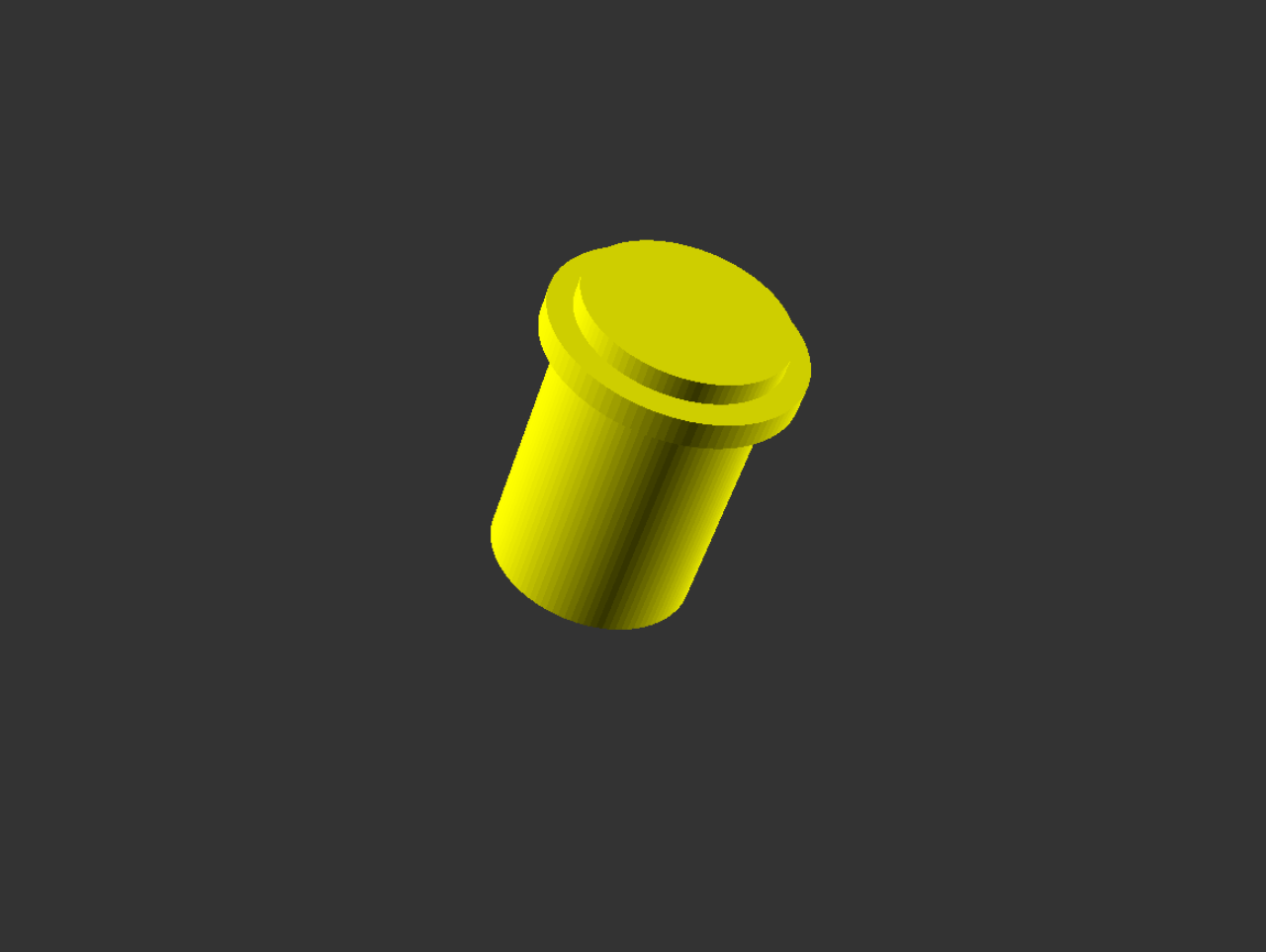
Continuing on the journey of improving my OpenSCAD skills I worked up this parametric sink strainer for the slop sink in our basement. It’s a useful print because sometimes we clean dirty things in the sink (like muddy shoes) and keeping yard waste out of the drain is probably a good idea.

Here’s the sink drain in question. I just measure the diameter and depth of the hole and created a strainer that could fit inside.

It’s not a super snug fit so it’s easy to remove the strainer by just sliding it out when not needed.

You can also make a sifter, which is something I designed and printed before when I needed to sift the rocks out of some concrete.

You can customize the diameter, height, wall and floor thickness, and size and spacing of holes. I didn’t add the capability to switch to round holes versus square holes, but that may be an improvement in the future. There’s also no lip/edge like most strainers have, so maybe that should get added to the list as well. (Or you can check out Customizable Drain Strainer by fardog.)

You can get the .scad file from Printables.com – Parametric Strainer / Sifter. Just open in it OpenSCAD, set the size of things and render your object.

Categories
Uncategorized

Fan Shelf Brackets

Once again my fan can sit on the window sill and cool my home office! We got new windows installed this year, and since it was a complete tear-out the new windows have this large lip that prevent you from placing a fan on the sill. 3D printing to the rescue!

Here’s the giant lip, which is about 6mm thick. I guess this is how they make moderns windows… I’m not sure I’m a fan. (Ha Ha.)

Here’s the giant lip, which is about 6mm thick. The bracket has a 6mm slot that fits onto the lip. The bracket also has different heights on each side of the lip to accommodate the different heights of the sill on either side.

I used 1/2″ long #4 screws to secure the brackets to a piece of 1/4″ thick Baltic Birch plywood I have lying around. (The brackets were designed with using that hardware in mind, so the lip on the bracket would be enough to prevent the 1/2″ screws from pocking through.)

Here is shelf. Good shelf. Shelf works. Shelf is removable. The only downside of the shelf is that I do not think it will support our 10 pound cat. And it definitely will not support our 20 pound cat/ Which is a shame. Obviously I’ll need to come up with a solution for those problems.

You can get the STL file from Printables.com – Fan Shelf Bracket, though unless you have the same windows, it’s not going to work. Feel free to use it as inspiration to fit your own windows.

Categories
Uncategorized

Parts Tray with Sliding Lid

I get a lot of hardware from Bolt Depot and it comes in these tiny bags with labels, which are great, but when I’m building products I find that I’m always opening and closing bags to grab what I need and I wanted to try another way. I designed a parts tray with a sliding lid to organize things a bit better.

Here’s a render showing how it fits together. I do this stuff in OpenSCAD. (I’m still far from being an expert in that application, but I am getting better, and exercises like this help.)

It’s a three piece design. There’s the bottom part (the tray) that holds things, a top part which gets attached to the bottom part with screws, and a lid. I laser cut some clear(ish) acrylic for the lid so I could see the parts inside. You could just print the tray part if you don’t need a lid.

No laser cutter? No problem! You can also just print a lid. Obviously you can’t see the contents with the 3D printed lid… though maybe if it were printed in resin? I don’t know… I don’t print with resin. Anyway, there are files to laser cut a lid and for 3D printing a lid.

Part of the idea of two separate pieces connected with fasteners was to allow for making the fit tighter or looser, to some degree. There are friction bumps on the top part that the lid slides against, and the top part flexes a bit to allow for a good sliding fit. That’s the idea anyway.

Now, the first sliding lid I laser cut didn’t fit… seems it was 2.8mm acrylic, not 3mm acrylic. To make it fit right I just added a bit of tape along the edge of the lid. (Note: Clear tape might be better. I used blue tape for this photograph so you can see it.) You can also adjust the top part and print it until you get it right. It’s a small part that doesn’t use too much filament.

I posted the in-progress photos of this on Twitter and a fellow named Pooch asked if I could just print it as a single piece standing up. Turns out you can, so I included an STL for that method as well. (I’m still a fan of printing in two pieces and then using a laser cut lid but hey, options are good!)

Because options are good I also created a “deep dish” version that’s a bit taller and will hold more (or larger) hardware a bit easier. There’s also some OpenSCAD files so you can change whatever you want. So… many… options!

You can get all of the files from Printables.com – Tray with Sliding Lid.